

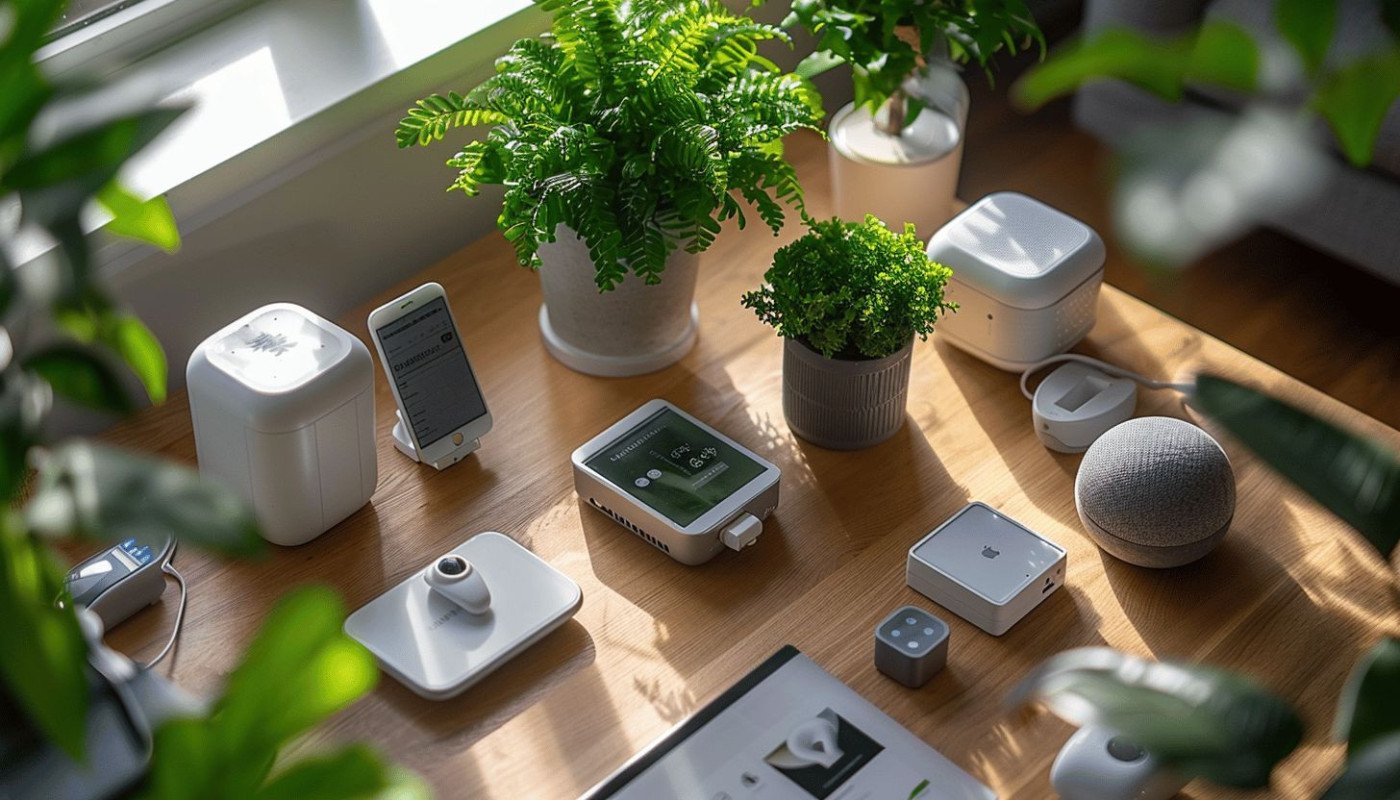
Creating the best smart home setup can seem like a daunting task, especially with the myriad of devices available today. However, with careful planning and the right choices, you can transform your living space into a seamless, automated haven. In this guide, we’ll explore the essential components of a smart home and how to integrate them for maximum efficiency and convenience.
Understanding the Basics of Smart Home Technology
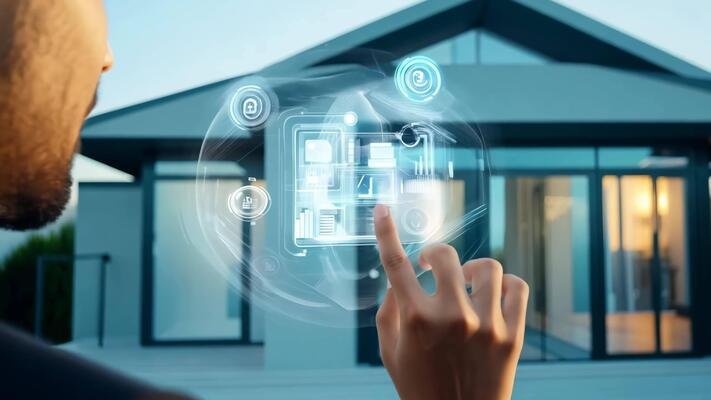
A smart home utilizes devices that connect to the internet, allowing you to control various aspects of your home remotely. This can include everything from lighting and heating to security and entertainment systems. The goal is to increase your home’s efficiency, safety, and comfort.
Why Choose a Smart Home?
Smart homes offer numerous benefits, such as energy savings through automated lighting and heating systems and enhanced security through smart locks and cameras. Additionally, they provide convenience by allowing you to control your home with your voice or smartphone.
Essential Components of the Best Smart Home Setup
Smart Lighting Systems
One of the easiest ways to start building your smart home is by installing smart lighting. These systems allow you to control your lights through an app or voice commands, set schedules, and even change colors for different moods. Consider options like Philips Hue or LIFX for a reliable setup.
Smart Thermostats
Smart thermostats, like the Nest Learning Thermostat, allow you to control your homes temperature from anywhere. They learn your schedule and preferences over time, optimizing heating and cooling for energy efficiency and comfort.
Smart Security Systems
Enhancing your homes security is crucial. Smart security systems include cameras, motion sensors, and smart locks that you can monitor and control remotely. Brands like Ring and Arlo offer comprehensive solutions.
Smart Speakers and Voice Assistants
Devices like Amazon Echo and Google Home serve as the command centers for your smart home. They allow you to control all your connected devices using voice commands and can also provide information like weather updates and news briefings.
Integrating Smart Devices for a Cohesive Setup
Choosing a Smart Hub
A smart hub, such as Samsung SmartThings, acts as the brain of your smart home, enabling different devices to communicate with each other. It consolidates control into one app, simplifying the process of managing various devices.
Connectivity and Compatibility
Ensure that your devices are compatible with each other and with your chosen smart hub. This is crucial for a smooth and integrated experience. Most modern devices support popular platforms like Amazon Alexa, Google Assistant, and Apple HomeKit.
Network Security
With increased connectivity comes the risk of security breaches. Secure your network with strong passwords and consider devices with built-in security features. Regularly update your devices to protect against vulnerabilities.
Advanced Features and Customization
Automation and Schedules
Take advantage of automation features to schedule when lights turn on or off, adjust thermostats, or trigger security cameras based on your routine. This not only saves energy but also enhances security.
Energy Management
Monitor your energy usage with smart plugs and energy monitors. This helps you identify areas where you can save energy and reduce your utility bills.
Entertainment Systems
Integrate your entertainment systems into your smart home setup. Smart TVs, sound systems, and streaming devices can all be controlled through your smart hub or voice assistant.
Conclusion: Crafting Your Ideal Smart Home
Building the best smart home setup requires careful consideration of your needs and preferences. Start with essential components and gradually integrate more advanced features as you become more comfortable with the technology. By doing so, youll create a home thats not only efficient and secure but also tailored to your lifestyle.
FAQs
What is the first step in setting up a smart home?
Start by identifying your needs. Decide which aspects of your home you want to automate, such as lighting, security, or energy management.
Are smart home devices secure?
Most smart home devices come with security features, but its essential to secure your network and regularly update your devices to protect against vulnerabilities.
How much does it cost to set up a smart home?
The cost varies depending on the brand and complexity of your setup. You can start with basic devices and gradually add more advanced features as your budget allows.
For more information on upgrading your home with smart devices, check out this guide. Additionally, explore AI in Compliance and Customer Segmentation for insights on integrating AI into financial sectors, showing the potential of smart technology beyond the home environment.


