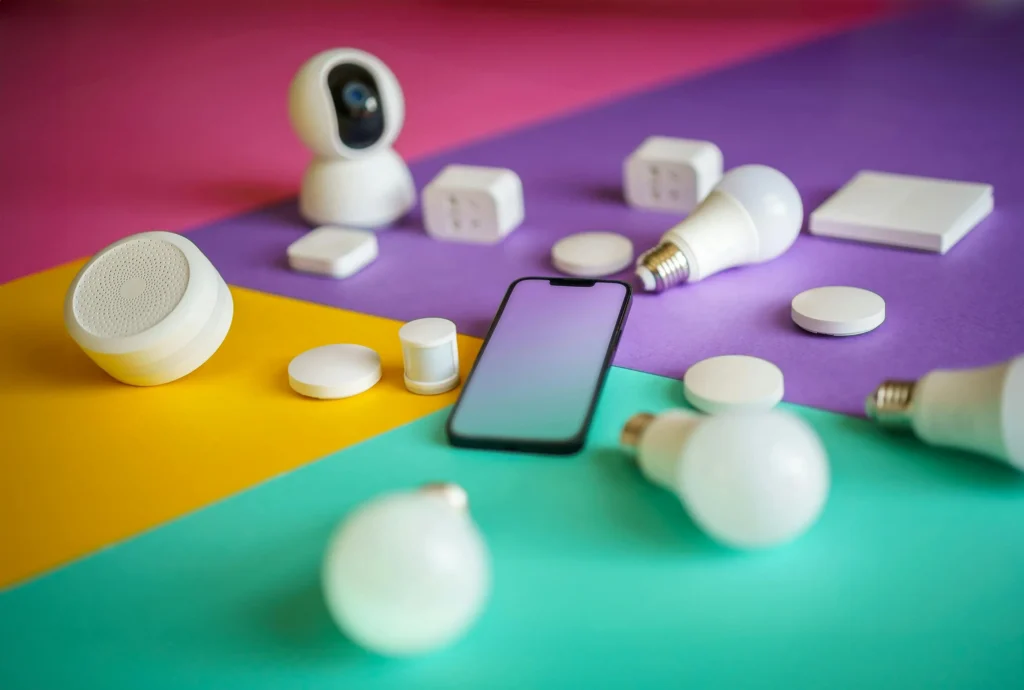
As artificial intelligence becomes more common in homes and workplaces, questions about privacy and data storage are increasingly important. Many people wonder whether smart devices powered by AI can keep information on the device itself, or if everything must be sent to the cloud. Understanding how these gadgets handle your data is key to making informed choices about which products to trust and how to use them safely.
In this article, we’ll explore how modern AI-powered devices manage information, the benefits and trade-offs of local versus cloud storage, and what this means for privacy, speed, and control. If you’re curious about the technical side or simply want to know what happens to your voice commands and routines, you’ll find practical answers here.

For those interested in the broader landscape of smart home technology, you might also find value in learning what is an AI powered light switch and how these innovations fit into the evolving world of connected living.
Understanding Local Data Storage in Smart Devices
The question of can AI gadgets store data locally comes down to the device’s hardware and software design. Local storage means that information—such as voice recordings, preferences, or usage logs—is saved directly on the gadget itself, rather than being sent to remote servers. This approach is becoming more common as manufacturers respond to privacy concerns and the demand for faster, more reliable performance.
Devices like smart speakers, thermostats, and leak detectors often include built-in memory or storage chips. These components allow the device to process and remember certain types of data without needing a constant internet connection. For example, some voice assistants can recognize wake words or execute basic commands entirely offline, keeping those interactions private and immediate.
Benefits of Keeping Data on the Device
There are several advantages to storing information locally on AI-powered gadgets:
- Privacy: Local storage reduces the risk of sensitive data being intercepted or misused by third parties, since less information leaves your home or office.
- Speed: Processing data on-device can make responses faster, as there’s no need to wait for cloud servers to analyze and return results.
- Reliability: Devices that work offline aren’t dependent on internet connectivity, so they continue to function even if your Wi-Fi goes down.
- Control: Users often have more direct access to and control over their data when it’s stored locally, including the ability to delete or export it.
Limitations and Trade-Offs of Local Storage
While there are clear benefits, local storage also has limitations. Most notably, the amount of data that can be stored is restricted by the device’s hardware. Complex AI features, such as natural language processing or advanced image recognition, often require significant computing power and large datasets, which are typically handled in the cloud.
Additionally, some smart devices use a hybrid approach, storing basic data locally while sending more complicated tasks to remote servers. This balance allows for both privacy and advanced functionality, but it’s important to understand what information stays on your device and what gets uploaded elsewhere.
Examples of AI Devices with Local Storage Features
Many modern smart home products now offer some form of local data handling. For example:
- Some smart speakers can process wake words and simple commands without sending audio to the cloud.
- AI-powered thermostats may store temperature schedules and occupancy patterns locally for quick adjustments.
- Leak detectors and security gadgets often log events on the device, so you can review activity even if the internet is down.

How to Tell If Your Smart Device Stores Data Locally
If you want to know whether your AI gadget saves information on the device, start by checking the manufacturer’s documentation or privacy policy. Look for terms like “on-device processing,” “offline mode,” or “local storage.” You can also explore device settings—some products let you manage what’s stored locally, delete history, or disable cloud features.
For more insight into how these systems operate, you may want to read about how do AI home hubs function, which covers the architecture behind many connected devices.
Privacy Considerations and Security Tips
Even when a device stores data locally, it’s important to consider security. Here are some practical tips:
- Keep device firmware updated to patch vulnerabilities.
- Use strong, unique passwords for device access and management apps.
- Review and adjust privacy settings to limit data sharing when possible.
- Physically secure devices in your home to prevent unauthorized access.
For those new to smart home technology, exploring what AI gadgets are best for beginners can help you choose products with the right balance of convenience and privacy.

Comparing Local and Cloud Storage in AI Devices
| Local Storage | Cloud Storage |
|---|---|
| Data stays on the device | Data sent to remote servers |
| Faster response for basic tasks | Enables advanced AI features |
| Greater privacy and control | Potentially more vulnerable to breaches |
| Limited by device memory | Virtually unlimited storage |
| Works offline | Requires internet connection |
Choosing the Right Smart Devices for Your Needs
When shopping for AI-powered gadgets, consider your priorities. If privacy and offline functionality are important, look for products that highlight local data processing. On the other hand, if you want the most advanced features—like natural language understanding or integration with other services—some cloud connectivity may be necessary.
For a curated list of reliable options, you can check out this guide to the best smart home devices from a trusted technology publication.
As the technology evolves, more manufacturers are offering transparency about how data is handled, giving users greater choice and control. Don’t hesitate to ask questions or reach out to support if you’re unsure how a particular device manages your information.
FAQ
Do All AI Gadgets Save Data Locally?
Not all smart devices store information on the device itself. Many use a combination of local and cloud storage, depending on the complexity of the task and the device’s capabilities. Always check the product documentation for details.
Is Local Storage More Secure Than Cloud Storage?
Local storage can offer better privacy and security since data doesn’t leave your home. However, it’s still important to secure your devices with strong passwords and regular updates to minimize risks.
Can I Delete Data Stored on My Device?
Many AI-powered gadgets allow users to delete local data through device settings or companion apps. The process varies by manufacturer, so consult the user manual or support resources for specific instructions.
What Are Some Examples of Devices That Use Local Storage?
Examples include smart thermostats that remember your schedule, leak detectors that log events, and some voice assistants that process basic commands without cloud access. For more on how these devices work, see how do AI lights learn your routine.