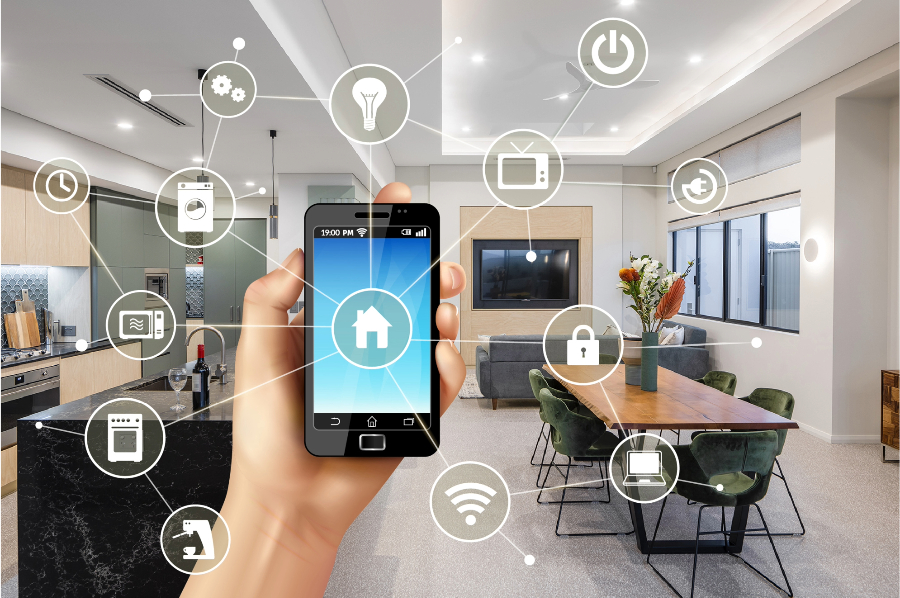
The integration of AI-powered devices into home automation has transformed daily living, making routines more convenient, efficient, and secure. Many homeowners are curious about how do AI gadgets connect to smart homes and what technologies enable seamless communication between devices. This guide breaks down the essential concepts, protocols, and practical steps involved in linking artificial intelligence gadgets to your connected living space.
Whether you’re just starting to explore smart home technology or looking to expand your current setup, understanding the basics of device connectivity is key. We’ll cover the main connection methods, compatibility tips, and the benefits of a unified smart ecosystem.
For those interested in expanding their smart home capabilities, you might also want to learn how does an AI robot mop work for automated cleaning or discover what AI gadgets improve home security to enhance your household’s protection.
Key Technologies Behind AI Device Integration
At the heart of every smart home is a network of devices that communicate using standardized protocols. Understanding these technologies is essential for anyone asking how do AI gadgets connect to smart homes and seeking to build a reliable, interoperable system.
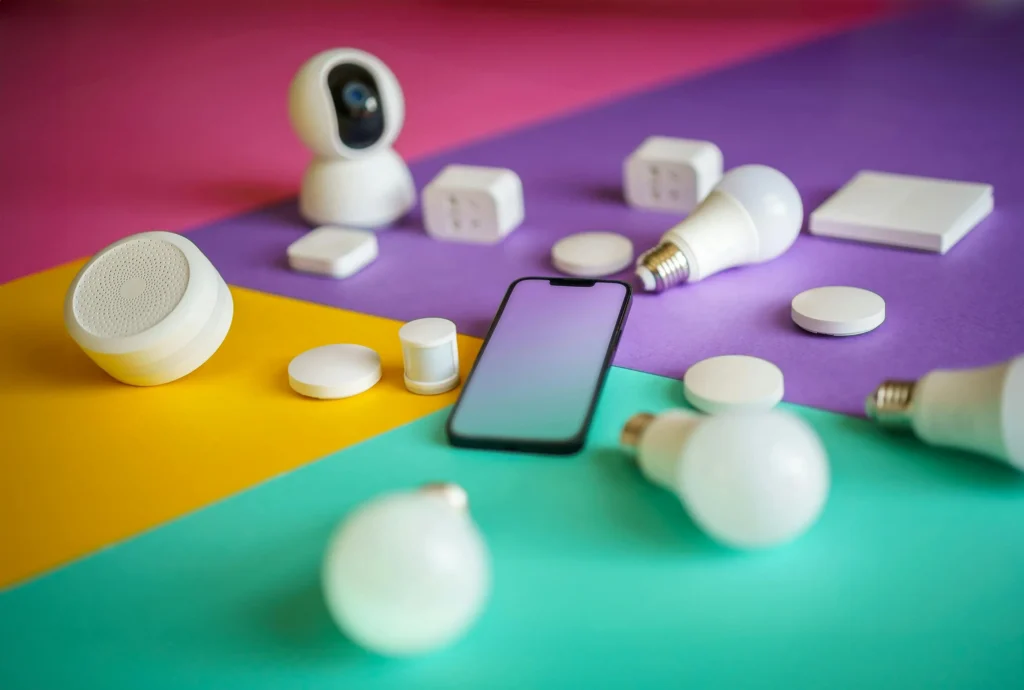
- Wi-Fi: The most common connection method, Wi-Fi enables high-speed, long-range communication between AI gadgets and your home network. Devices like smart speakers, cameras, and thermostats often use Wi-Fi for direct internet access and cloud-based AI features.
- Bluetooth: Ideal for short-range communication, Bluetooth is used in devices like smart locks, fitness trackers, and some lighting systems. It’s energy-efficient but typically requires a hub or smartphone for remote access.
- Zigbee and Z-Wave: These mesh networking protocols are designed specifically for smart home devices. They allow multiple gadgets to relay signals, extending range and reliability. Many hubs and AI assistants support these standards for seamless integration.
- Thread: A newer protocol focused on low-power, secure, and scalable networks. Thread is gaining popularity in next-generation smart home products, especially those supporting the Matter standard.
- Infrared (IR) and RF: Some legacy devices still use IR or radio frequency for basic remote control. AI hubs with built-in IR blasters can bridge these older products with modern smart systems.
How AI-Powered Devices Communicate in the Home
The process of connecting AI gadgets to a smart home involves more than just pairing devices. It’s about creating a network where information flows securely and efficiently, allowing automation and voice control to function smoothly.
Role of Smart Hubs and Voice Assistants
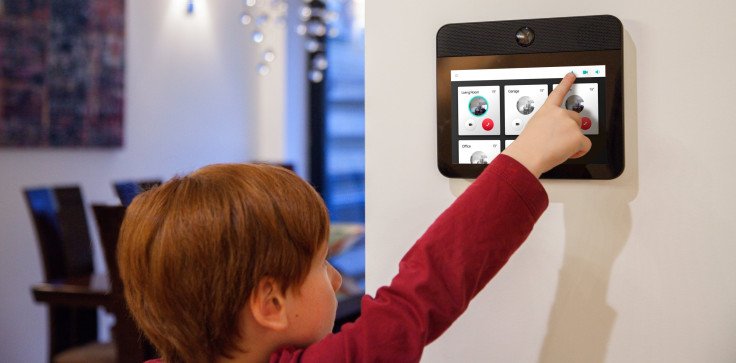
Central hubs—such as Amazon Echo, Google Nest Hub, or Apple HomePod—act as the brain of your smart home. These devices use AI to interpret voice commands, manage routines, and coordinate communication between gadgets using the protocols mentioned above.
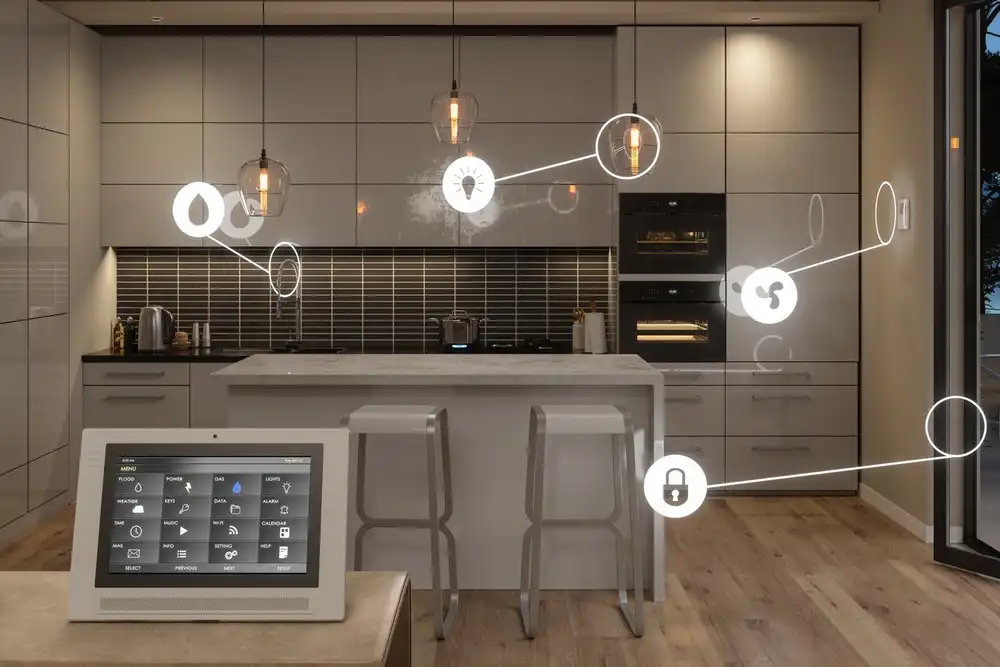
For example, a smart thermostat can receive instructions from a voice assistant to adjust the temperature, while a leak detector can send alerts to your phone or trigger other actions through automation routines.

Connecting New Devices to Your Network
Most AI gadgets are designed for straightforward setup. Typically, you’ll use a companion app to connect the device to your Wi-Fi or hub. The app guides you through steps like scanning a QR code, entering network credentials, and assigning the device to a room or group.
Once added, the device can be controlled via voice commands, automation routines, or remote access. For example, after installing a smart thermostat, you can set schedules, adjust temperatures from your phone, or let AI optimize settings based on your habits.
Compatibility and Ecosystem Considerations
When building a smart home, compatibility is crucial. Not all devices work with every platform, so it’s important to check whether your chosen gadgets support Alexa, Google Assistant, Apple HomeKit, or the new Matter standard.
- Cross-Platform Support: Many modern devices are designed to work with multiple ecosystems, but some features may be limited on certain platforms.
- Firmware Updates: Keeping devices updated ensures continued compatibility and security. Most companion apps provide automatic or manual update options.
- Automation and Scenes: Advanced users can create routines that link multiple devices. For instance, a morning scene might adjust lighting, play music, and start the coffee maker—all triggered by a single command.
For more on how AI adapts to your preferences, see how do AI smart speakers learn and explore the evolving capabilities of voice assistants.
Benefits of a Connected Smart Home
Integrating AI gadgets into your living space brings a range of advantages:
- Convenience: Control lighting, climate, security, and entertainment with simple voice commands or automation.
- Energy Efficiency: Smart thermostats and plugs help reduce energy consumption by optimizing usage patterns.
- Security: AI-powered cameras, sensors, and locks provide real-time alerts and remote monitoring.
- Personalization: Devices learn your routines and preferences, adjusting settings automatically for comfort and efficiency.

If you’re interested in automating more household tasks, check out can AI gadgets automate daily chores for insights on the latest trends in home automation.
Common Challenges and Troubleshooting Tips
While connecting AI gadgets is generally straightforward, some users encounter issues such as devices not appearing in the app, connectivity drops, or compatibility problems. Here are a few practical solutions:
- Check Network Settings: Ensure your Wi-Fi is stable and supports the required frequency (2.4GHz or 5GHz) for your devices.
- Update Firmware: Outdated software can cause connection failures or security risks.
- Reset Devices: If a gadget isn’t responding, try resetting it and repeating the setup process.
- Consult Support: Manufacturer websites and user forums often provide troubleshooting guides for specific products.
For a look at innovative products, see this list of top AI-powered home devices for modern living to discover new ways to enhance your connected environment.
FAQ
What is the easiest way to connect AI gadgets to a smart home?
Most modern devices use companion apps that walk you through the setup process. Typically, you’ll connect the gadget to your Wi-Fi or hub, assign it to a room, and follow prompts to complete the integration. Many products also offer QR code scanning for quick pairing.
Do all AI-powered devices work with every smart home platform?
Not all devices are universally compatible. It’s important to check product specifications for support of Alexa, Google Assistant, Apple HomeKit, or Matter. Some features may only be available on specific platforms.
Can I automate routines with AI gadgets?
Yes, most smart home systems allow you to create routines or scenes that automate multiple devices based on triggers like time, location, or sensor input. For example, you can set your lights to turn on when you arrive home or have your thermostat adjust automatically in the morning.
Are there security risks with connected AI devices?
Like any internet-connected technology, smart home devices can be vulnerable if not properly secured. Always use strong passwords, enable two-factor authentication where possible, and keep firmware updated to minimize risks.
Where can I learn more about specific AI gadgets?
For in-depth reviews and guides, explore articles such as what is an AI powered vacuum or browse resources on the latest AI-driven home products.