
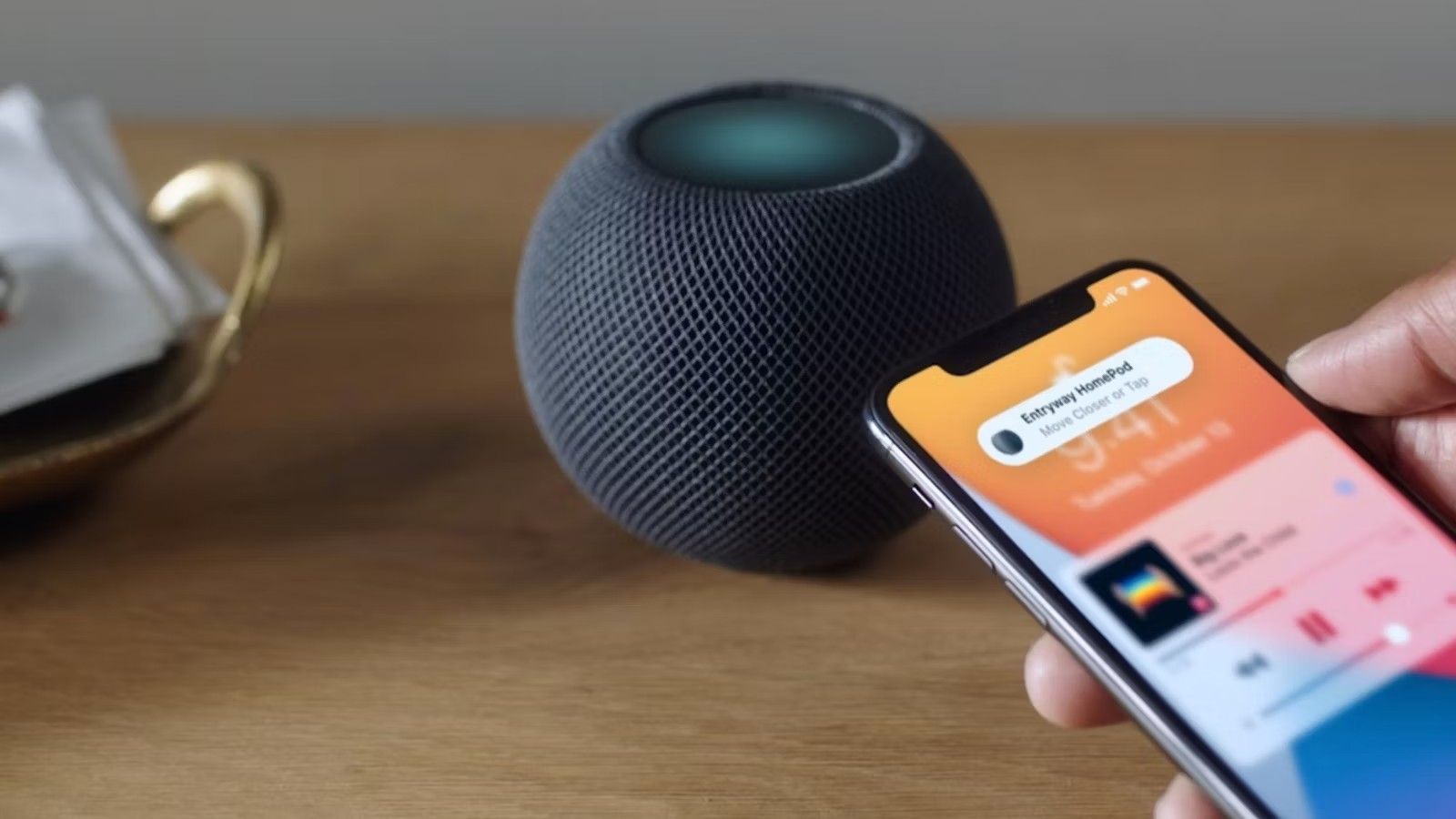
In the age of digital transformation, voice commands have become an integral part of our daily lives. As technology advances, the ability to customize voice commands offers creative professionals a unique opportunity to enhance their productivity and streamline their workflow. Whether you’re a designer, writer, or artist, understanding how to customize voice commands can significantly improve your efficiency and creativity.

Why Customize Voice Commands?
Customizing voice commands allows you to tailor your digital assistant to better suit your specific needs. This personalization can save time, reduce repetitive tasks, and even inspire new creative ideas. By setting up specific commands, you can control your devices, manage your schedule, and access information hands-free.
Getting Started with Voice Command Customization
Before diving into customization, it’s essential to understand the basics of how voice commands work. Most smart devices, such as smart speakers, come with built-in voice recognition software. These programs use machine learning to understand and execute your commands. For a deeper understanding of this technology, you can read more about machine learning in voice recognition.
Choosing the Right Platform
The first step in customizing your voice commands is selecting the right platform. Popular options include Amazon Alexa, Google Assistant, and Apple Siri. Each platform has its own set of features and capabilities, so it’s essential to choose one that aligns with your needs. For a comprehensive list of commands, check out the Siri voice commands list.
Setting Up Your Custom Voice Commands
Using Amazon Alexa
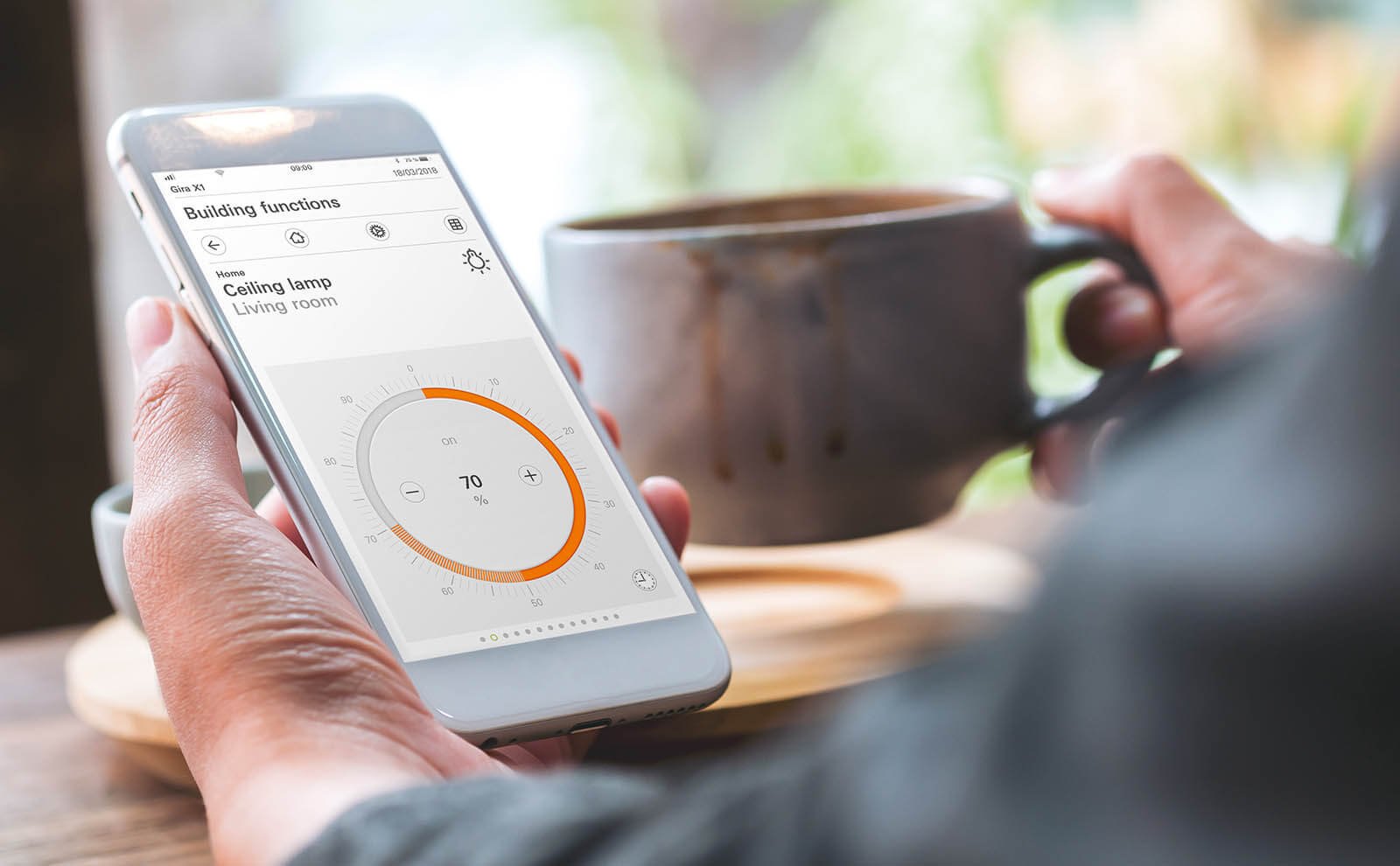
Amazon Alexa offers a robust skill-building platform that allows users to create custom commands. You can link Alexa to various smart devices by following this smart device connection guide. Once connected, use Alexa’s Skill Blueprint to create personalized commands that fit your workflow.
Google Assistant Customization
Google Assistant provides users with the ability to create routines. These routines can be customized to perform multiple actions with a single command. For example, you can set up a morning routine that turns on your lights, reads your schedule, and starts playing your favorite music.
Enhancing Creativity with Voice Commands
For creative professionals, the ability to customize voice commands can open up new avenues for creativity. By automating mundane tasks, you can free up more time to focus on your creative projects. Additionally, using voice commands to control your environment, such as adjusting lighting or playing background music, can help set the mood for your work.
Integrating Voice Commands into Your Workflow
Integrating voice commands into your creative workflow requires some planning. Start by identifying the tasks you perform most frequently and consider how voice commands can simplify these processes. Experiment with different commands and routines to find what works best for you.
Conclusion
Learning how to customize voice commands is a valuable skill for any creative professional. By taking the time to set up personalized commands, you can enhance your productivity, streamline your workflow, and unlock new creative potential. To explore more on how voice control can impact your work environment, visit this external resource.
FAQ Section
What are the benefits of customizing voice commands?
Customizing voice commands allows for a more personalized interaction with your devices, improving efficiency and reducing repetitive tasks.
Can I use voice commands with all smart devices?
Most modern smart devices support voice commands, but it’s essential to check compatibility with your specific platform, such as Alexa or Google Assistant.
How can voice commands enhance creativity?
By automating routine tasks, voice commands free up time for creative endeavors and can help create an optimal work environment.
This article contains affiliate links. We may earn a commission at no extra cost to you.


