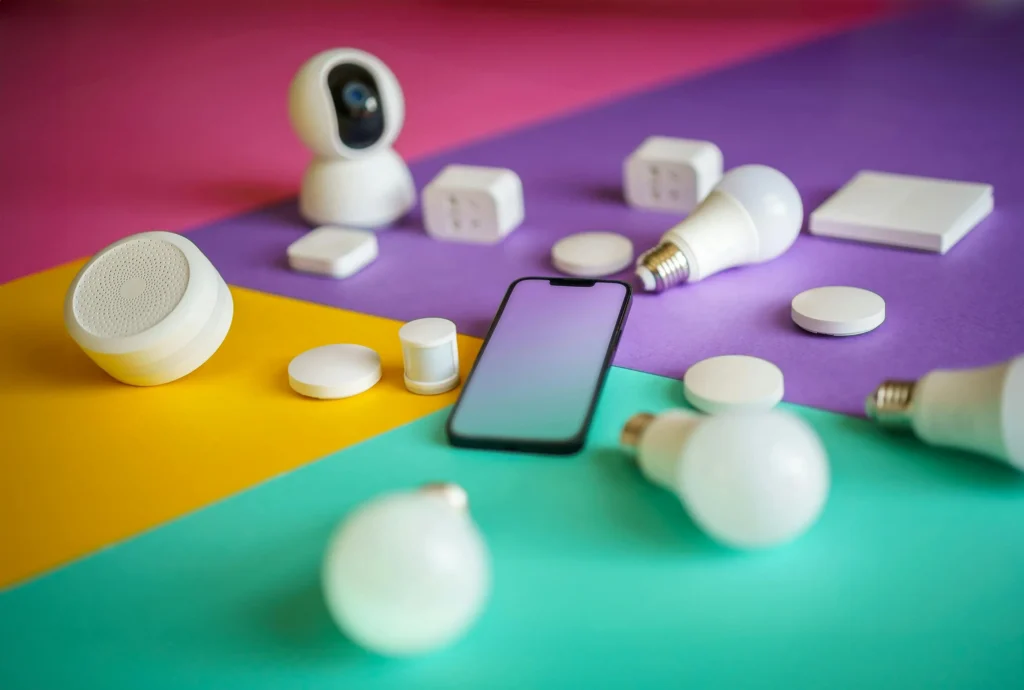
The advent of technology has transformed our homes into intelligent living spaces. Scheduling smart home routines allows homeowners to automate daily tasks, providing convenience, energy efficiency, and enhanced security. This article will explore how you can effectively schedule routines to optimize your smart home experience.

Understanding Smart Home Automation
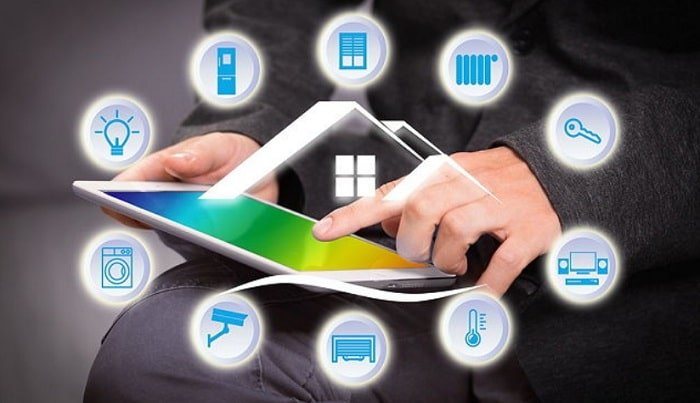
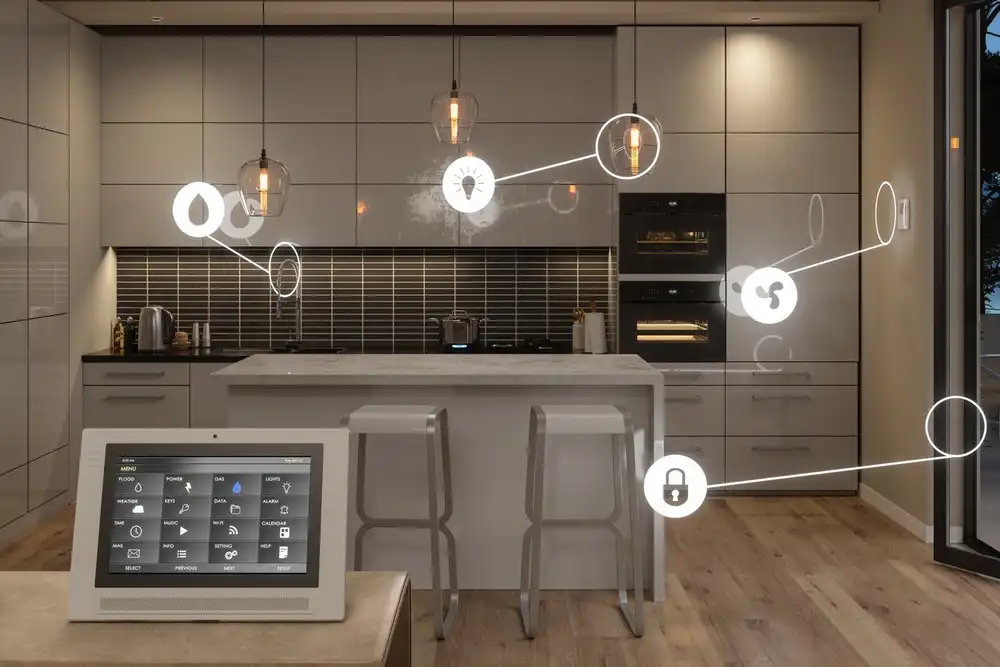
Smart home automation involves using technology to control household appliances and systems. With scheduling smart home routines, you can automate processes like lighting, heating, and security to suit your lifestyle. This not only saves time but also enhances the efficiency of your home.
Benefits of Scheduling Smart Home Routines
Convenience and Time-Saving
One of the primary benefits of scheduling smart home routines is convenience. Imagine waking up to a freshly brewed cup of coffee or having your lights turn on and off according to your schedule. These small automations cumulatively save a significant amount of time.
Energy Efficiency
By automating your home, you can significantly reduce energy consumption. For instance, scheduling your thermostat to turn down during the night or when you’re not home can lead to substantial energy savings.
Enhanced Security
Smart home routines can also enhance security. By setting your lights to mimic your presence when you’re away, you can deter potential intruders. Additionally, you can schedule your security cameras to activate at specific times.
Getting Started with Smart Home Routines
To start scheduling smart home routines, you need to have compatible devices. Most smart home systems, like Alexa, Google Home, or Apple HomeKit, support routine scheduling. Setting routines with Alexa is a simple way to begin automating your home.
How to Schedule Smart Home Routines
Identify Your Needs
Begin by identifying which tasks you want to automate. This could be anything from turning off lights, adjusting thermostats, or setting up morning alarms.
Use Smart Home Apps
Most smart home devices come with dedicated apps that allow you to schedule routines. These apps are user-friendly and provide a range of options for automation.
Integrate Various Devices
Integration is key in smart home automation. Ensure your devices can communicate with each other to maximize efficiency. Geofencing in home automation can help in setting location-based routines.
Common Smart Home Routines
Morning Routines
Automate your morning by scheduling your lights, coffee maker, and news updates to activate at your preferred time.
Evening Routines
Set your lights to dim, your TV to your favorite channel, and your thermostat to a comfortable level as you wind down for the night.
Security Routines
Schedule your security system to activate at night or when you leave the house. You can also set your lights to turn on randomly to simulate activity when you’re away.
Challenges in Scheduling Smart Home Routines
While scheduling smart home routines offers many benefits, there are challenges. These include device compatibility, internet connectivity issues, and the initial setup time. Troubleshooting smart home networks can help solve connectivity issues.
Overcoming Common Challenges
Device Compatibility
Ensure that your devices are compatible and can communicate with each other. Using a unified platform like Google Home or Amazon Alexa can simplify integration.
Reliable Internet Connection
A stable internet connection is crucial for smart home functionality. Ensure your Wi-Fi network is robust and can handle multiple devices.
Future of Smart Home Automation
The future of smart home automation is promising. As technology advances, we can expect more sophisticated and intuitive automation solutions. These will not only make our lives more convenient but also contribute to a more sustainable future.

FAQs
Can I schedule routines without a smart home hub?
Yes, many smart devices have built-in scheduling features that don’t require a central hub.
What if my routine doesn’t work as expected?
Check device compatibility and your internet connection. You may also need to update your device software.
How secure are smart home routines?
Most smart home systems have robust security features. However, it’s essential to keep your devices updated and use strong passwords.
For more on the benefits of smart home automation, check out this external resource.