In today’s rapidly evolving world, ensuring the security of our homes has never been more important. With the rise of smart home technology, homeowners have a plethora of options to enhance the safety of their living spaces. This smart home security checklist is designed to guide you through the essentials of keeping your home secure. Whether you’re a tech-savvy individual or someone new to home automation, this checklist will help you navigate the world of smart home security.
1. Understanding Smart Home Security
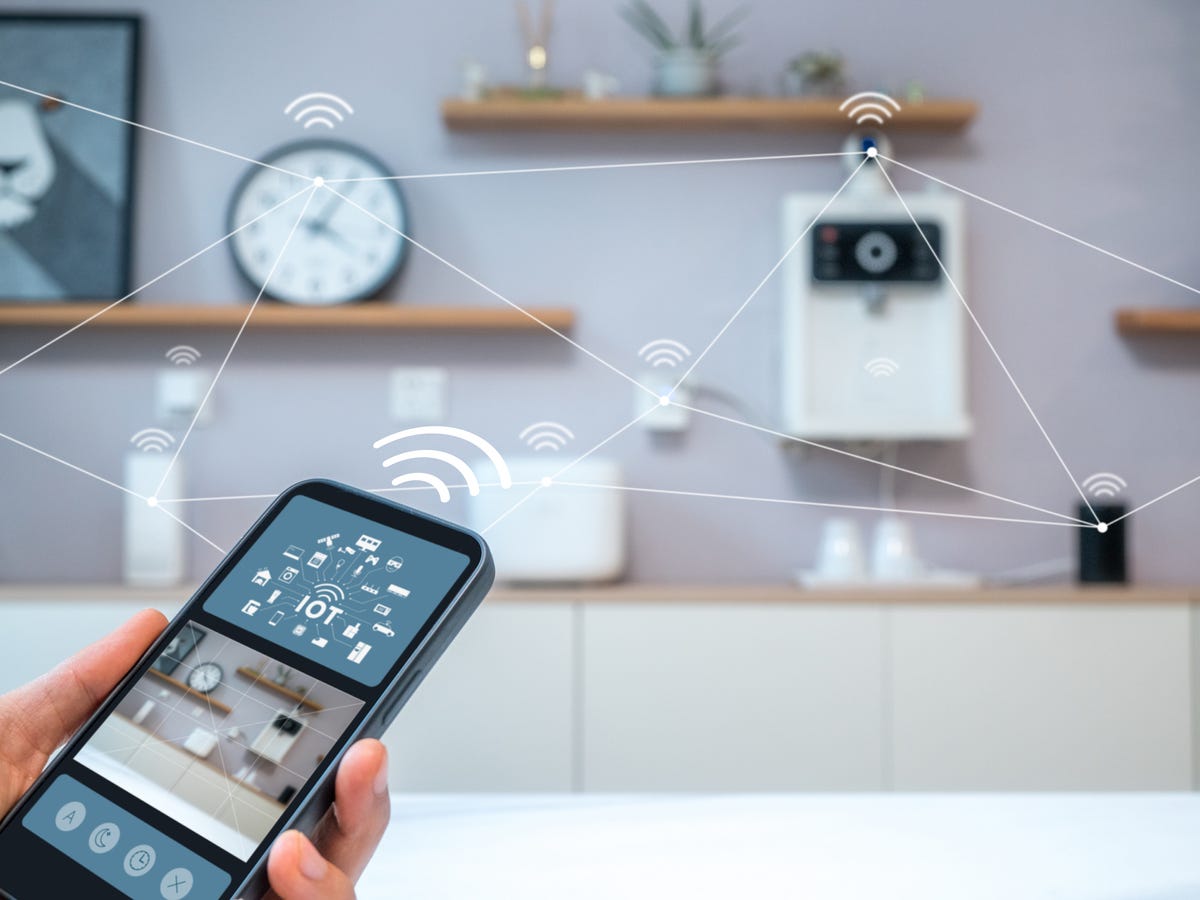
Before diving into the checklist, it’s crucial to understand what smart home security entails. It refers to the use of internet-connected devices to automate and enhance the security of your home. These devices can include cameras, sensors, alarms, and more, all working together to provide comprehensive protection.
2. Assess Your Current Security Setup
Start by evaluating your existing security measures. Identify any vulnerabilities and determine which aspects of your home need improvement. This will help you prioritize which smart security devices to invest in.
3. Secure Your Network
A strong and secure Wi-Fi network is the backbone of any smart home security system. Ensure your network is protected with a strong password and consider using a guest network for your smart devices. Regularly update your router’s firmware to protect against vulnerabilities.
4. Install Smart Security Cameras
Smart cameras are a crucial component of any security system. They allow you to monitor your home in real-time and provide video evidence in case of an incident. Choose cameras with features like motion detection, night vision, and two-way audio for enhanced security.
5. Use Smart Locks
Upgrade your traditional locks to smart locks for added convenience and security. These locks can be controlled remotely, allowing you to lock or unlock your doors from anywhere. Additionally, you can provide temporary access to guests without sharing physical keys.
6. Incorporate Smart Lighting
Smart lighting can deter potential intruders by creating the illusion of occupancy. Set schedules or use motion sensors to automatically turn lights on and off, giving the appearance that someone is home even when you’re away.
7. Utilize Motion Sensors
Motion sensors are an effective way to detect unusual activity in and around your home. They can trigger alarms or notifications, alerting you to potential threats. Position them strategically around entry points and high-traffic areas.
8. Opt for Smart Doorbells
Smart doorbells allow you to see and communicate with visitors remotely. They often come with built-in cameras and motion sensors, providing an additional layer of security. Choose a model that offers clear video resolution and reliable connectivity.
9. Integrate Voice Assistants
Voice assistants like Alexa or Google Assistant can enhance your smart home security. Use them to control your security devices hands-free, receive security alerts, and even simulate presence when you’re away. For more insights on using voice control in home automation, visit voice control.
10. Regularly Update Device Software
Manufacturers frequently release software updates to improve functionality and address security vulnerabilities. Ensure all your smart devices are running the latest firmware to keep your security system robust.
11. Monitor Activity Logs
Many smart security devices offer activity logs that record events and actions. Regularly review these logs to identify any suspicious activity or potential security breaches.
12. Educate Your Family
Ensure that everyone in your household understands how to use the smart security system. Conduct regular drills and educate family members on the importance of maintaining security protocols.
13. Plan for Power Outages
Consider backup power options for your smart security system, such as battery backups or generators. This ensures your home remains secure even during power outages.
14. Consider Professional Monitoring
For added peace of mind, consider investing in a professional monitoring service. These services provide 24/7 surveillance and can quickly respond to emergencies.
15. Stay Informed
Stay updated on the latest trends and advancements in smart home security. Follow tech blogs, attend webinars, and join online communities to learn from other homeowners’ experiences.
For more comprehensive insights into upgrading your home with smart devices, visit this guide.

FAQs
1. How do I choose the right smart security devices?
Consider your specific security needs, budget, and compatibility with existing systems. Research different products and read reviews to make informed decisions.
2. Can smart home security systems be hacked?
While no system is entirely immune, following best practices like securing your network and regularly updating device software can significantly reduce the risk of hacking.
3. Is professional monitoring necessary?
Professional monitoring provides added security and peace of mind, but it’s not mandatory. Evaluate your risk factors and decide if it’s a worthwhile investment for your home.
For more tips and ideas on smart home automation, check out smart home ideas.