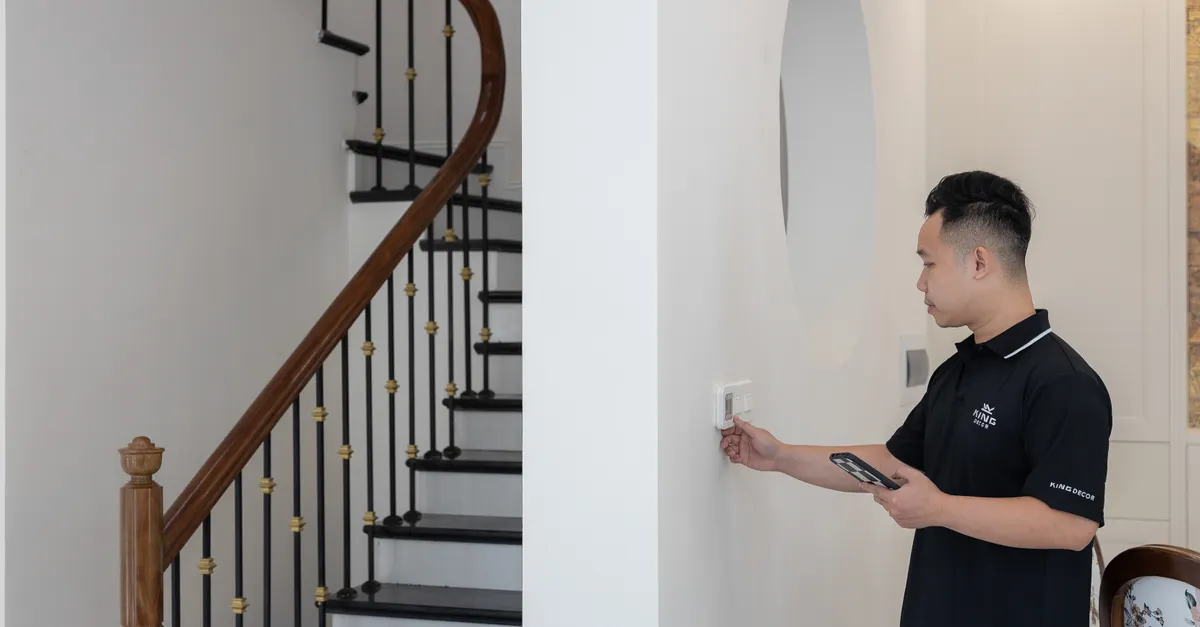
Automated home maintenance has become a cornerstone of modern living, offering homeowners the convenience of streamlined tasks and enhanced efficiency. As smart technology continues to evolve, the ability to manage both digital and physical aspects of a home with minimal manual effort is now more accessible than ever. However, to truly benefit from these advancements, it’s crucial to follow best practices for automated home maintenance—not just to keep systems running smoothly, but also to ensure safety and reliability. This guide explores essential strategies, integration tips, and safety considerations that every homeowner should know.
Key Tasks for Maintaining Smart Home Systems
Effective upkeep of an automated home involves a blend of digital and physical maintenance. Overlooking either aspect can lead to system inefficiencies or even failures. Here are the most important tasks to keep your smart home in optimal condition:
- Firmware and Software Updates: Regularly update the firmware and software of all smart devices. Manufacturers frequently release updates to address security vulnerabilities, improve performance, and add new features. Set reminders or enable automatic updates where possible.
- Network Health Checks: A stable and secure Wi-Fi network is the backbone of any automated home. Periodically check your router for firmware updates, review connected devices, and change passwords to maintain security.
- Device Cleaning and Inspection: Physical devices, such as smart thermostats, security cameras, and sensors, require occasional cleaning to prevent dust buildup that can affect performance. Inspect for visible damage or wear, especially on outdoor devices exposed to the elements.
- Leak Detection and Water Management: Automated water sensors and shut-off valves can help prevent leaks and water damage. According to the EPA’s WaterSense program, homes verified as leak-free and equipped with water-efficient features are less likely to experience costly water waste or structural damage.
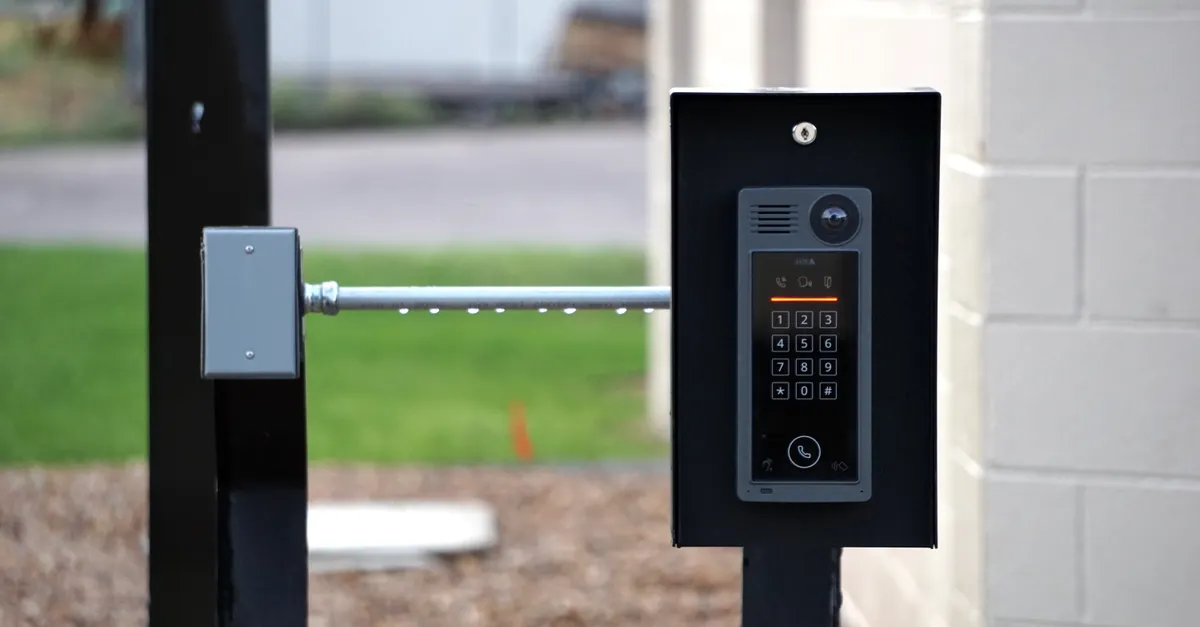
- Security System Testing: Test alarms, cameras, and motion detectors monthly to ensure they are functioning correctly. Replace batteries as needed and review system logs for any unusual activity.
- Appliance Maintenance: Many smart appliances, such as refrigerators and ovens, offer automated reminders for filter changes or cleaning cycles. Follow manufacturer guidelines and address alerts promptly.
- Landscaping Automation: If you use automated irrigation or robotic lawn care, check sensors and blades regularly. Ensure that water-efficient settings are in place to avoid overwatering and comply with local guidelines.
For a more detailed breakdown of tasks and recommended schedules, consider referencing an automated home maintenance checklist to stay organized throughout the year.
Strategies for Integrating Automated Systems
One of the most significant advantages of smart home technology is the ability to integrate various systems for greater efficiency. Rather than managing devices individually, integration allows for centralized control and automated routines that can save time and reduce the risk of oversight.
- Centralized Hubs: Use a smart home hub or compatible app to bring together lighting, climate control, security, and appliances. This enables you to monitor and adjust multiple systems from a single interface.
- Automated Routines: Set up routines that trigger multiple actions at once. For example, a “Goodnight” routine might lock doors, turn off lights, adjust the thermostat, and activate security systems with a single command.
- Cross-Device Communication: Ensure devices can communicate with each other using common protocols (such as Zigbee, Z-Wave, or Matter). This enhances reliability and allows for more complex automation scenarios.
- Scheduled Maintenance Alerts: Configure your system to send reminders for regular tasks like filter changes, battery replacements, or firmware updates. Automated notifications help prevent missed maintenance that could lead to failures.
- Data Monitoring and Analytics: Many smart home platforms provide usage data and performance analytics. Review these reports to identify patterns, spot inefficiencies, and make informed decisions about upgrades or adjustments.
By thoughtfully integrating your automated systems, you can create a home environment that is not only more convenient but also more resilient to common maintenance issues.
Physical and Digital Maintenance: A Balanced Approach
Maintaining an automated home requires attention to both the physical hardware and the digital infrastructure that supports it. Neglecting either side can compromise the effectiveness of your smart home setup.
Physical Maintenance Essentials
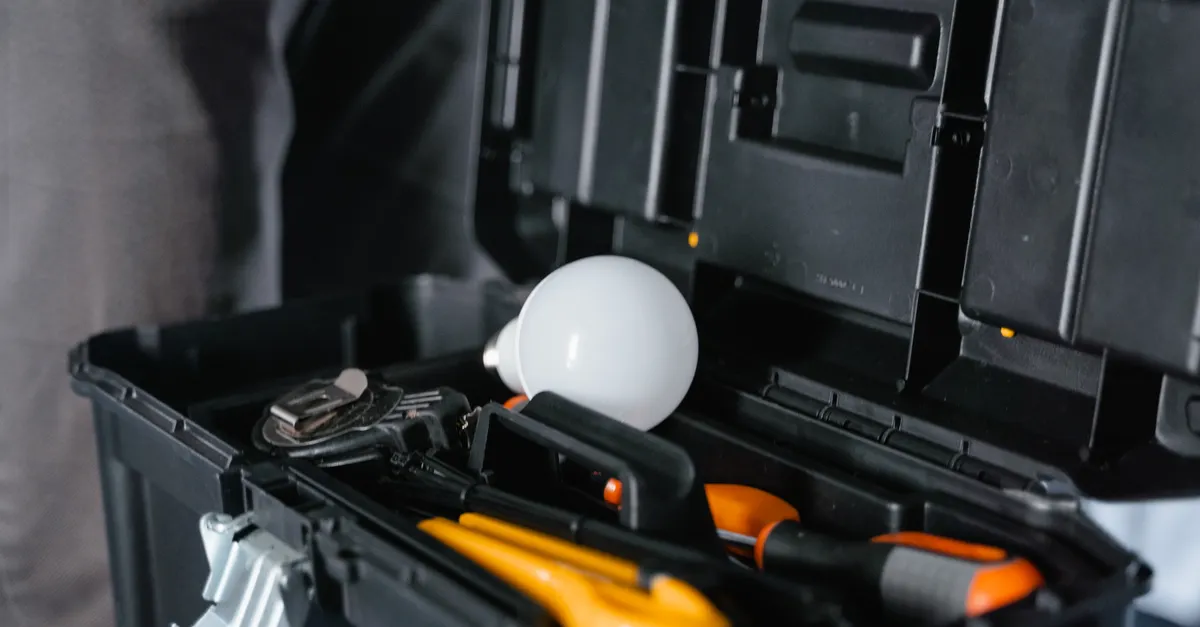
- Inspect device enclosures and wiring for signs of wear or damage. If you notice frayed wires or loose connections, avoid DIY repairs unless you are qualified—contact a professional electrician instead.
- Clean sensors, cameras, and touchscreens with appropriate materials to avoid scratching or damaging sensitive components.
- Check for leaks around water-connected devices and appliances. Early detection can prevent costly repairs and water damage.
Digital Maintenance Priorities
- Update passwords regularly and use strong, unique credentials for each device and account.
- Enable two-factor authentication where available to enhance security.
- Review device permissions and integrations to ensure only trusted apps and services have access to your smart home network.
Combining these physical and digital practices helps ensure your automated home remains secure, efficient, and reliable.
Unique Safety Considerations for Smart Homes
While automation can simplify many aspects of home maintenance, it also introduces new safety challenges. Understanding these risks and knowing when to seek professional help is essential for protecting your home and its occupants.
- Electrical Safety: Many smart devices are connected to your home’s electrical system. If you encounter persistent malfunctions, exposed wiring, or frequent circuit breaker trips, do not attempt repairs yourself. Contact a licensed electrician to assess the issue.
- Network Security: Poorly secured networks can expose your home to cyber threats. Always use encrypted Wi-Fi, keep firmware updated, and avoid connecting untrusted devices to your network.
- Device Placement: Install sensors and cameras according to manufacturer guidelines to avoid false alarms or missed detections. Improper placement can reduce the effectiveness of safety systems.
- Professional Inspections: Schedule periodic inspections for complex systems like HVAC, electrical panels, and water heaters. Automated monitoring can alert you to issues, but a professional assessment ensures nothing is overlooked.
- Emergency Preparedness: Ensure that manual overrides are accessible in case of system failure. Know how to disconnect power or water supplies if an automated system malfunctions.
Above all, recognize the limits of DIY maintenance. If you are unsure about a device’s safety or operation, consult a qualified professional rather than risking injury or property damage.
Common Pitfalls and How to Avoid Them
Even with the best intentions, homeowners can fall into several traps when managing automated home systems. Being aware of these pitfalls can help you maintain a safer and more efficient environment:
- Neglecting Regular Updates: Skipping firmware or software updates can leave devices vulnerable to security risks and performance issues.
- Overlooking Physical Wear: Relying solely on automation may cause you to ignore physical signs of wear or damage. Schedule visual inspections alongside automated alerts.
- Poor Integration: Using devices that do not communicate well with each other can lead to inefficiencies or system conflicts. Choose compatible products and platforms for smoother operation.
- Ignoring Manufacturer Guidelines: Always follow the recommended maintenance procedures and intervals provided by device manufacturers. These guidelines are designed to maximize safety and longevity.
- Delaying Professional Help: Attempting complex repairs without proper expertise can result in further damage or safety hazards. Know when to call in a specialist.

Conclusion: Building a Reliable and Safe Automated Home
Adopting best practices for automated home maintenance is essential for ensuring your smart home remains efficient, secure, and safe. By balancing digital updates with physical inspections, integrating systems thoughtfully, and prioritizing safety at every step, you can enjoy the full benefits of home automation with peace of mind. Remember, while automation reduces manual effort, it does not eliminate the need for regular oversight and professional support when necessary. Stay proactive, stay informed, and your automated home will serve you well for years to come.
Frequently Asked Questions
How often should I update my smart home devices?
It’s best to check for firmware and software updates at least once a month. Many devices offer automatic updates, but it’s wise to verify that updates are being applied and to review release notes for important changes.
What should I do if a smart device stops working after an update?
If a device malfunctions after an update, restart it and check the manufacturer’s support resources. If the issue persists, avoid attempting complex repairs yourself—contact customer support or a qualified technician for assistance.
Are there risks to integrating too many automated systems?
While integration can improve efficiency, adding too many devices or incompatible systems can create network congestion and potential security vulnerabilities. Choose devices that are compatible with your existing setup and monitor system performance regularly to ensure stability.