In today’s fast-paced world, customizing routines with Google has become an essential aspect of optimizing daily tasks. With the advent of smart technology, individuals, especially creative professionals, can streamline their activities, ensuring efficiency and productivity. By integrating various Google services, one can tailor their routines to fit personal and professional needs seamlessly. This article explores how you can harness the power of Google to transform your daily life.
Why Customize Your Routines?
Customization is key to maximizing efficiency. Whether you are a busy professional or someone managing a household, having a personalized routine can save time and reduce stress. Google offers a plethora of tools that can be tailored to suit individual needs, making it easier to manage everything from morning routines to complex work schedules.
Understanding Google’s Ecosystem
Google’s ecosystem is vast, encompassing everything from Google Assistant to Google Calendar. Each service offers unique features that, when combined, can create a powerful routine management system. For instance, Google Assistant can be programmed to provide daily briefings, while Google Calendar ensures you never miss an appointment.
Setting Up Google Assistant
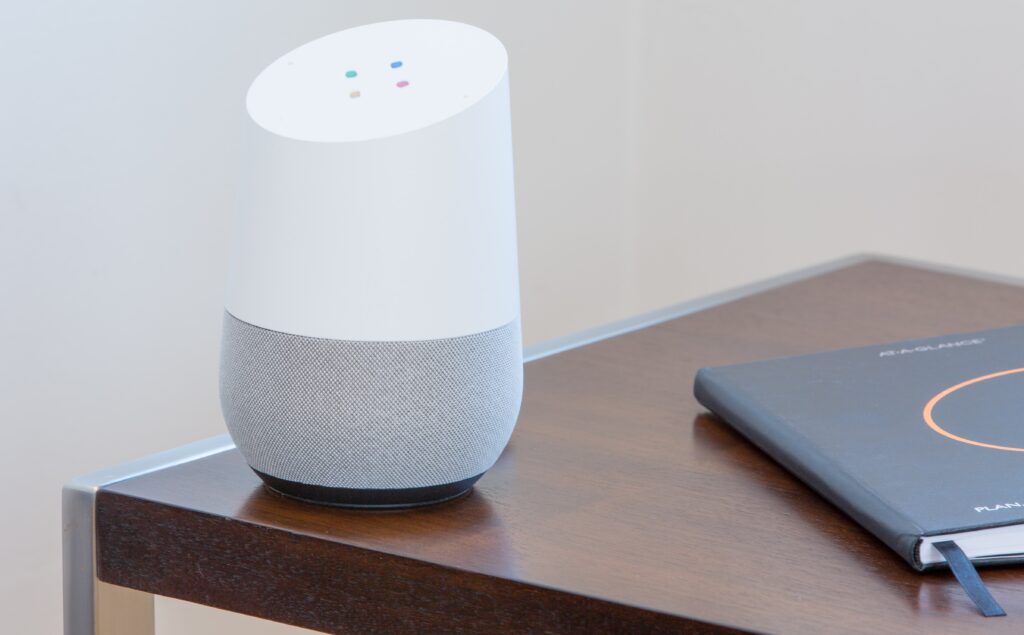
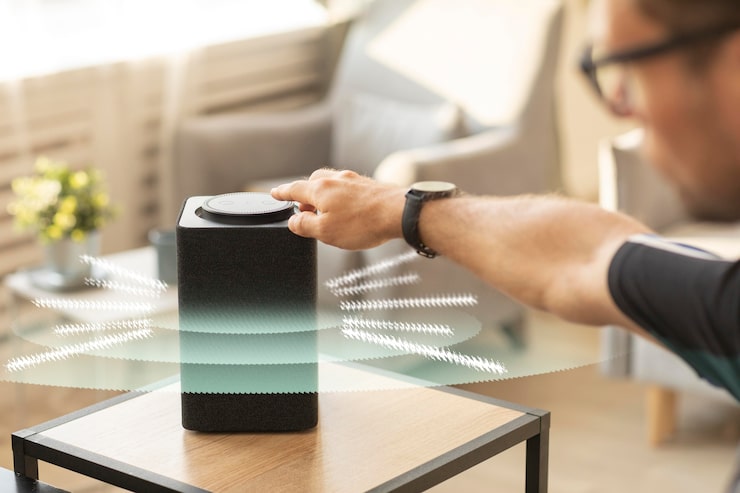
Google Assistant is at the core of routine customization. By setting up voice commands, you can automate tasks, control smart devices, and get instant updates on your schedule. This not only enhances productivity but also allows for a hands-free experience, which is particularly beneficial for those juggling multiple tasks.
Integrating Smart Home Devices
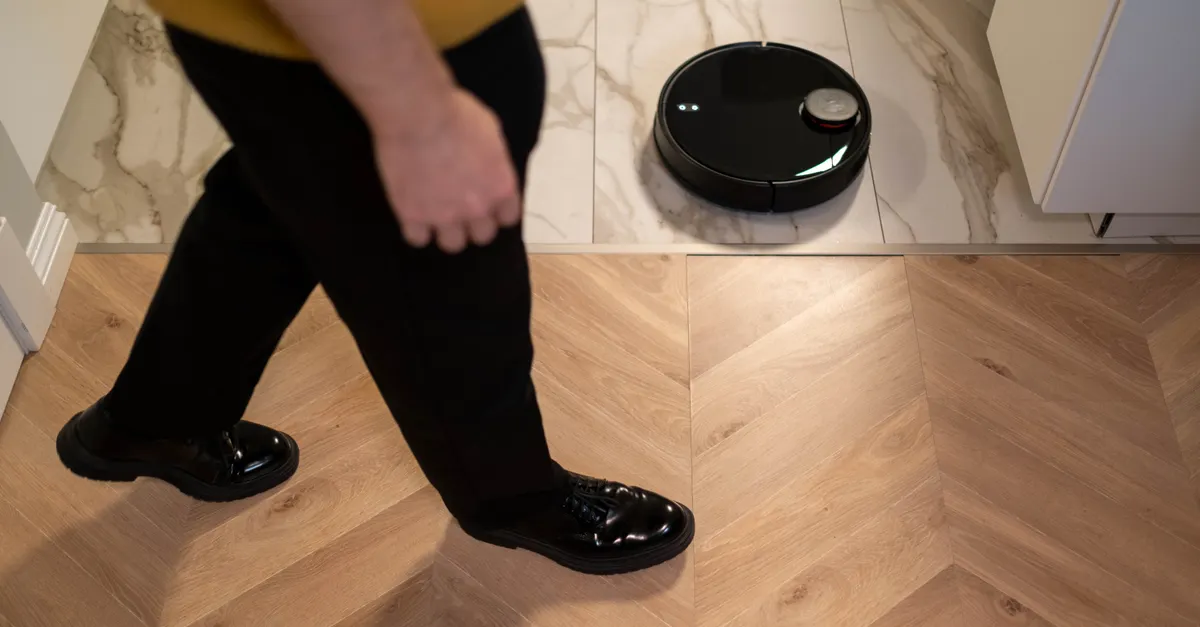
Integrating smart home devices with Google Assistant takes customization to the next level. Imagine waking up to your favorite song, having the coffee maker start brewing automatically, and lights adjusting to your preferred settingall triggered by a single voice command. This level of automation is possible with Google Home and compatible devices.
Using Google Calendar for Scheduling
Google Calendar is an excellent tool for scheduling and time management. By inputting all appointments, deadlines, and reminders, you create a centralized hub for your daily activities. Syncing your calendar with Google Assistant ensures you receive timely notifications and can even help in planning your travel routes based on scheduled meetings.
Enhancing Productivity with Google Tasks
Google Tasks is another valuable tool. By creating lists and setting deadlines, you can keep track of all tasks efficiently. Integrating Google Tasks with Google Calendar allows you to visualize your workload, making it easier to prioritize tasks and manage time effectively.
Personalizing Google Alerts
For those who need to stay updated with the latest trends and news, Google Alerts is indispensable. By setting up alerts for specific topics, you receive notifications directly in your inbox, ensuring you are always informed. This is particularly useful for professionals who need to keep abreast of industry developments.
Utilizing Google Keep for Note-Taking
Google Keep is a versatile note-taking app that allows you to jot down ideas, create checklists, and set reminders. Its integration with other Google services means you can access your notes from any device, making it a perfect tool for capturing inspiration on the go.
Streamlining Communication with Google Meet
For professionals, communication is crucial. Google Meet offers a reliable platform for virtual meetings. By scheduling meetings through Google Calendar, you can ensure seamless coordination and avoid double-booking. Additionally, Google Meet’s integration with Google Workspace enhances collaboration, making it easier to share documents and updates in real-time.
Leveraging Google Drive for Storage
Google Drive provides ample storage for all your files, ensuring they are accessible from anywhere. By organizing files into folders and using shared drives, you can collaborate effortlessly with colleagues and clients. This organization is vital for maintaining efficiency and ensuring that important documents are always within reach.
Maximizing Efficiency with Google Chrome Extensions
Google Chrome extensions can further enhance productivity. Extensions like ‘Todoist’ for task management or ‘Grammarly’ for writing assistance can be integrated directly into your browser, providing quick access to essential tools without disrupting your workflow.
Customizing Google Assistant Routines
One of the standout features of Google Assistant is the ability to create customized routines. By setting specific triggers, you can automate a series of actions. For example, a ‘Good Morning’ routine could include turning on lights, reading out the day’s agenda, and providing a weather update.
Exploring Advanced Features
For those looking to explore advanced features, Google offers numerous options. From setting up multi-step routines to integrating third-party apps, the possibilities are endless. These advanced features allow for a highly personalized experience, catering to even the most specific needs.
The Future of Routine Customization
The future of routine customization with Google looks promising. With continuous advancements in AI and machine learning, we can expect even more intuitive and personalized experiences. Google’s commitment to innovation ensures that users will have access to cutting-edge tools that enhance daily life.
Conclusion
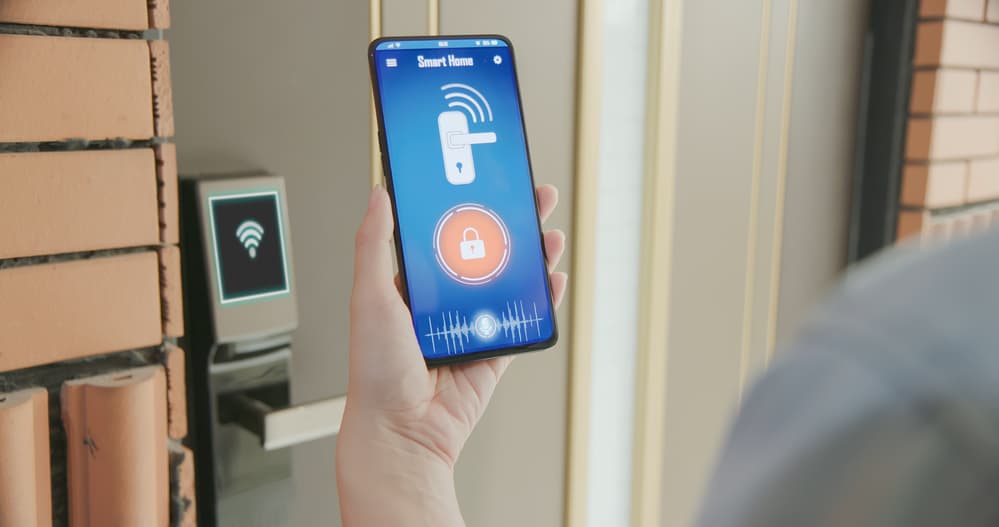
In conclusion, customizing routines with Google offers numerous benefits. From enhanced productivity to seamless integration of smart devices, Google’s ecosystem provides all the tools necessary for a streamlined daily experience. By leveraging these tools, individuals can tailor their routines to fit their unique lifestyles, ensuring efficiency and reducing stress.
FAQs
- How do I set up a custom routine in Google Assistant?
You can set up a custom routine by opening the Google Home app, navigating to the ‘Routines’ section, and creating a new routine. You can add actions and set triggers according to your preferences.
- Can Google Assistant control third-party smart devices?
Yes, Google Assistant can control a wide range of third-party smart devices. Ensure your device is compatible and linked through the Google Home app.
- Is it possible to integrate Google services with non-Google products?
Yes, many non-Google products can be integrated with Google services through third-party apps and extensions, allowing for a cohesive digital experience.
To further understand the impact of voice control technology and how it integrates with home environments, you can read more on the impact of voice control technology.
For more insights into the potential of voice assistants, explore this Forbes article.
This article contains affiliate links. We may earn a commission at no extra cost to you.