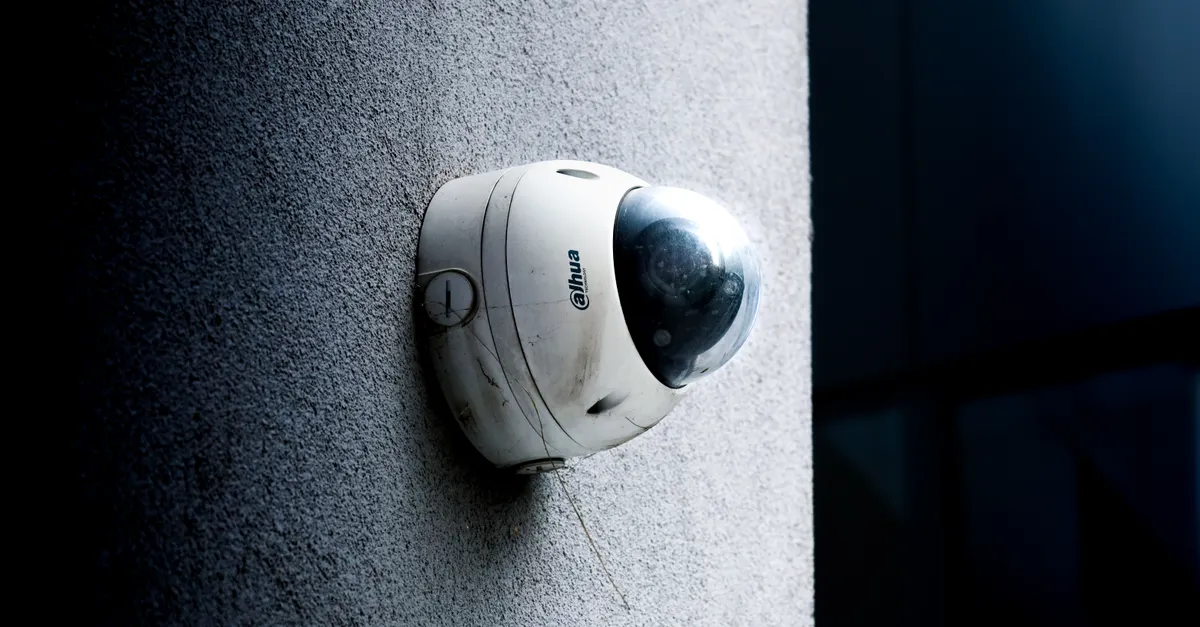
Artificial intelligence is transforming the way homeowners protect their properties. With advanced features like automation, real-time alerts, and smart integrations, modern security systems offer more than just basic surveillance. If you’re considering upgrading your home with intelligent protection, understanding the installation process, knowing when to seek professional help, and prioritizing safety are essential. This AI home security system installation guide will walk you through the key concepts, components, and considerations, so you can make informed decisions and achieve peace of mind.
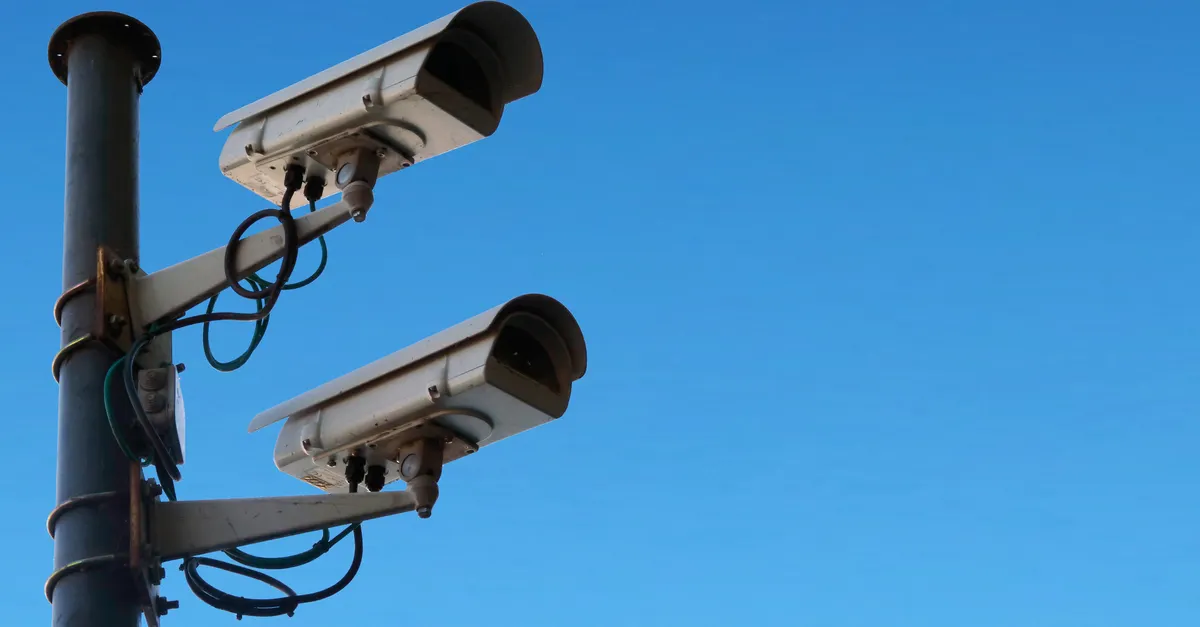
Understanding AI in Home Security
An AI home security system uses artificial intelligence to enhance traditional security measures. Unlike standard setups, these systems leverage machine learning, automation, and data analysis to provide smarter, more responsive protection. For example, AI can distinguish between a family member and an intruder, reduce false alarms, and automate responses based on your routines.
Key benefits of AI-powered security include:
- Automation: Automate arming/disarming, lighting, and alerts based on schedules or detected activity.
- Voice Commands: Integrate with smart assistants for hands-free control.
- Geo-fencing: Use your smartphone’s location to trigger system actions, such as locking doors when you leave.
- Intelligent Alerts: Receive notifications only for genuine threats, not pets or passing cars.
These features make AI-based systems a core part of modern home automation, offering both convenience and robust security.
Key Components of an AI Security Setup
Before exploring installation options, it’s important to understand the main components that make up an intelligent security system. Each part plays a specific role in keeping your home safe and connected.
- Control Panel or Hub: The central device that manages all connected sensors, cameras, and smart devices. It processes data and communicates with your smartphone or monitoring service.
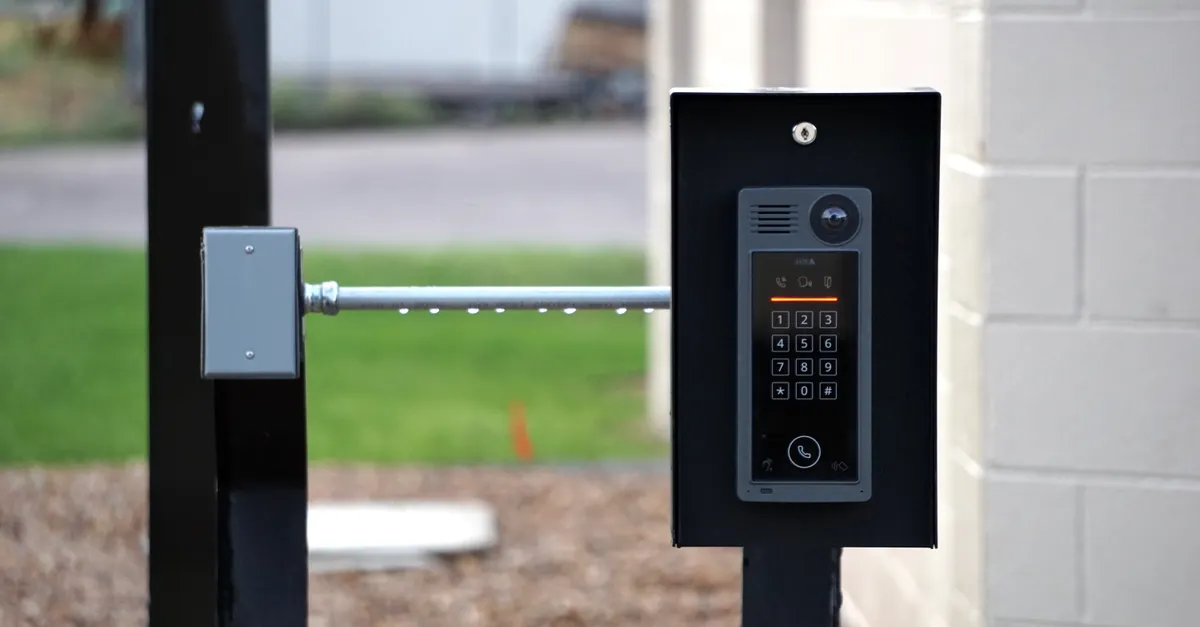
- Security Cameras: Modern cameras use AI for facial recognition, motion detection, and even license plate reading. Many offer two-way audio and night vision.
- Motion Sensors: Detect movement inside or around your home. AI-powered sensors can differentiate between people, pets, and objects to minimize false alarms.
- Entry Sensors: Placed on doors and windows, these alert you to unauthorized openings.
- Smart Locks: Allow remote locking and unlocking, often integrating with your security system for automated routines.
- Alarms and Sirens: Audible alerts that deter intruders and notify occupants of a breach.
- Mobile App: Lets you monitor your system, receive alerts, and control devices from anywhere.
Additional features may include environmental sensors (for smoke, carbon monoxide, or water leaks), smart lighting, and integration with other smart home devices. When choosing your system, consider your specific needs, home layout, and whether you want professional monitoring or a self-monitored setup.
Choosing Between DIY and Professional Installation
One of the first decisions you’ll face is whether to install your system yourself or hire a professional. Both approaches have advantages and drawbacks, and the right choice depends on your comfort level, technical skills, and the complexity of your system.
DIY Installation: Pros and Cons
Many AI security kits are designed for straightforward self-installation. They often come with wireless components, peel-and-stick sensors, and step-by-step app guidance. Benefits of DIY include:
- Cost Savings: Avoid installation fees and potentially lower overall costs.
- Flexibility: Install at your own pace and customize placement.
- Immediate Setup: No need to schedule appointments or wait for technicians.
However, DIY installation may not be ideal for everyone. Challenges can include:
- Complex wiring or integration with existing systems.
- Uncertainty about optimal sensor placement for maximum coverage.
- Troubleshooting connectivity or compatibility issues.
If you’re comfortable with basic tools and following manufacturer instructions, a DIY AI home security setup can be a practical choice for many homeowners.
Professional Installation: When to Consider It
Professional installation is recommended if your system involves complex wiring, hardwired cameras, or integration with existing home automation. Experts can ensure everything is installed safely, sensors are optimally placed, and the system is configured correctly. Other reasons to choose professional help include:
- Large or multi-story homes requiring extensive coverage.
- Desire for ongoing support and maintenance.
- Concerns about electrical safety or working at heights (e.g., mounting outdoor cameras).
While professional installation adds to the upfront cost, it can provide peace of mind, especially if you’re unfamiliar with smart home technology or want to avoid potential mistakes.
Cost and Planning Considerations
When weighing your options, consider not just the initial price of equipment and installation, but also long-term factors like monitoring fees, maintenance, and system scalability. Some systems offer optional professional monitoring, while others are designed for self-monitoring via mobile apps. Make sure to review warranty terms and support options before making a decision.
Staying Safe During Installation
Whether you choose to install your system yourself or hire a professional, safety should always be the top priority. Installing security devices can involve working with electrical wiring, using ladders, and handling sensitive equipment. Here are some key safety tips to keep in mind:
- Turn Off Power: If your installation involves wiring, always shut off power at the breaker before starting work.
- Use Ladders Safely: When mounting cameras or sensors at height, ensure your ladder is stable and on a flat surface. Never overreach.
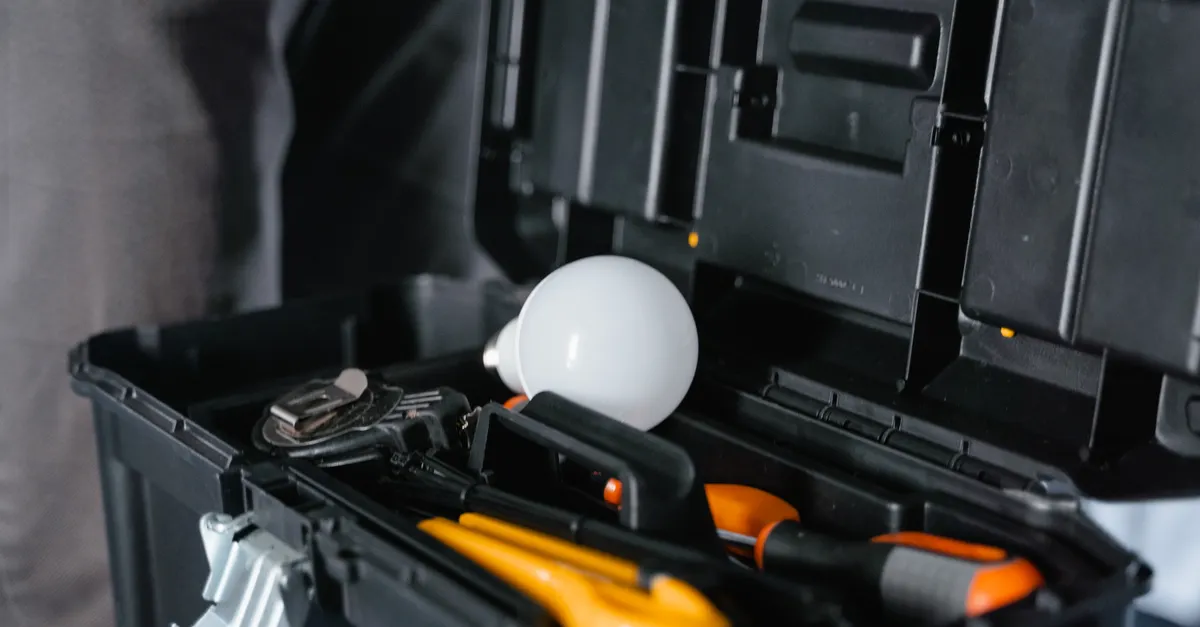
- Follow Manufacturer Instructions: Read all manuals and safety warnings before beginning. Use recommended tools and mounting hardware.
- Check for Hazards: Before drilling, check for hidden wires or pipes in walls.
- Handle Equipment Carefully: Security cameras and sensors can be delicate; avoid dropping or exposing them to moisture.
- Know Your Limits: If you’re unsure about any step—especially electrical work or complex integrations—stop and consult a professional.
Remember, the goal is not just to get your system up and running, but to do so without risking injury or damage to your home. For more practical advice, you might find these AI security system installation tips helpful as you plan your project.
Conclusion: Making the Right Choice for Your Home
Installing an intelligent security system is a significant step toward protecting your home and loved ones. By understanding the essential components, weighing the benefits of DIY versus professional installation, and prioritizing safety, you can ensure a smooth and secure setup process. Take the time to assess your needs, research your options, and don’t hesitate to seek expert help when necessary. With the right approach, you’ll enjoy the convenience, control, and peace of mind that modern AI-powered security provides.
Frequently Asked Questions
What makes an AI-powered security system different from traditional systems?
AI-powered systems use advanced algorithms to analyze data from sensors and cameras, enabling features like facial recognition, smart notifications, and automated responses. This reduces false alarms and allows for more personalized, efficient protection compared to traditional setups.
Can I install an AI home security system myself?
Many systems are designed for easy self-installation, especially those with wireless components and clear app instructions. However, if your setup involves complex wiring, hardwired devices, or integration with existing home automation, it’s best to consult a professional to ensure safety and proper functionality.
What safety precautions should I take during installation?
Always turn off power when working with electrical components, use ladders safely, and follow all manufacturer instructions. If you’re unsure about any aspect of the installation—especially electrical work or mounting devices at height—seek professional assistance to avoid injury or property damage.