Setting up a modern security system powered by artificial intelligence can dramatically improve the safety and convenience of your home. However, to get the most out of these advanced technologies, it’s important to approach installation with careful planning and a clear understanding of best practices. Whether you’re a first-time user or upgrading from a traditional system, following proven AI security system installation tips will help you avoid common mistakes and ensure your investment delivers maximum protection.
Understanding Your AI Security System Components
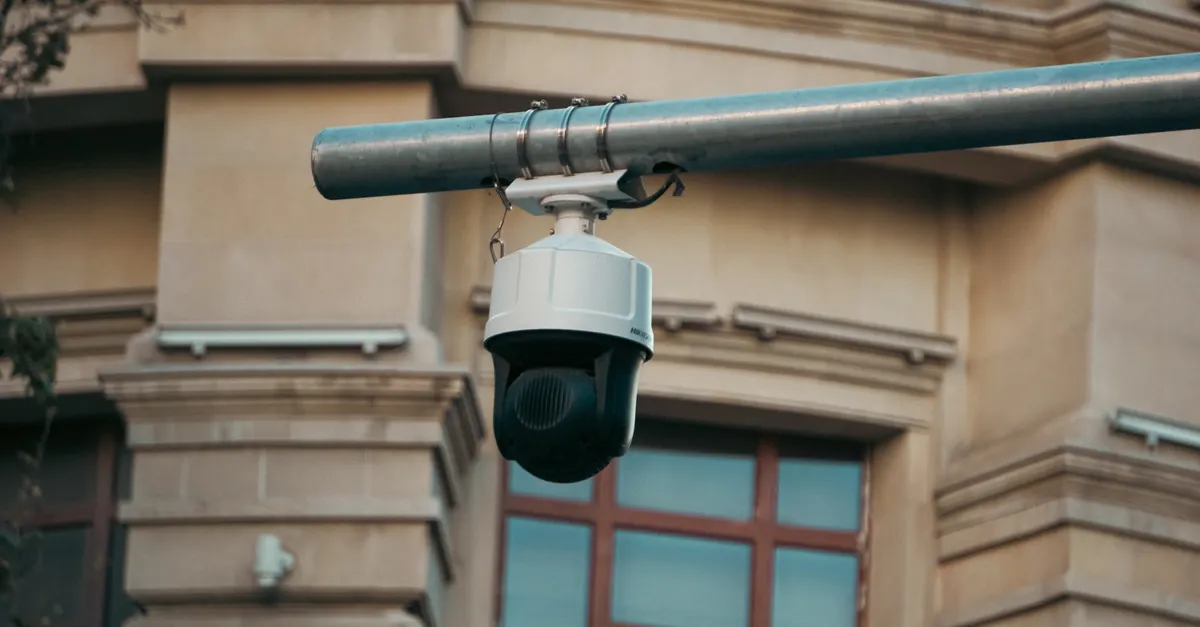
Before beginning the installation process, take time to familiarize yourself with all the components included in your kit. Most AI-enabled security solutions come with a combination of cameras, sensors, control panels, and sometimes smart locks or alarms. Each device plays a unique role in monitoring activity, detecting threats, and communicating with your mobile app or central hub.
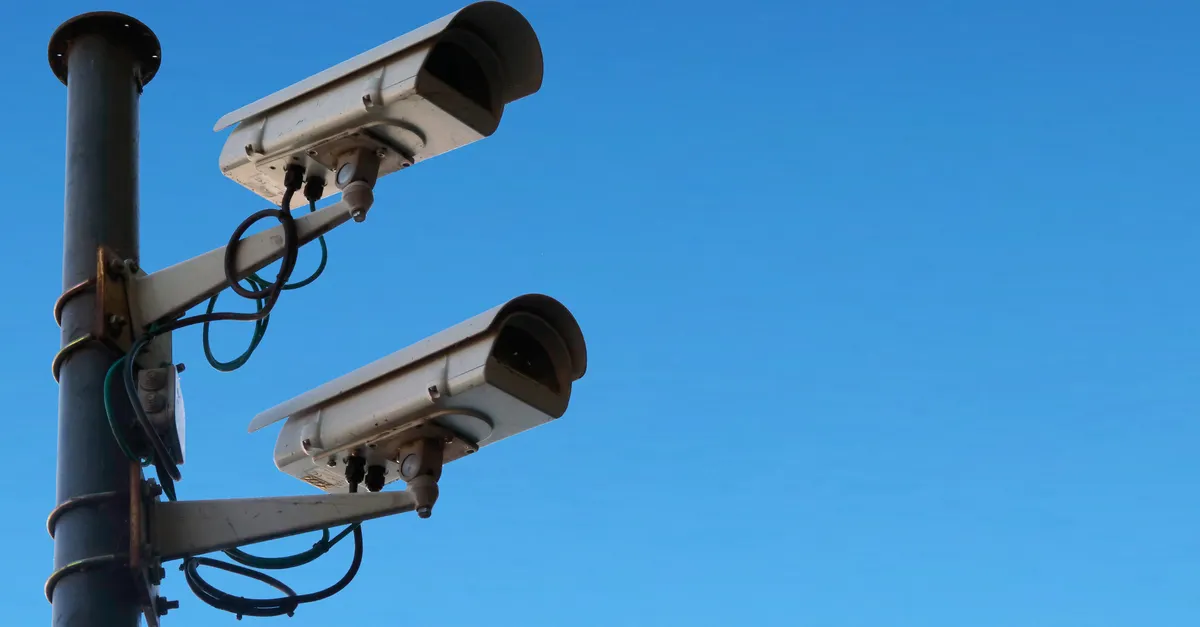
- Cameras: These capture video footage and often include AI features like facial recognition or motion detection.
- Sensors: Door, window, and motion sensors alert you to unauthorized entry or unusual movement.
- Control Panel: Acts as the central command center for arming, disarming, and configuring your system.
- Mobile App: Allows for remote monitoring, notifications, and system management.
Review the manufacturer’s manual and any online resources to understand how your specific devices interact. This knowledge will help you plan placement and integration effectively.
Planning for Optimal Device Placement
One of the most important AI security system installation tips is to carefully consider where each device should be positioned. Proper placement ensures that cameras and sensors can accurately detect activity and minimize blind spots.
- Install cameras at entry points such as front and back doors, garage entrances, and ground-floor windows.
- Position cameras at a height of 7–9 feet for a wide field of view and to deter tampering.
- Angle cameras downward to capture faces and movement, avoiding direct sunlight or glare.
- Place motion sensors in high-traffic areas and hallways, but away from heating vents or moving curtains that could trigger false alarms.
- Ensure Wi-Fi coverage is strong in all areas where devices will be installed, as connectivity is crucial for real-time alerts and video streaming.
Mapping out your home and marking ideal locations before drilling or mounting devices can save time and prevent unnecessary holes or adjustments.
Ensuring Secure Connections and Power Supply
Reliable operation depends on both power and network connectivity. For wired devices, confirm that outlets are available and cords can be safely routed without creating tripping hazards. Wireless devices should have fresh batteries or be placed near charging stations. Many AI systems offer backup power options to keep your home protected during outages.
For network connections, use strong, unique passwords for your Wi-Fi and the security system itself. Consider setting up a dedicated network for smart home devices to isolate them from your main internet traffic. This step enhances both performance and security.
Configuring AI Features and Custom Settings
After physical installation, take time to configure the AI-driven features that set these systems apart from traditional setups. Most platforms allow you to:
- Set up facial recognition to identify family members and frequent visitors.
- Define activity zones to focus monitoring on specific areas, reducing false alerts from passing cars or animals.
- Adjust sensitivity levels for motion detection to match your home’s environment.
- Enable real-time notifications for specific events, such as package deliveries or unexpected movement at night.
Customizing these settings ensures your system is tailored to your household’s needs. For more ideas on how to personalize your setup, you might find inspiration in guides about AI home security system customization options.
Testing and Troubleshooting Your System
Once everything is installed and configured, thoroughly test each component to confirm it’s working as intended. Walk through your home to trigger sensors, check camera feeds from your mobile app, and verify that alerts are received promptly. If any devices are unresponsive or produce false alarms, consult the troubleshooting section of your manual or reach out to customer support.
Common issues include weak Wi-Fi signals, incorrect device pairing, or outdated firmware. Regularly updating your system’s software is another key AI security system installation tip—updates often include security patches and new features that improve performance.
Maintaining Privacy and Data Security
With the convenience of AI comes the responsibility to protect your personal information. Many users are concerned about how video footage and sensor data are stored and who can access them. To safeguard your privacy:
- Choose systems that offer end-to-end encryption for video and data transmissions.
- Regularly review and update your account passwords.
- Limit sharing of camera feeds to trusted users only.
- Familiarize yourself with the manufacturer’s privacy policy and data retention practices.
For a deeper dive into this topic, resources on AI home security system privacy concerns can help you make informed decisions about your data.
Integrating with Other Smart Home Devices
Many AI security systems are designed to work seamlessly with other smart home products, such as lighting, thermostats, and voice assistants. Integrating these devices can enhance automation and convenience. For example, you can set your lights to turn on when motion is detected or receive voice alerts through your smart speaker.
Before connecting third-party devices, check compatibility lists and follow the manufacturer’s instructions for pairing. Keeping all devices updated and on secure networks is essential for maintaining both functionality and safety.
Staying Informed About New Features and Trends
The field of AI-powered security is evolving rapidly, with new features and capabilities emerging each year. Staying informed about the latest advancements can help you get more value from your investment and adapt to changing security needs. Consider subscribing to manufacturer updates or following reputable tech blogs for news on software upgrades, hardware improvements, and best practices.
If you’re interested in learning more about the direction of this technology, articles on AI home security system technology trends provide valuable insights into what’s on the horizon.
Frequently Asked Questions
What are the most important factors for successful AI security system installation?
Key factors include careful planning of device placement, ensuring strong network connectivity, configuring AI features to suit your home, and regularly updating software. Paying attention to these details helps maximize both security and convenience.
How can I reduce false alarms with my AI-powered system?
To minimize false alerts, adjust motion sensitivity settings, use activity zones to focus monitoring, and ensure cameras are not pointed at moving trees or busy streets. Regular testing and fine-tuning are essential for optimal performance.
Is it safe to connect my AI security system to other smart home devices?
Yes, as long as you follow best practices for network security—such as using strong passwords, keeping devices updated, and only connecting compatible products. Integration can enhance automation but should always be done with privacy and safety in mind.