Smart homes powered by artificial intelligence are transforming daily life, offering automation, convenience, and energy efficiency. However, even the most advanced AI-driven systems can encounter technical hiccups. Understanding how to address frequent problems is essential for maintaining a seamless smart home experience. This guide explores practical solutions for typical challenges, from device connectivity to automation errors, ensuring your intelligent home runs smoothly.
Whether you’re new to smart technology or have an established network of AI devices, knowing how to resolve common issues can save time and frustration. We’ll cover troubleshooting steps for connectivity, voice assistant problems, automation routines, and more. For those interested in optimizing energy usage, you may also want to explore ai home automation for energy storage to further enhance your home’s efficiency.
Understanding AI Smart Home Connectivity Problems
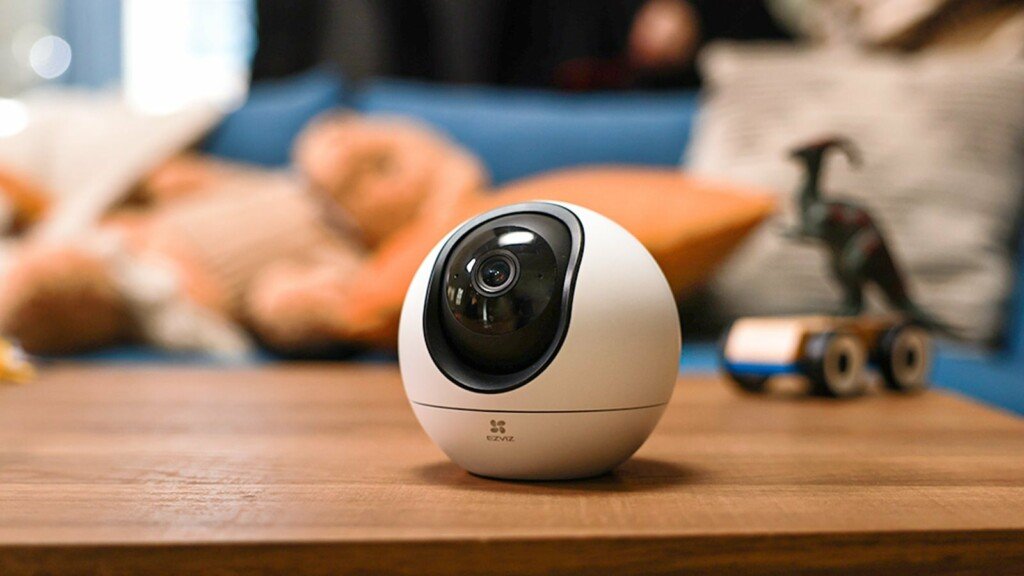
One of the most frequent obstacles in AI-powered homes is unreliable device connectivity. Smart lights, thermostats, and security cameras depend on stable Wi-Fi or mesh networks to function correctly. When devices drop offline or become unresponsive, it can disrupt routines and automations.
- Check Network Strength: Ensure your router is centrally located and supports the number of devices in your home. Weak signals or overcrowded networks often cause smart devices to disconnect.
- Restart Devices: Power cycling both your router and the affected device can resolve temporary glitches.
- Update Firmware: Keeping device firmware and your AI hub’s software up to date helps prevent compatibility issues.
- Reduce Interference: Minimize electronic interference by keeping routers away from microwaves and cordless phones.
For homes with advanced energy solutions, integrating ai battery management systems for homes can also help maintain reliable power to critical devices, reducing downtime during outages or network disruptions.
Solving Voice Assistant and AI Hub Issues
Voice assistants are the heart of many smart homes, acting as the interface for controlling devices and routines. When these systems fail to respond or misunderstand commands, it can be frustrating. Here’s how to address typical voice assistant concerns:
- Check Microphone and Speaker Placement: Ensure the device is placed in an open area, away from noise sources or obstructions.
- Review Language and Accent Settings: Adjust the assistant’s language or accent recognition to better match your speech patterns.
- Re-link Accounts: Sometimes, disconnecting and reconnecting your smart home accounts within the AI app can resolve command issues.
- Update Skills and Integrations: Make sure third-party skills or device integrations are current and supported by your assistant.
For more advanced automation, integrating predictive analytics can help anticipate and resolve issues before they occur. Learn how ai predictive analytics in smart homes can enhance your system’s reliability and responsiveness.
Addressing Automation and Routine Failures
Automated routines are designed to simplify daily tasks, but they can sometimes fail due to configuration errors or device conflicts. Here’s how to troubleshoot automation breakdowns:
- Review Trigger Conditions: Double-check the triggers for your routines, such as time, motion, or device status. Incorrect settings can prevent automations from running.
- Test Devices Individually: Ensure each device in the routine works independently before troubleshooting the entire sequence.
- Check for Overlapping Rules: Conflicting automations can cause unpredictable behavior. Disable or adjust overlapping routines.
- Consult Device Logs: Many AI hubs provide logs or activity histories that can help identify where a routine failed.
For homes in areas prone to natural disasters, implementing ai smart home disaster management systems can add an extra layer of automation and safety, ensuring critical routines function during emergencies.

Security and Privacy Concerns in AI-Driven Homes
Security is a top priority for any connected home. AI-powered systems can be vulnerable to unauthorized access if not properly secured. Here are some steps to safeguard your smart devices:
- Change Default Passwords: Always use strong, unique passwords for each device and your home network.
- Enable Two-Factor Authentication: Many platforms offer additional verification steps to prevent unauthorized access.
- Monitor Device Permissions: Regularly review which apps and users have access to your smart home controls.
- Update Regularly: Install security patches and firmware updates as soon as they become available.
For a deeper look at how AI is shaping daily life and security in smart homes, check out this overview of AI-enabled smart home solutions.
Optimizing Performance and Reducing False Alarms
False alarms from sensors or cameras can be disruptive. AI-based systems are designed to learn and adapt, but sometimes need manual fine-tuning:
- Adjust Sensitivity Settings: Lowering the sensitivity on motion sensors or cameras can reduce false triggers.
- Define Activity Zones: Many smart cameras allow you to specify areas to monitor, minimizing unnecessary alerts.
- Regular Maintenance: Clean sensors and cameras to prevent dust or debris from causing false readings.
- Review Event Logs: Use your system’s event history to identify patterns and adjust settings accordingly.
Integrating your smart home with wearables can also enhance performance. Discover more about ai home automation integration with wearables for personalized automation and improved alert accuracy.
FAQ: Troubleshooting AI Smart Home Systems
Why do my smart home devices keep disconnecting from Wi-Fi?
Frequent disconnections are often caused by weak Wi-Fi signals, overcrowded networks, or outdated firmware. Try moving your router to a more central location, reducing the number of connected devices, and updating both your router and device firmware.
How can I fix voice commands not working with my smart assistant?
Start by checking your assistant’s microphone and speaker placement. Ensure the device can clearly hear your commands and that the language settings match your accent. Re-linking your smart home accounts and updating third-party integrations can also help resolve command issues.
What should I do if my automation routines fail to run?
Review the trigger conditions and ensure each device in the routine is functioning correctly on its own. Check for conflicting or overlapping routines and consult your AI hub’s activity logs to pinpoint where the failure occurs. Adjusting or recreating the automation may resolve the problem.
How do I improve the security of my AI-powered home?
Change default passwords, enable two-factor authentication, and regularly review device permissions. Keep all devices and hubs updated with the latest security patches to protect against vulnerabilities.
AI-powered homes offer remarkable convenience and efficiency, but occasional technical challenges are inevitable. By following these troubleshooting steps and staying proactive with updates and security, you can enjoy a smarter, safer, and more reliable living environment.