Lighting is no longer just about flipping a switch. With the rise of connected homes, smart lighting for beginners offers an accessible entry point into home automation. Whether you want to control lights from your phone, set schedules, or create the perfect ambiance, smart bulbs and systems make it possible without complicated wiring or technical know-how.
This guide will walk you through the essentials of starting with intelligent lighting, including the types of products available, setup basics, and practical tips for choosing the right options for your space. If you want to understand the technology behind these systems, you might also find our how smart lighting works article helpful for a deeper dive.
What Is Smart Lighting?
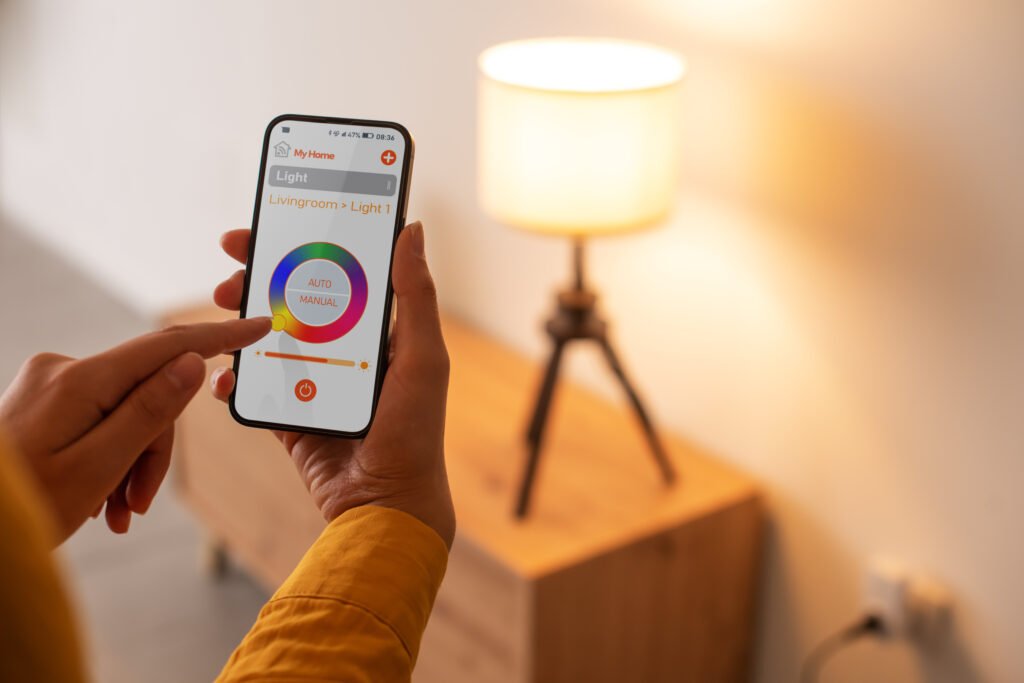
At its core, smart lighting refers to lighting systems or bulbs that can be controlled remotely or automatically, often using a smartphone app, voice assistant, or automation routines. These systems can include:
- Smart bulbs that screw into standard sockets and connect to Wi-Fi or a hub
- Smart switches and dimmers that replace traditional wall switches
- Integrated lighting fixtures with built-in connectivity
Unlike traditional lighting, these products allow for features like dimming, color changes, scheduling, and even integration with other smart home devices. Many new users appreciate how easy it is to get started—often requiring nothing more than replacing a bulb and downloading an app.
Key Benefits of Upgrading to Connected Lighting
There are several reasons why people are making the switch to smart lighting:
- Convenience: Control lights from anywhere using your phone or voice.
- Energy savings: Automate lights to turn off when not needed, reducing electricity bills.
- Customization: Adjust brightness and color to match your mood or activity.
- Security: Use schedules or presence detection to make your home look occupied when you’re away.
For a more detailed look at the advantages, check out this comprehensive overview of smart lighting benefits.
Types of Smart Lighting Products for Beginners
When starting out, you’ll encounter several types of products. Here’s a quick breakdown to help you decide which is right for your needs:
- Smart Bulbs: The easiest entry point. These replace standard bulbs and connect via Wi-Fi, Bluetooth, or a hub. Popular options include Philips Hue and Kasa Smart.
- Smart Switches: Replace your wall switches to control existing lights. These require some basic wiring but allow you to control multiple fixtures at once.
- Smart Plugs: Plug-in adapters that let you control lamps or other plug-in lights remotely.
Most beginners start with bulbs, as they require no electrical work and can be set up in minutes.
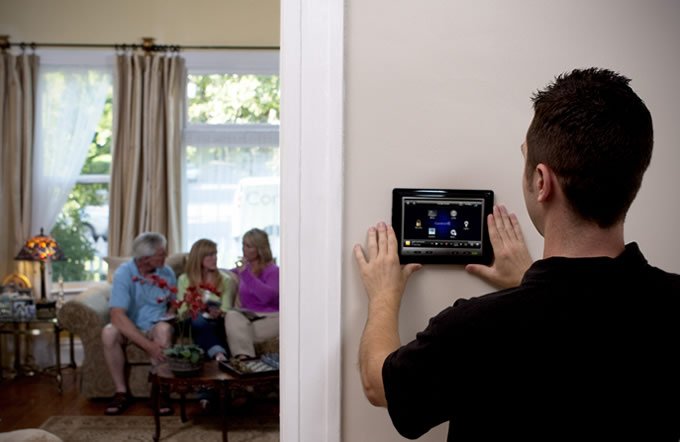
How to Set Up Your First Smart Lighting System
Getting started is straightforward, especially with products designed for those new to home automation. Here’s a step-by-step overview:
- Choose your product: Decide between bulbs, switches, or plugs based on your needs and comfort with installation.
- Install the device: For bulbs, simply screw them in. For switches, follow the manufacturer’s instructions (you may need to turn off power and use a screwdriver).
- Download the app: Most brands have a dedicated app for setup and control.
- Connect to Wi-Fi or a hub: Follow the in-app prompts to connect your device to your home network.
- Customize settings: Set schedules, adjust brightness, and experiment with colors if available.
Many systems also integrate with voice assistants like Alexa, Google Assistant, or Apple HomeKit for hands-free control.
Smart Lighting for Beginners: Common Questions and Troubleshooting
It’s normal to have questions when starting out. Here are answers to some of the most frequent concerns:
- Will smart bulbs work with my existing fixtures? Most are designed for standard sockets (E26/E27), so they fit in most lamps and ceiling fixtures.
- Do I need a hub? Some brands (like Philips Hue) require a hub for full functionality, while others (like Kasa) connect directly to Wi-Fi.
- What if my Wi-Fi goes down? Most smart lights will still work with the wall switch, but remote features will be unavailable until the connection is restored.
For those interested in expanding their setup, learning about ai mesh networks for homes can help improve connectivity and reliability across your devices.

Tips for Choosing the Right Smart Lighting Products
Not all smart lighting is created equal. Here are some practical tips to help you select the best options for your home:
- Check compatibility: Make sure the bulbs or switches work with your home’s sockets and your preferred voice assistant.
- Decide on connectivity: Wi-Fi bulbs are simple, but hub-based systems can be more reliable for larger setups.
- Consider features: Do you want color-changing options, dimming, or just basic on/off control?
- Think about expandability: If you plan to add more devices later, choose a brand with a wide product range.
As you gain confidence, you might explore broader home automation topics, such as ai home automation programming basics or energy management with ai home automation for energy storage.
Expanding Your Smart Home Beyond Lighting
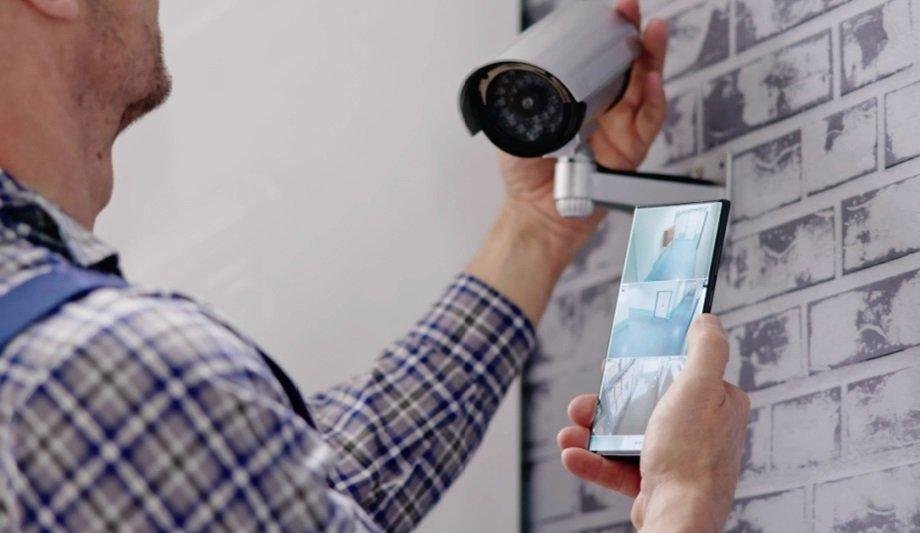
Once you’re comfortable with connected lighting, you may want to integrate other smart home devices. Many lighting systems work seamlessly with thermostats, security cameras, and voice assistants. This allows you to create routines—like turning off all lights and locking doors with a single command.
For those interested in optimizing energy use, learning about ai battery management systems for homes can help you take your smart home to the next level.
Frequently Asked Questions
Can I install smart bulbs if I rent my home?
Yes, most smart bulbs require no changes to wiring or fixtures. You can simply swap out existing bulbs and take them with you if you move.
Do smart lights use more electricity than regular bulbs?
Most smart bulbs are LED-based and use less energy than traditional incandescent bulbs. The extra power used for connectivity is minimal compared to the energy savings from automation and scheduling.
Is it safe to use smart lighting with children or pets in the home?
Smart lighting is generally safe for all households. As with any electrical device, ensure bulbs and switches are installed correctly and keep apps or remotes out of reach of young children if you’re concerned about accidental changes.
Conclusion
Getting started with smart lighting for beginners is easier than ever, offering convenience, energy savings, and a touch of modern flair to any home. By choosing the right products and following simple setup steps, you can enjoy greater control and flexibility over your lighting. As you become more familiar with these systems, you may find yourself exploring even more ways to automate and enhance your living space.