
Choosing the right wireless protocol is a crucial step when setting up a smart lighting system at home or in a business. With so many options available, understanding the differences between popular technologies like Zigbee and WiFi can help you make informed decisions for reliability, compatibility, and performance. In this guide, we’ll break down the essentials of these two leading wireless standards, compare their strengths and weaknesses, and offer practical advice for selecting the best fit for your needs.
As smart lighting becomes more integrated into daily life, knowing how these wireless protocols work—and what makes them different—can help you achieve greater convenience, energy efficiency, and security. For those interested in enhancing safety, you may also want to explore smart lighting automation for safety to secure your family and property.
Understanding Wireless Protocols for Smart Lighting
Wireless protocols are the communication standards that allow your smart bulbs, switches, and controllers to talk to each other and to your home network. The two most common options for smart lighting are Zigbee and WiFi. Each protocol has unique characteristics that affect how your lighting system performs, how easy it is to expand, and how reliable it will be over time.
Let’s explore what sets these technologies apart and how they impact your smart lighting experience.
Zigbee: Mesh Networking for Reliable Smart Lighting
Zigbee is a wireless protocol designed specifically for low-power, low-data-rate applications like smart lighting, sensors, and home automation devices. One of its standout features is its mesh networking capability. In a Zigbee mesh, each device can relay signals to other devices, extending the network’s range and improving reliability—even in large homes or buildings.
- Low Power Consumption: Zigbee devices are energy efficient, making them ideal for battery-powered sensors and bulbs.
- Mesh Network: Devices communicate with each other, not just with a central hub, so the network can cover more area and recover from individual device failures.
- Interoperability: Many brands support Zigbee, allowing you to mix and match products from different manufacturers.
- Hub Required: Zigbee systems typically need a central hub or bridge to connect to your WiFi network and the internet.
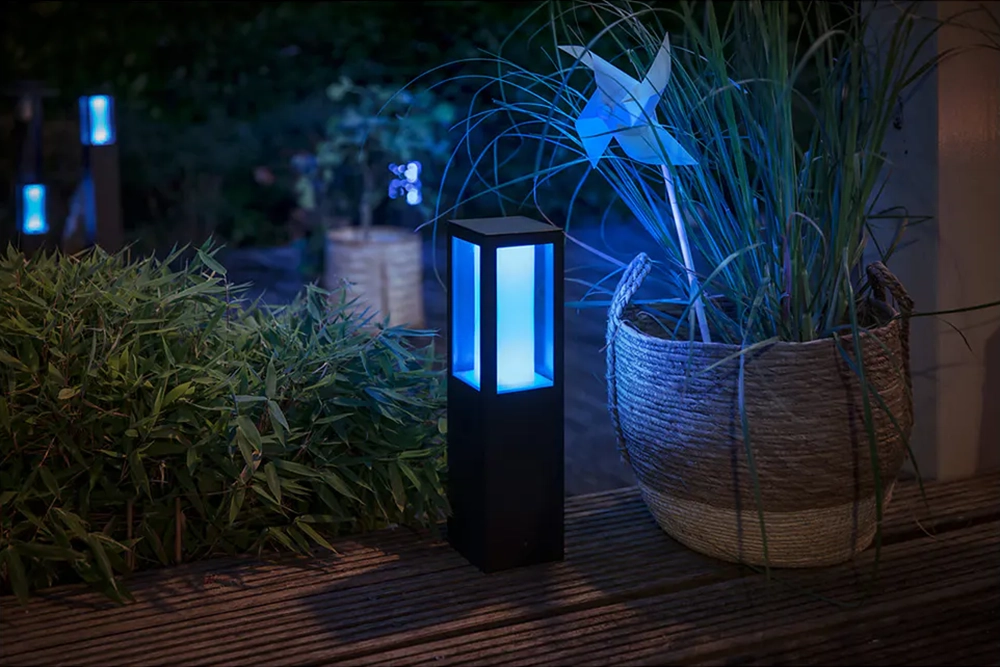
This protocol is favored by many smart lighting brands, including Philips Hue and Sengled, due to its reliability and scalability. If you’re planning a large or expandable lighting setup, Zigbee’s mesh networking offers significant advantages.
WiFi: Direct Connectivity and Simplicity
WiFi-based smart lighting connects directly to your home’s wireless router, eliminating the need for a separate hub. This approach is popular for its simplicity and ease of setup, especially for smaller installations or users who want to avoid extra hardware.
- Direct Connection: Devices communicate straight with your WiFi network, making setup straightforward.
- High Bandwidth: WiFi supports higher data rates, which can be useful for devices that require more frequent updates or advanced features.
- No Hub Needed: Most WiFi smart bulbs and switches work with just your router and a smartphone app.
- Network Congestion: Adding many WiFi devices can strain your router, potentially impacting performance for other devices.
- Range Limitations: WiFi coverage depends on your router’s strength and placement. Large homes may need additional access points.
Brands like TP-Link Kasa and LIFX offer WiFi smart lighting products that are easy to install and control. For users with a robust home network and a moderate number of devices, WiFi can be a convenient and cost-effective solution.
Comparing Zigbee and WiFi for Smart Lighting
When evaluating smart lighting wireless protocols, it’s important to consider your specific needs, the size of your space, and your long-term plans for expansion. Here’s a side-by-side comparison of key factors:
| Feature | Zigbee | WiFi |
|---|---|---|
| Network Type | Mesh (devices relay signals) | Star (devices connect to router) |
| Power Usage | Very low | Moderate to high |
| Hub Required | Yes | No |
| Scalability | Excellent for large setups | Limited by router capacity |
| Interference | Less, operates on 2.4 GHz (sometimes 915 MHz) | Possible congestion on 2.4 GHz band |
| Device Compatibility | Wide (multi-brand support) | Varies by manufacturer |
For homes with many smart devices, Zigbee’s mesh network can offer more reliable coverage and less interference. WiFi, on the other hand, is ideal for smaller setups or users who want to avoid extra equipment.
Security, Reliability, and Future-Proofing
Security is a top concern for any connected device. Both Zigbee and WiFi use encryption to protect your data, but their approaches differ. Zigbee’s mesh network can be more resilient to single-point failures, while WiFi devices may be more vulnerable if your router is compromised.
Reliability is another key factor. Zigbee’s mesh design means that if one device fails, others can still communicate by rerouting signals. WiFi devices depend on the strength and stability of your home network, so a weak signal or overloaded router can lead to dropped connections.
Looking ahead, both protocols are evolving. New standards like Matter aim to unify smart home devices, making compatibility and integration even easier. For now, choosing between Zigbee and WiFi depends on your current needs, the size of your installation, and your preferred brands.
Practical Considerations for Choosing a Protocol
To decide between Zigbee and WiFi for your smart lighting, consider the following:
- Number of Devices: Large setups benefit from Zigbee’s mesh network, while WiFi is fine for a handful of bulbs or switches.
- Ease of Setup: WiFi devices are generally plug-and-play, while Zigbee may require a hub and some initial configuration.
- Expansion Plans: If you plan to add more devices over time, Zigbee’s scalability is a strong advantage.
- Brand Ecosystem: Some brands only support one protocol. Check compatibility with your preferred smart home platform (e.g., Alexa, Google Home, Apple HomeKit).
- Network Environment: If your WiFi is already crowded, adding Zigbee devices can reduce congestion.
For outdoor or security-focused lighting, you may want to read about smart lighting outdoor security tips to further enhance your system’s effectiveness.
Benefits of Smart Lighting and Wireless Protocols
Beyond convenience, smart lighting can transform the way you use energy and interact with your environment. Wireless protocols like Zigbee and WiFi enable features such as remote control, scheduling, automation, and integration with other smart devices. For a deeper dive into the impact of connected lighting, see these surprising ways LED smart lighting transforms businesses and organizations.
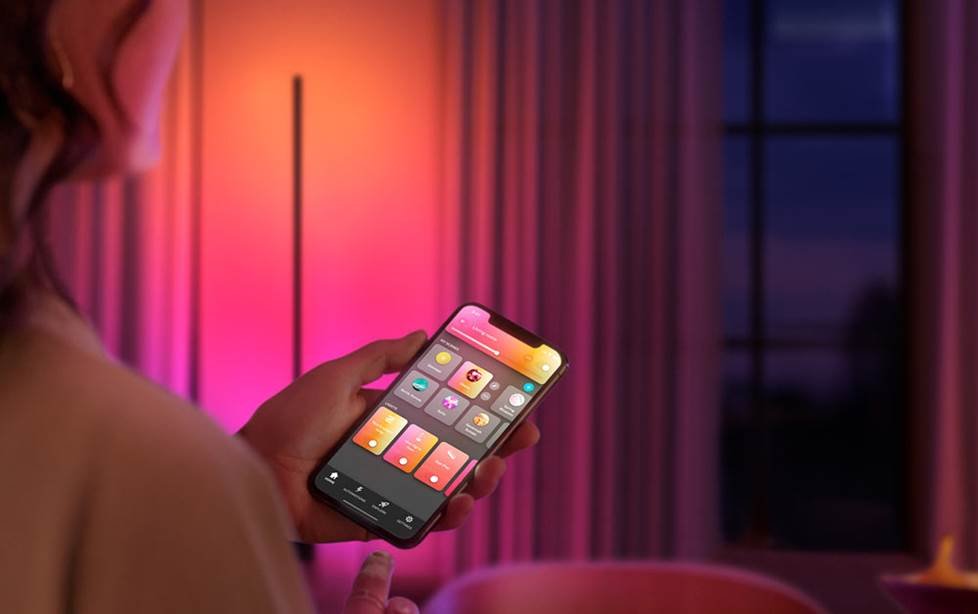
Whether you’re looking for enhanced security, energy savings, or just the ability to set the perfect mood with a tap on your phone, choosing the right wireless protocol is the foundation for a successful smart lighting setup.
FAQ: Common Questions About Smart Lighting Wireless Protocols
Which protocol is better for large homes?
Zigbee is generally better suited for large homes or installations with many devices. Its mesh networking allows signals to hop between devices, extending coverage and improving reliability compared to WiFi, which depends on your router’s range.
Do I need a hub for Zigbee smart lights?
Yes, most Zigbee-based lighting systems require a central hub or bridge to connect the Zigbee network to your home WiFi and enable app or voice control. Some newer devices are starting to support direct connections, but a hub is still the standard for full functionality.
Will WiFi smart bulbs slow down my internet?
Adding a few WiFi smart bulbs typically won’t impact your internet speed. However, if you install many WiFi devices, they can compete for bandwidth and potentially slow down your network, especially if your router is older or already handling many connections.
Can I mix Zigbee and WiFi devices in one system?
Yes, you can use both types in the same home, but they will operate on separate networks. Some smart home platforms and voice assistants can control both, allowing you to manage all your devices from a single app or interface.
Are Zigbee and WiFi secure?
Both protocols use encryption to protect your data. Keeping your devices and apps updated, using strong passwords, and securing your home network are important steps for maintaining security.
By understanding the differences between Zigbee and WiFi, you can build a smart lighting system that fits your space, supports your goals, and grows with your needs. For more on the benefits and safety features of connected lighting, explore topics like smart lighting motion detection explained and smart lighting safety advantages to make the most of your setup.