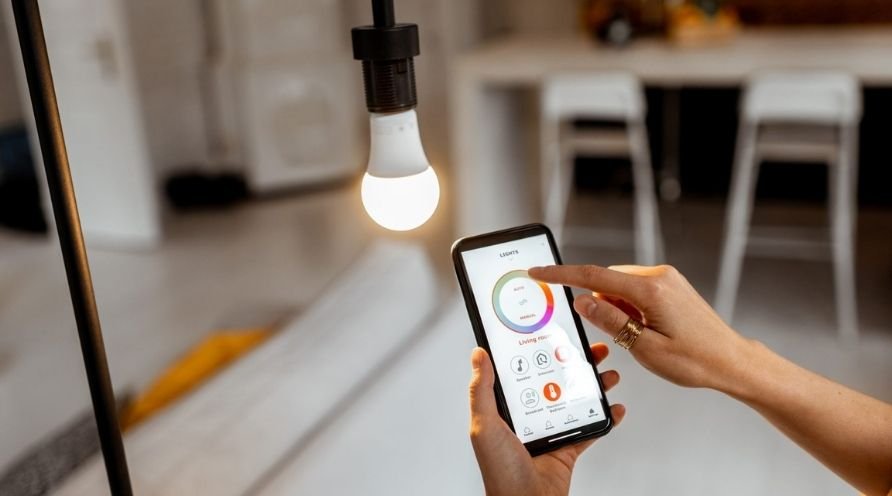
Understanding how motion sensors work with smart lighting is key to making homes more efficient, secure, and comfortable. As homes become more connected, lighting systems that respond to movement are no longer a futuristic luxury—they’re a practical upgrade for everyday living. This guide breaks down the essentials of smart lighting motion detection explained, showing how these systems operate, their benefits, and what to consider when choosing or installing them.
Whether you’re interested in saving energy, boosting home security, or simply adding convenience, motion-activated lighting offers a flexible solution. By integrating sensors with smart bulbs or switches, lights can automatically turn on or off based on occupancy, time of day, or even your personal routines.
For those interested in simulating presence while away, the smart lighting presence simulation guide offers practical strategies to make your home appear occupied using automated lighting routines.
How Motion-Activated Lighting Works
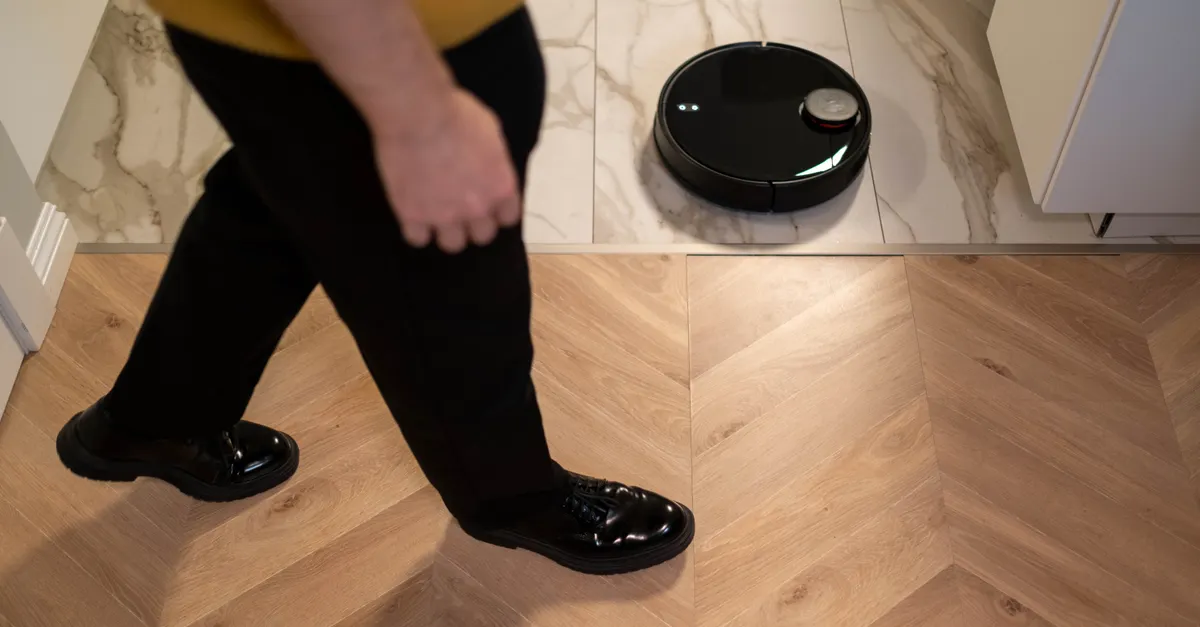
At the heart of any motion-responsive lighting system is a sensor that detects movement within a defined area. When the sensor is triggered, it sends a signal to the light fixture or smart hub, activating the lights. After a set period of inactivity, the lights turn off automatically. This process is seamless and can be customized based on your preferences or the capabilities of your smart home platform.
There are several common types of motion sensors used in these systems:
- PIR (Passive Infrared) Sensors: Detect heat signatures from people or animals moving within their range.
- Microwave Sensors: Emit microwave pulses and measure reflections to detect movement, often more sensitive and able to sense through thin walls.
- Ultrasonic Sensors: Use sound waves to sense motion, suitable for areas where line-of-sight detection is challenging.
Most smart lighting products use PIR sensors due to their reliability and energy efficiency. Some advanced systems combine multiple sensor types for greater accuracy and fewer false triggers.
Benefits of Motion-Responsive Smart Lighting
Adopting lighting that reacts to movement brings a range of advantages for homeowners and renters alike. Here are some of the most notable benefits:
- Energy Savings: Lights only operate when needed, reducing electricity consumption and lowering utility bills.
- Convenience: No more fumbling for switches in the dark—lights activate as you enter a room or hallway.
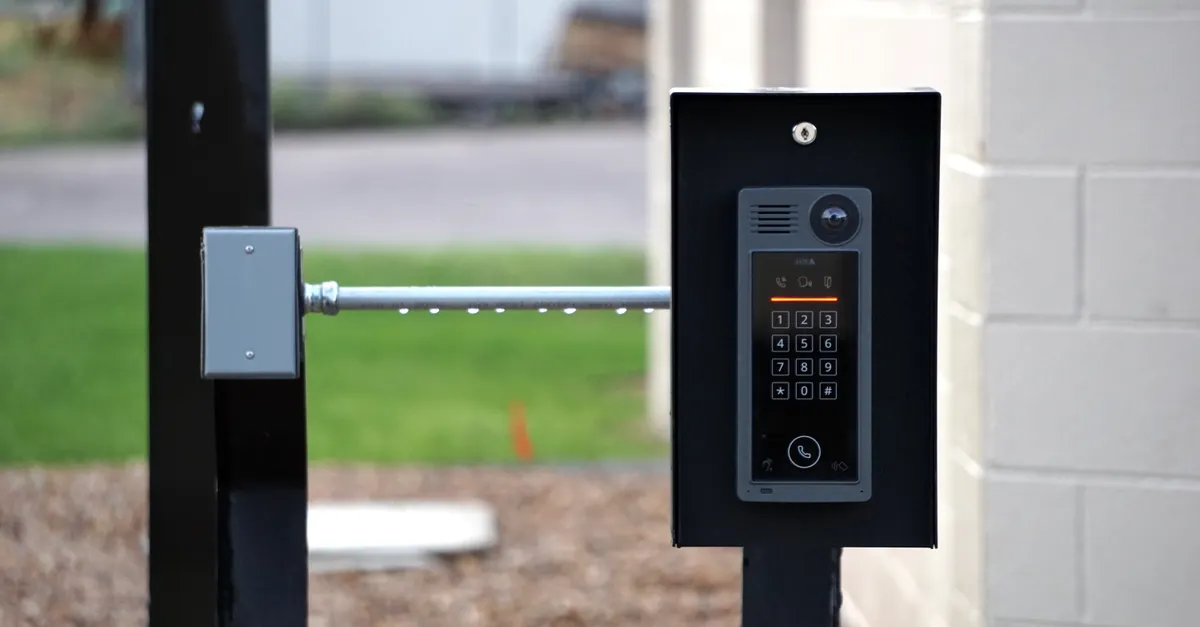
- Enhanced Security: Motion-triggered lights can deter intruders by illuminating entryways or outdoor spaces when unexpected movement is detected.
- Accessibility: Especially helpful for children, seniors, or anyone with mobility challenges, as lights respond automatically to presence.
- Customization: Many systems allow you to adjust sensitivity, timer settings, and even integrate with other smart devices for routines and automation.
For a deeper dive into the security aspect, the smart lighting security benefits article explores how these systems help protect your property.
Key Features to Look For in Motion-Activated Lighting
When selecting a smart lighting system with motion detection, consider these important features to maximize value and performance:
- Adjustable Sensitivity: Fine-tune how easily the sensor responds to movement, reducing false triggers from pets or passing cars.
- Timer Settings: Set how long the light stays on after motion is detected, from a few seconds to several minutes.
- Integration with Smart Home Platforms: Ensure compatibility with your preferred ecosystem, such as Alexa, Google Home, or Apple HomeKit.
- Zone Control: Some systems allow you to define specific areas or zones for tailored lighting responses.
- Ambient Light Sensors: Advanced models can detect daylight and only activate when it’s dark, further improving energy efficiency.
- Remote Access: Control and monitor your lighting from anywhere using a smartphone app.
For those interested in how lighting can impact mood and well-being, the smart lighting color psychology guide provides insights into using color and brightness to influence your environment.
Installation and Setup Tips
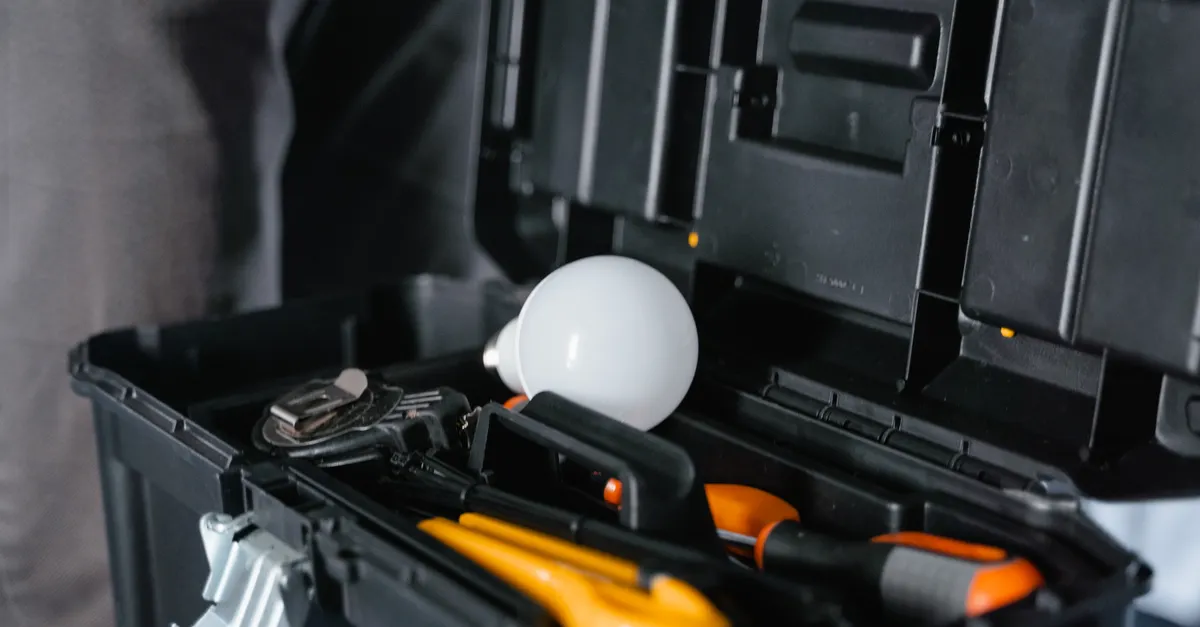
Setting up a motion-responsive lighting system is typically straightforward, but a few best practices can help you get the most from your investment:
- Choose the Right Location: Place sensors where they have a clear view of entry points, hallways, or high-traffic areas. Avoid pointing sensors directly at windows or heat sources to minimize false triggers.
- Follow Manufacturer Instructions: Each brand or model may have unique setup steps, especially when integrating with smart hubs or voice assistants.
- Test and Adjust: After installation, walk through the detection area to confirm the sensor’s range and response. Adjust sensitivity and timer settings as needed.
- Consider Layering: For larger homes, combining multiple sensors or integrating with other smart devices can create a seamless experience across different rooms and zones.
If you’re interested in enhancing your home’s ambiance, the smart lighting ambiance tips article offers creative ways to use light effects for decor and atmosphere.
Integrating Motion Detection with Other Smart Features
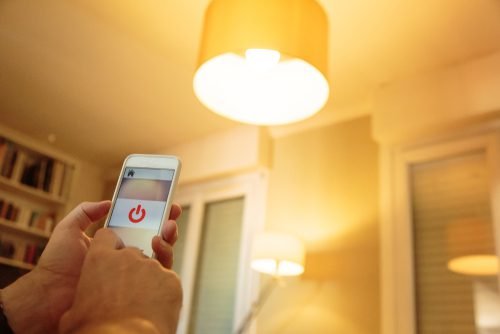
Modern smart lighting platforms allow for a high degree of customization and integration. Motion sensors can trigger not just lights, but also other devices such as alarms, cameras, or thermostats. For example, entering a room could activate both the lights and your preferred playlist, or trigger a security camera to start recording.
Some systems also support routines based on time of day or occupancy patterns. For instance, you can program lights to gradually brighten in the morning as you wake up, or dim automatically at night to support your circadian rhythm. The smart lighting circadian rhythm explained article discusses how lighting can be tuned for better sleep and daily wellness.
For more on the broader benefits of connected lighting, see this overview of smart lighting advantages for homes.
Common Challenges and Troubleshooting
While motion-activated lighting is generally reliable, users may occasionally encounter issues such as:
- False Triggers: Pets, HVAC vents, or passing vehicles can sometimes activate sensors. Adjusting sensitivity or repositioning the sensor can help.
- Missed Detections: If the sensor’s range is too limited or obstructed, it may not detect movement reliably. Ensure a clear line of sight and consider upgrading to a sensor with a wider field of view.
- Connectivity Problems: Wireless systems may experience interference. Keeping your smart hub and devices updated, and ensuring a strong Wi-Fi signal, can resolve most issues.
- Integration Glitches: If your lighting doesn’t respond as expected to motion, double-check compatibility and automation settings within your smart home app.
Regular maintenance, such as cleaning sensor lenses and updating firmware, will help keep your system running smoothly.
FAQ
Can I use motion-activated lighting outdoors?
Yes, many smart lighting products are designed for outdoor use. Look for weather-resistant models with adjustable sensitivity to handle varying environmental conditions. Outdoor motion sensors are ideal for driveways, porches, and pathways.
Will motion sensors work with pets in the house?
Most modern sensors allow you to adjust sensitivity or set “pet immunity” levels to avoid triggering lights with small animals. Placement and configuration are key—mount sensors higher on the wall to reduce false activations from pets.
Do I need a smart home hub for motion-activated lighting?
Not always. Some smart bulbs and switches work independently via Wi-Fi or Bluetooth. However, using a hub can expand automation options and make it easier to integrate with other devices and routines.
How does motion detection improve home security?
Motion-activated lights can deter intruders by instantly illuminating dark areas when movement is detected. This visibility can discourage unwanted visitors and alert you to activity around your home.
Smart lighting with motion sensors is a practical step toward a more responsive, efficient, and secure home environment. By understanding how these systems work and what features to look for, you can choose the best solution for your needs and enjoy the convenience of truly intelligent lighting.