As homes become more connected, lighting systems are evolving from simple on-off switches to intelligent networks that can deliver much more than illumination. One of the most practical advancements is the use of smart lighting alerts—visual notifications that communicate important information through light. Whether you want to know when someone is at the door, receive reminders, or enhance your home’s safety, these systems offer a new layer of convenience and awareness.
This article unpacks how visual notifications work, the different types of alerts available, and how you can use them to make your living space smarter and safer. If you’re interested in broader security benefits, you might also want to explore smart lighting automation for safety and how it can help protect your family.
What Are Visual Notifications in Smart Lighting?
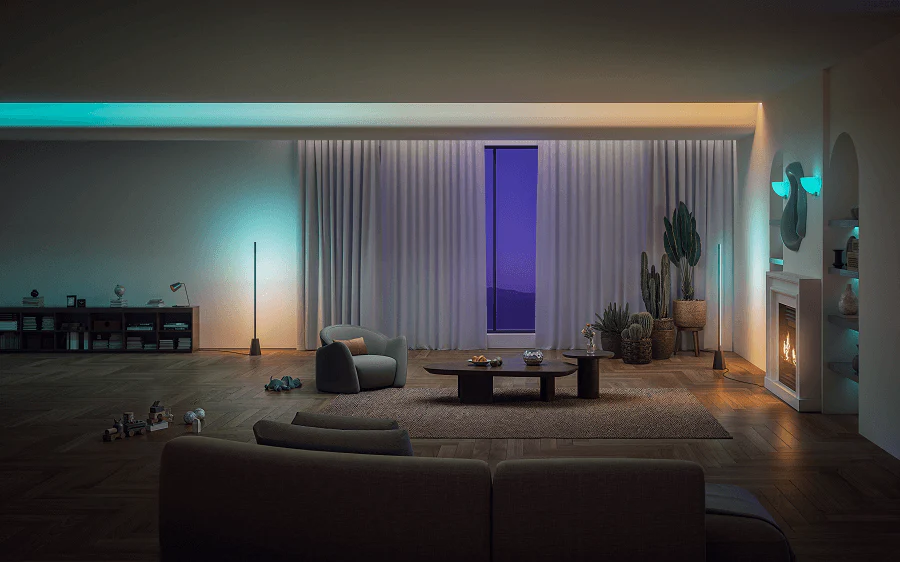
Visual notifications are signals delivered by your lighting system that use color changes, blinking, dimming, or patterns to convey information. Instead of relying on sounds or phone notifications, these cues use light to alert you to events or changes in your environment. This approach is especially useful for people who prefer non-intrusive alerts or need accessible solutions for hearing impairments.
Common examples include lights flashing blue when you receive a message, turning red for security alerts, or gently pulsing to remind you of a scheduled event. The flexibility of these systems allows users to customize alerts according to their needs and preferences.
How Smart Lighting Alerts Work
Modern smart lighting systems connect to your home network and integrate with other devices, such as doorbells, security cameras, and voice assistants. When a trigger event occurs—like someone ringing your smart doorbell—the system sends a command to your lights to perform a specific action. This could be a color change, a blink, or a sequence that signals the event to you visually.
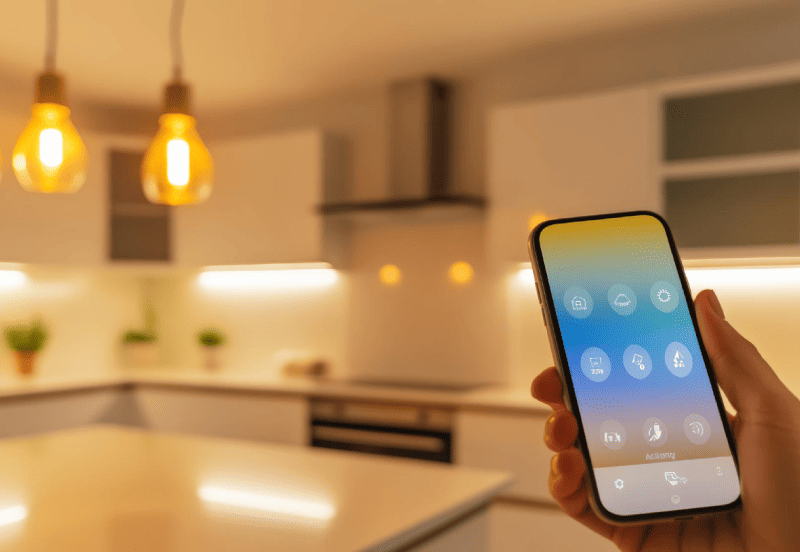
Many platforms, such as Philips Hue and Kasa, offer apps that let you configure these alerts. You can set up rules so that, for example, your hallway lights flash green when a package is delivered or your living room lights dim when your favorite show starts. The possibilities are extensive, and the technology is designed to be user-friendly for both beginners and advanced users.
Types of Alerts You Can Set Up
There are several categories of visual notifications you can implement with smart lighting. Here are some of the most popular:
- Security Alerts: Lights can flash or change color when motion is detected outside, or if a door or window is opened unexpectedly. This can serve as a deterrent and provide instant awareness.
- Reminders and Schedules: Set your lights to pulse or shift hues to remind you of meetings, medication times, or bedtime routines.
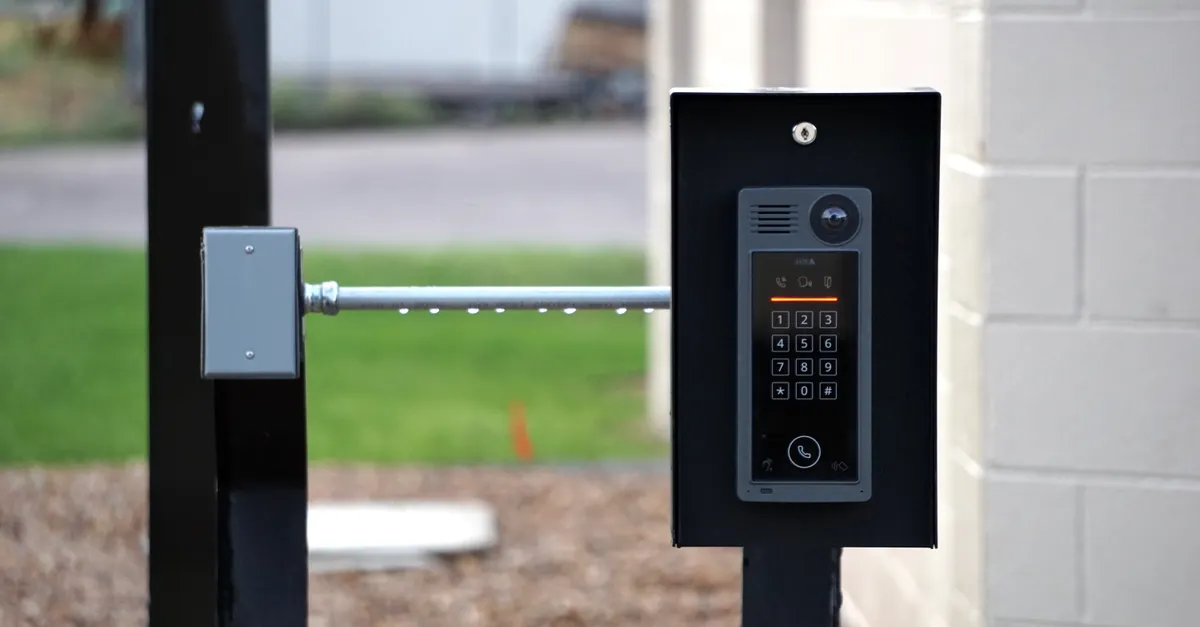
- Visitor Notifications: Get a visual cue when someone rings your smart doorbell or enters your property, making it easier to respond promptly.
- Weather and Emergency Warnings: Some systems can integrate with weather services to alert you to severe weather by turning lights a specific color.
- Integration with Other Smart Devices: Connect your lighting to smart speakers, thermostats, or appliances for coordinated alerts, such as lights dimming when your oven finishes preheating.
For more advanced uses, consider exploring motion detection in smart lighting to create reactive environments that respond instantly to movement.
Benefits of Using Visual Notifications
Incorporating visual cues into your home automation setup brings several advantages:
- Non-Intrusive Alerts: Light-based notifications are silent and won’t disturb conversations, sleep, or quiet activities.
- Accessibility: Visual signals are ideal for users with hearing impairments or those who prefer not to rely on audio cues.
- Immediate Awareness: Color changes or blinking lights are hard to miss, ensuring you notice important events quickly.
- Customization: Most systems allow you to tailor alerts to your preferences, choosing colors, patterns, and triggers that suit your lifestyle.
- Enhanced Security: Visual warnings can deter intruders and help you react faster to emergencies.
To see how these benefits extend beyond notifications, check out the safety advantages of smart lighting for a deeper look at how lighting can protect your home.
Setting Up Smart Lighting Notifications
Getting started with visual alerts is straightforward, especially with today’s user-friendly platforms. Here’s a step-by-step overview:
- Choose Compatible Devices: Select smart bulbs or fixtures that support visual notifications, such as Philips Hue or Kasa. Make sure they are compatible with your home’s hub or voice assistant.
- Install and Connect: Follow the manufacturer’s instructions to install the bulbs and connect them to your Wi-Fi or smart home hub.
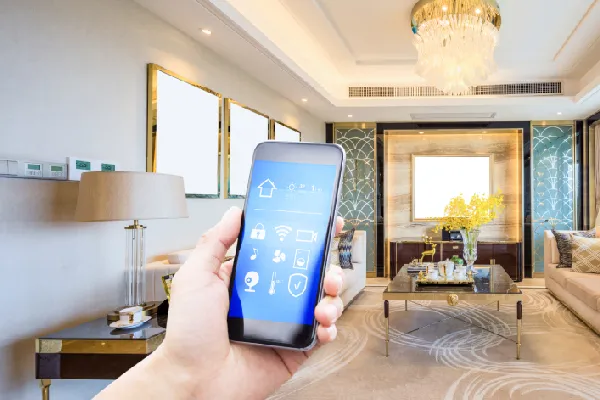
- Configure Alerts: Use the app provided by your lighting system to set up rules and triggers. Many apps allow you to assign specific colors or patterns to different events.
- Integrate with Other Devices: For more advanced setups, link your lights with doorbells, cameras, or sensors to expand the range of notifications.
- Test and Adjust: Run tests to ensure your alerts are working as expected. Adjust brightness, color, or timing to suit your preferences.
If you’re interested in maximizing your system’s capabilities, consider reading about outdoor security tips for smart lighting to extend visual notifications to your yard or driveway.
Popular Use Cases for Visual Alerts
Smart lighting systems are highly adaptable, and homeowners are finding creative ways to use visual notifications. Here are a few real-world examples:
- Front Door Alerts: When someone rings the doorbell, the hallway lights blink or change color, letting you know a visitor has arrived—even if you’re away from your phone.
- Child Safety: Lights in a child’s room can gently pulse at bedtime or when it’s time to do homework, providing a subtle reminder without nagging.
- Home Security: If a security sensor detects movement at night, exterior lights flash red to warn off potential intruders and alert the household.
- Weather Warnings: Integrate with weather services to have your lights turn blue for a storm warning or orange for a heat advisory.
- Routine Automation: Set up daily routines so that lights gradually brighten in the morning or dim in the evening, signaling transitions throughout the day.
For even more ideas, you can learn about presence simulation with smart lighting to make your home appear occupied when you’re away.
Integrating Smart Lighting with Other Home Systems
One of the strengths of modern lighting technology is its ability to work alongside other smart devices. By connecting your lights to door sensors, cameras, or even your calendar, you can create a unified system that keeps you informed and secure. For example, a motion sensor in your driveway can trigger your porch lights to flash, or your calendar can prompt your office lights to blink before a meeting starts.
For a comprehensive look at the advantages of these integrations, see the benefits of smart lighting in your home and discover how these systems can streamline daily life.
FAQ
Can I customize the colors and patterns for my smart lighting notifications?
Yes, most smart lighting platforms allow you to choose specific colors, brightness levels, and blinking patterns for different types of alerts. This makes it easy to assign unique visual cues to various events or notifications.
Are visual notifications suitable for people with hearing impairments?
Absolutely. Visual alerts are an excellent solution for those who are deaf or hard of hearing, providing a clear and accessible way to receive important information without relying on sound.
Do I need special equipment to use visual notifications?
You’ll need smart bulbs or fixtures that support programmable notifications, as well as a compatible hub or app. Many popular brands, such as Philips Hue and Kasa, offer these features out of the box.
Smart lighting alerts offer a flexible, accessible, and non-intrusive way to stay informed and secure in your home. By leveraging visual notifications, you can create a more responsive and personalized living environment that adapts to your needs and routines.