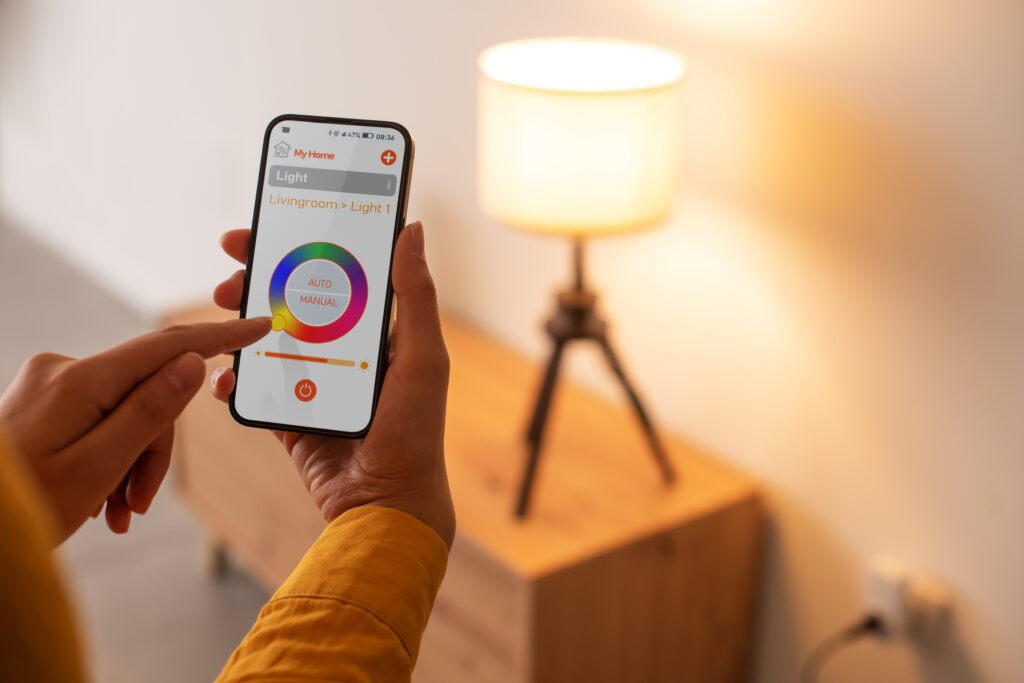
Modern smart lighting systems offer more than just convenience and energy savings—they can play a crucial role in home security by making your house appear occupied even when you’re away. This smart lighting presence simulation guide will walk you through the strategies, benefits, and practical steps to set up lighting automation that deters intruders and gives you peace of mind.
With the right setup, your lights can mimic authentic household activity, making it difficult for anyone to tell if the property is vacant. We’ll cover how to choose the best devices, set up effective schedules, and integrate your system with other smart home tools. For those interested in broader security strategies, the smart lighting for home security guide offers additional insights into deterring unwanted visitors.
Why Simulating Presence Matters for Home Security
Leaving your home dark for extended periods is a clear signal to potential intruders that no one is present. By using smart lighting presence simulation, you can create the illusion of activity, reducing the risk of break-ins. Unlike traditional timers, modern smart bulbs and switches offer randomized schedules, remote control, and integration with other smart devices for a more convincing effect.
Research shows that visible signs of occupancy are among the most effective deterrents against burglary. Smart lighting can be programmed to turn on and off in different rooms, at varying times, and even mimic the patterns of a typical evening at home. This approach is far more realistic than simply leaving a single lamp on all night.
Choosing the Right Smart Lighting Devices
To get started, you’ll need compatible bulbs, switches, or plugs that support scheduling and remote control. Popular brands like Philips Hue, Kasa, and LIFX offer a range of options. When selecting devices, consider:
- Compatibility with your existing smart home ecosystem (Alexa, Google Assistant, Apple HomeKit, etc.)
- Support for randomized schedules and presence simulation features
- Ease of installation and setup
- Energy efficiency and bulb lifespan
For a deeper understanding of how lighting can impact your home’s security, you might also find the smart lighting security benefits resource helpful.
Setting Up Automated Lighting Schedules
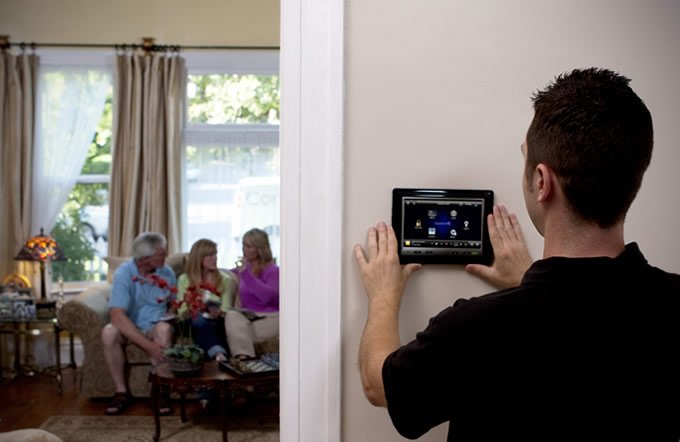
Once you’ve chosen your hardware, the next step is to configure schedules that simulate real household activity. Most smart lighting apps allow you to:
- Set lights to turn on and off at specific times
- Randomize on/off patterns to avoid predictable routines
- Control multiple rooms independently
- Adjust brightness and color temperature to mimic natural usage
For example, you might have the living room lights turn on at sunset, the bedroom lamp activate for a short period later in the evening, and the hallway light come on briefly during the night. Varying these patterns makes your home appear genuinely occupied.
Some platforms also offer “vacation mode” or “away mode” features, which automate this process with minimal input. Explore your device’s app for these options, or consider third-party automation tools if your system supports them.
Integrating Presence Simulation with Other Smart Home Features
For an even more convincing effect, combine your lighting schedules with other smart devices. Integration with smart plugs, speakers, or even motorized blinds can enhance the illusion of activity. For instance, pairing lighting with audio cues or adjusting window coverings at different times can further deter potential intruders.
Many systems allow you to trigger lighting based on geolocation, so your lights automatically adjust when you leave or return home. This not only improves security but also adds convenience to your daily routine.
To learn how lighting can influence your mood and overall well-being, the smart lighting color psychology guide explores the psychological effects of different lighting choices.
Best Practices for Realistic Lighting Simulation
To maximize the effectiveness of your smart lighting presence simulation, keep these tips in mind:
- Avoid predictable patterns: Use randomized or slightly varied schedules so lights don’t turn on and off at exactly the same times each day.
- Include multiple rooms: Simulate movement by activating lights in different areas, not just a single lamp.
- Adjust brightness: Vary intensity to reflect typical evening routines, such as dimming lights before bedtime.
- Combine with other cues: Use smart plugs to control radios or TVs for added realism.
- Update schedules seasonally: Adjust for changes in daylight hours and your own travel patterns.
For more on how smart lighting can support healthy sleep habits, see the smart lighting circadian rhythm explained article.
Additional Benefits of Smart Lighting Automation
Beyond security, automating your lights can improve energy efficiency and convenience. Smart bulbs often use less power than traditional lighting, and schedules ensure lights aren’t left on unnecessarily. Many systems also support voice control and integration with other smart home routines, adding flexibility to your daily life.
For a comprehensive look at the advantages of intelligent lighting, see this overview of smart lighting benefits covering energy savings, customization, and more.
Common Mistakes to Avoid When Simulating Presence
While smart lighting is a powerful tool, there are a few pitfalls to watch out for:
- Overusing a single light: Relying on one lamp can look unnatural and may signal automation to observant intruders.
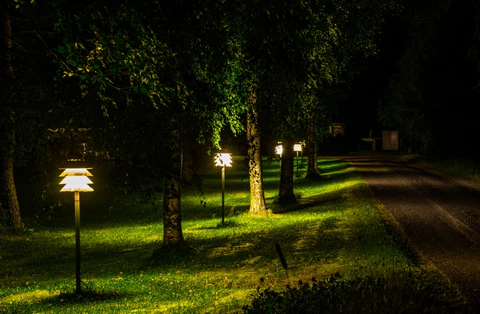
- Neglecting exterior lighting: Outdoor lights with motion sensors or scheduled activation can further enhance security.
- Ignoring app updates: Keep your smart home apps and firmware current to ensure reliability and access to the latest features.
- Forgetting manual overrides: Make sure you can easily adjust your schedules if your plans change unexpectedly.
FAQ
How does smart lighting simulate presence when I’m away?
Smart lighting systems use programmable schedules and randomized patterns to turn lights on and off in different rooms, mimicking real household activity. Some systems offer “away mode” or similar features that automate this process, making your home look occupied even if you’re traveling.
Can I control my smart lights remotely?
Yes, most smart lighting platforms allow you to control your lights from anywhere using a smartphone app. This lets you adjust schedules, turn lights on or off, and monitor your home’s status in real time.
Is it safe to rely solely on lighting for home security?
While lighting automation is an effective deterrent, it’s best used as part of a broader security strategy. Combine smart lighting with locks, alarms, cameras, and other measures for comprehensive protection. For more ideas, see the smart lighting ambiance tips for ways to enhance both security and atmosphere.