Upgrading to smart lighting can transform your home’s convenience, efficiency, and atmosphere. However, to get the most out of your investment, it’s essential to approach the process with a clear plan. This smart lighting planning checklist will help you cover every step, from understanding your needs to choosing compatible devices and ensuring seamless installation.
Whether you’re starting with a single room or planning a whole-home upgrade, careful preparation will save you time, money, and frustration. We’ll walk through the most important considerations, highlight common pitfalls, and provide practical tips for a smooth transition to intelligent lighting.
Before diving into the details, it’s wise to review smart lighting installation considerations to avoid common mistakes and ensure your setup matches your home’s requirements.
Why Careful Preparation Matters for Smart Lighting
Jumping into smart lighting without a plan can lead to compatibility issues, wasted money, and underwhelming results. By following a structured approach, you’ll:
- Ensure all devices work together seamlessly
- Meet your household’s unique lighting needs
- Maximize energy savings and automation benefits
- Avoid costly rewiring or product returns
Let’s break down the essential steps for a successful smart lighting upgrade.
Assessing Your Home’s Lighting Needs
Start by taking stock of your current lighting setup. Walk through each room and note:
- Number and type of light fixtures (ceiling, lamps, outdoor, etc.)
- Current bulb types (LED, incandescent, etc.)
- Switch locations and whether they’re single-pole, three-way, or dimmers
- Areas where you want to add automation or voice control
Consider your goals: Do you want to automate schedules, control lights remotely, or create mood lighting? Your answers will shape your product choices and installation approach.
Choosing the Right Smart Lighting Products
With your needs mapped out, research which smart bulbs, switches, or fixtures best fit your home. Key factors to consider include:
- Compatibility with your existing wiring and fixtures
- Support for your preferred smart home platform (Alexa, Google Home, Apple HomeKit, etc.)
- Features such as color-changing, dimming, or motion sensing
- Energy efficiency ratings
For a deeper dive into device protocols and standards, see smart lighting standards explained.
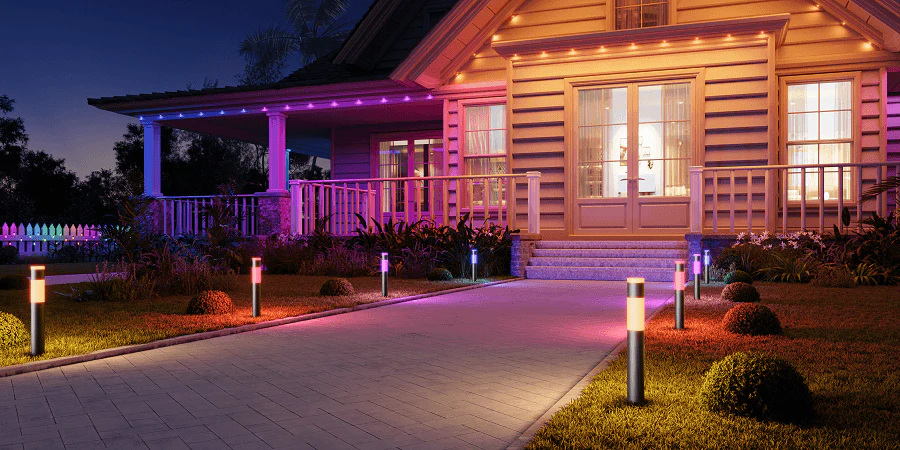
Smart Lighting Planning Checklist: Key Steps
Use this step-by-step guide to ensure you don’t miss any critical details:
- Inventory Your Fixtures: List every light you want to automate, noting fixture type and location.
- Check Compatibility: Confirm your wiring and switches support smart devices. Some smart switches require a neutral wire.
- Choose a Platform: Decide if you’ll use Alexa, Google Assistant, Apple HomeKit, or another system for control.
- Select Products: Pick bulbs, switches, or plugs that fit your needs and work with your chosen platform.
- Plan Control Methods: Decide where you want voice, app, or physical switch control.
- Consider Automation: Think about schedules, motion sensors, or routines you want to set up.
- Check Interoperability: Ensure all devices can communicate, especially if mixing brands. Learn more at smart lighting interoperability explained.
- Review Safety and Certification: Only buy products with recognized safety certifications. For details, see smart lighting certification explained.
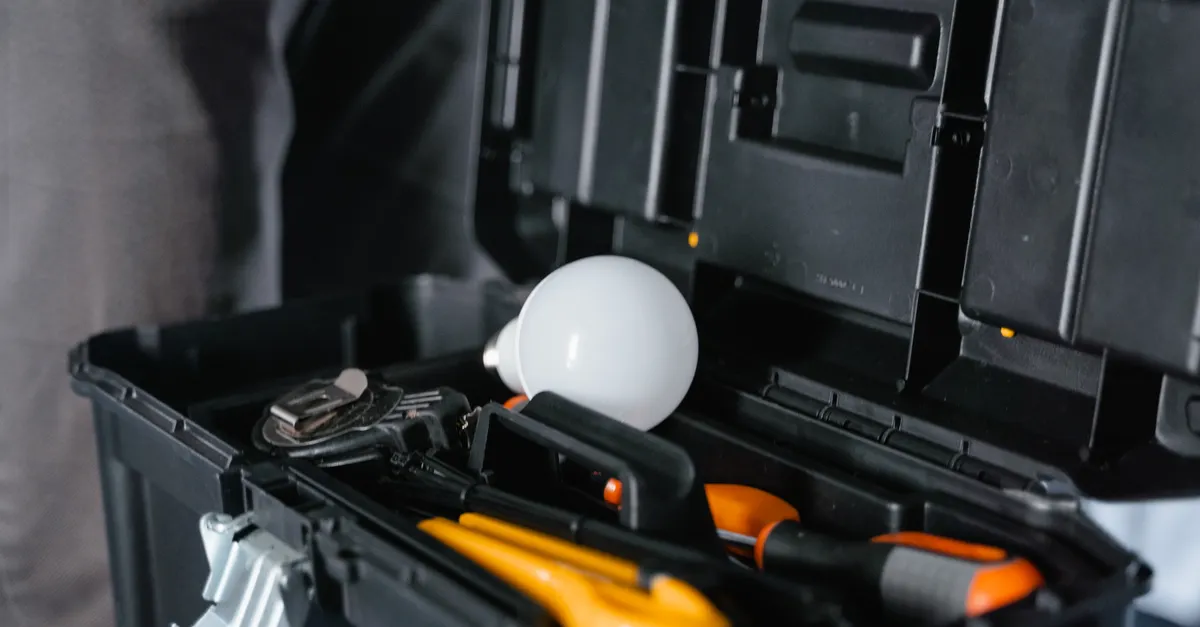
- Prepare for Installation: Gather tools, read manuals, and decide if you need professional help.
- Test and Adjust: After setup, test all controls and automations, and tweak as needed.
Ensuring Device Compatibility and Connectivity
One of the most common frustrations in smart lighting projects is device incompatibility. To avoid this, check:
- Supported wireless protocols (Wi-Fi, Zigbee, Z-Wave, Bluetooth, Thread, etc.)
- Hub requirements—some systems need a dedicated hub, while others connect directly to your network
- Firmware update support for ongoing security and feature improvements
If you run into issues syncing devices, refer to smart lighting compatibility challenges for troubleshooting tips.

Automation, Scheduling, and Scene Setting
One of the biggest advantages of intelligent lighting is the ability to automate routines and create custom scenes. Consider:
- Setting lights to turn on/off based on time, sunrise/sunset, or occupancy
- Grouping lights by room or activity (e.g., “movie night” scene)
- Integrating with other smart home devices, such as thermostats or security systems
For more on the benefits and possibilities of connected lighting, check out this introduction to smart lighting and its benefits.
Common Pitfalls and How to Avoid Them
Even with a thorough checklist, some challenges are easy to overlook. Watch out for:
- Overloading your Wi-Fi network with too many devices
- Buying bulbs or switches that don’t fit your fixtures
- Neglecting to check for neutral wires at switch locations
- Forgetting to update device firmware for security
- Assuming all products labeled “smart” will work together
Taking time to research and plan will help you avoid these headaches and enjoy a hassle-free upgrade.
Smart Lighting Planning: Frequently Asked Questions
What’s the difference between smart bulbs and smart switches?
Smart bulbs replace traditional light bulbs and offer features like color changing and remote control. Smart switches replace your wall switches and let you control regular bulbs or fixtures. Choose bulbs for flexibility and color, switches for whole-room control and compatibility with existing fixtures.
Do I need a hub for my smart lighting system?
Some smart lighting products require a hub (like Philips Hue or Zigbee-based systems), while others connect directly to Wi-Fi. Check product requirements before purchasing. Hubs can improve reliability and allow for more advanced automation.
Can I mix different brands of smart lights?
Mixing brands is possible if they support the same platform or protocol (like Alexa or Google Home). However, advanced features may only work within a single brand’s ecosystem. Always check compatibility and consider future expansion when planning your setup.
Final Thoughts on Smart Lighting Preparation
Taking a methodical approach to your smart lighting project ensures you get the most value and satisfaction from your investment. By following this smart lighting planning checklist, you’ll avoid common mistakes, enjoy seamless control, and set the stage for a smarter, more comfortable home.