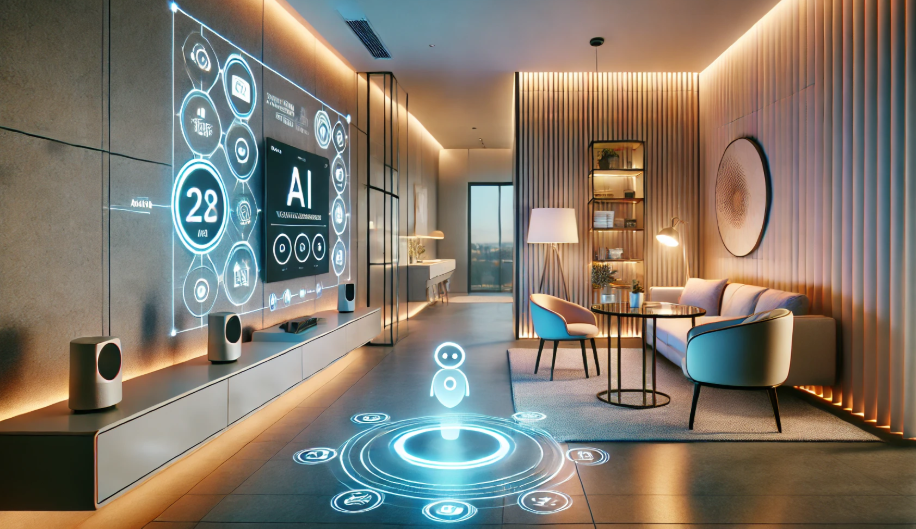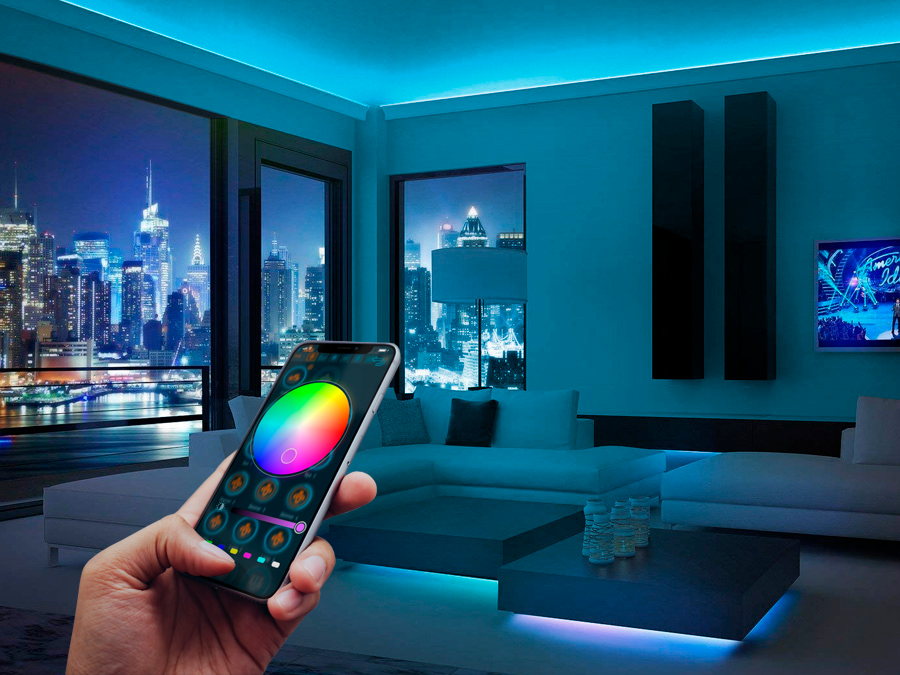
Transforming the mood and functionality of any room is easier than ever with the right approach to smart lighting. This smart lighting scenes setup guide will help you understand how to design, configure, and automate lighting scenes that fit your lifestyle. Whether you want to create a relaxing atmosphere for movie night, energize your mornings, or enhance your home’s security, mastering lighting scenes is essential for a modern, connected home.
Before diving into the practical steps, it’s important to recognize the value of integrating your lighting with the rest of your smart home ecosystem. For a comprehensive overview of connecting all your devices, check out the smart lighting integration guide for tips on seamless setup and compatibility.
Understanding Lighting Scenes and Their Benefits
Lighting scenes are pre-configured settings that adjust multiple lights simultaneously, changing their brightness, color, and sometimes even their on/off state. With just a tap or a voice command, you can shift the entire mood of a space. Here are some key benefits of using scenes in your smart lighting system:
- Convenience: Instantly set the perfect lighting for any activity—reading, dining, entertaining, or relaxing.
- Energy Efficiency: Automate lights to turn off or dim when not needed, saving on electricity bills.
- Personalization: Tailor lighting to your preferences, from warm, cozy tones to vibrant, energizing hues.
- Security: Use scenes to simulate occupancy when you’re away, deterring potential intruders.
For more on ensuring your devices work together smoothly, the smart lighting compatibility guide offers valuable insights.
Choosing the Right Smart Lighting Ecosystem
Before setting up scenes, select a compatible ecosystem that matches your needs. Popular options include Philips Hue, Kasa Smart, LIFX, and others. Consider the following factors:
- Platform Compatibility: Ensure your lights work with your preferred voice assistant (Alexa, Google Assistant, or Siri).
- App Features: Look for intuitive apps that allow easy scene creation and scheduling.
- Expandability: Choose systems that support adding more bulbs, switches, or sensors as your needs grow.
Starter kits are a great way to begin, as they often include a hub and several bulbs. For example, the Philips Hue Starter Kit and Kasa Smart Light are both excellent entry points for beginners.
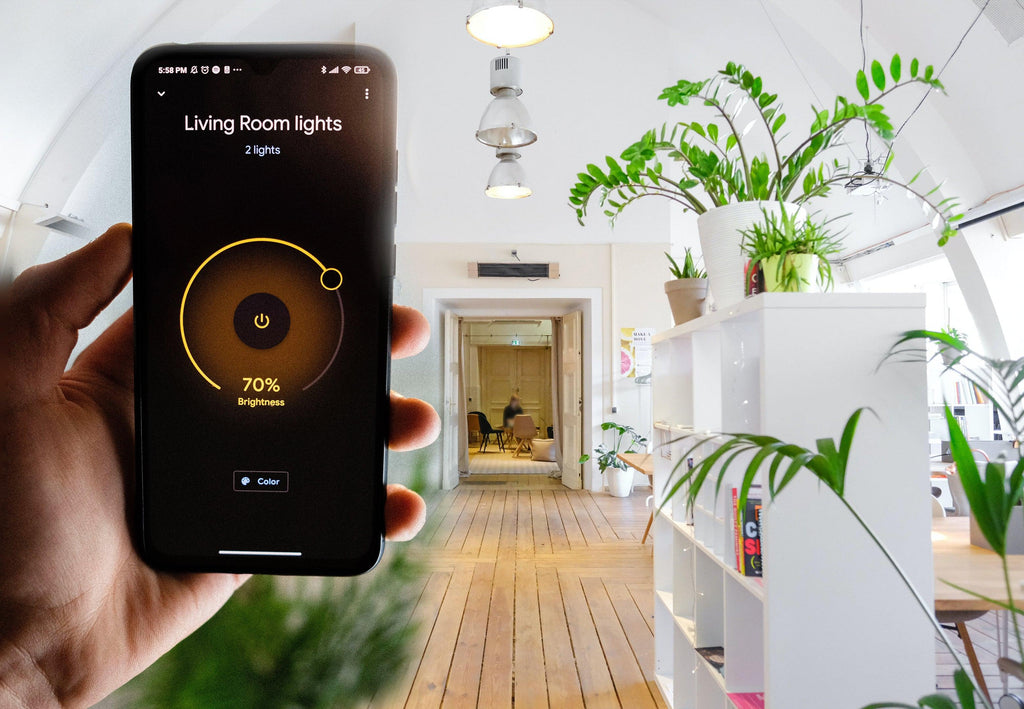
Step-by-Step: Setting Up Your First Lighting Scene
Follow these steps to create your first scene and start enjoying the benefits of smart lighting:
-
Install and Connect Your Devices:
- Set up your smart bulbs or switches according to the manufacturer’s instructions.
- Connect them to your home Wi-Fi and link them to the appropriate app.
-
Open the Lighting App:
- Most brands offer a dedicated app for scene creation and management.
- Navigate to the “Scenes” or “Routines” section.
-
Create a New Scene:
- Select the lights you want to include.
- Adjust brightness, color temperature, and color as desired.
- Give the scene a descriptive name, like “Movie Night” or “Morning Boost.”
-
Save and Test:
- Save your scene and test it using the app or a voice command.
- Refine settings until you achieve the desired effect.
-
Automate Your Scenes:
- Schedule scenes to activate at specific times or trigger them with sensors (motion, door, etc.).
- Integrate with routines, such as “Good Morning” or “Good Night.”
If you encounter any issues during setup, the smart lighting troubleshooting tips can help resolve common problems quickly.
Popular Scene Ideas for Every Room
Here are some creative ways to use lighting scenes throughout your home:
- Living Room: Set a “Relax” scene with warm, dimmed lights for evenings and a “Bright” scene for daytime activities.
- Bedroom: Use a “Wake Up” scene with gradually increasing brightness and a “Sleep” scene with soft, cool tones.
- Kitchen: Create a “Cooking” scene with bright, focused lighting and a “Dinner” scene with softer, ambient light.
- Home Office: Set a “Focus” scene with cool, bright light to boost productivity and a “Break” scene with gentle, calming hues.
For more advanced automation, consider integrating your scenes with other smart home devices. The smart lighting for home automation article provides further guidance on this topic.
Tips for Optimizing Your Smart Lighting Scenes
To get the most out of your lighting setup, keep these best practices in mind:
- Group Lights Logically: Organize bulbs by room or activity for easier scene management.
- Use Color Wisely: Experiment with different hues to enhance mood, but avoid overly saturated colors for everyday use.
- Leverage Sensors: Automate scenes based on motion, door, or window sensors for hands-free convenience.
- Regularly Update Firmware: Keep your devices’ software up to date for improved performance and security.
- Maintain Your System: For longevity and reliability, refer to the smart lighting maintenance guide for routine care tips.
For inspiration on upgrading your lighting, this article on upgrading to smart lighting provides a helpful overview of the latest trends and technologies.
Common Mistakes to Avoid
While setting up scenes is straightforward, some common pitfalls can hinder your experience:
- Overcomplicating Scenes: Too many options can make daily use confusing. Start simple and expand as you get comfortable.
- Ignoring Compatibility: Mixing brands or protocols without checking compatibility can cause issues. Refer to compatibility guides before purchasing new devices.
- Neglecting Security: Secure your smart home network with strong passwords and regular updates to prevent unauthorized access.
- Forgetting Manual Controls: Always ensure you have a way to control lights manually in case of app or network issues.
FAQ
What is the difference between a lighting scene and a routine?
A scene sets specific lighting states (brightness, color, on/off) for multiple lights at once, while a routine can include scenes plus other actions like playing music, adjusting thermostats, or sending notifications. Routines often automate multiple smart home devices together.
Can I control lighting scenes with my voice assistant?
Yes, most modern smart lighting systems integrate with voice assistants like Alexa, Google Assistant, or Siri. Once your scenes are set up in the app, you can activate them by saying commands such as “Turn on Movie Night.”
How many scenes can I create in my smart lighting app?
The number of scenes you can create depends on your lighting system and app. Most platforms allow dozens of scenes, so you can customize lighting for every occasion and room in your home.
Do I need a hub to use smart lighting scenes?
Some systems, like Philips Hue, require a hub for advanced features and reliability, while others, such as Kasa Smart, connect directly to Wi-Fi. Check your product’s requirements for the best experience.
How can I troubleshoot if a scene doesn’t activate?
First, check that all bulbs are online and connected. Restart your app and ensure your Wi-Fi is stable. For more detailed solutions, visit the smart lighting troubleshooting tips page.