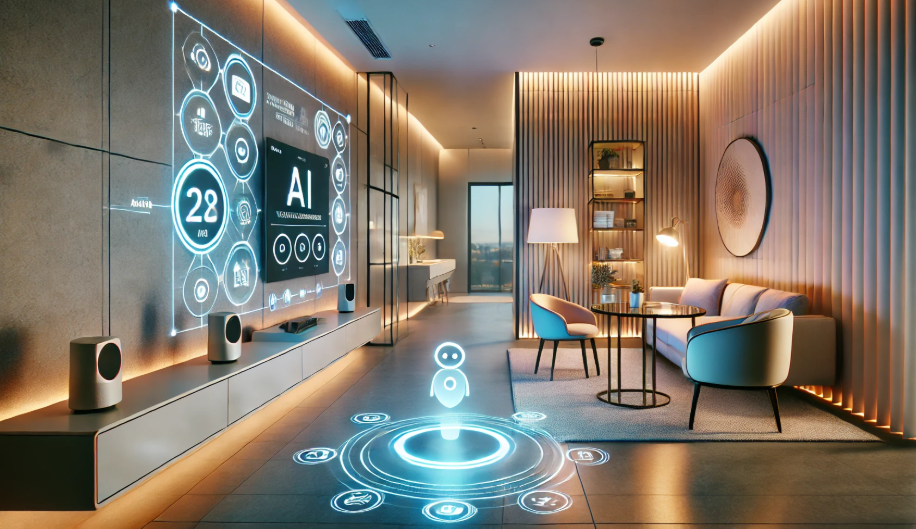
Upgrading your home with smart lighting for home automation can transform the way you interact with your living spaces. These intelligent lighting systems go far beyond simple on/off switches, offering features like scheduling, remote control, voice activation, and seamless integration with other smart devices. Whether you’re looking to boost convenience, enhance security, or improve energy efficiency, connected lighting is a foundational element in any modern smart home setup.
Before diving into the technical details, it’s important to understand how smart lighting fits into the broader home automation ecosystem. From choosing the right bulbs and hubs to configuring your network and integrating with voice assistants, each step plays a role in creating a reliable and responsive environment. For those just starting out, our smart lighting system planning guide provides a comprehensive overview of what to consider before making your first purchase.
How Connected Lighting Works in Automated Homes
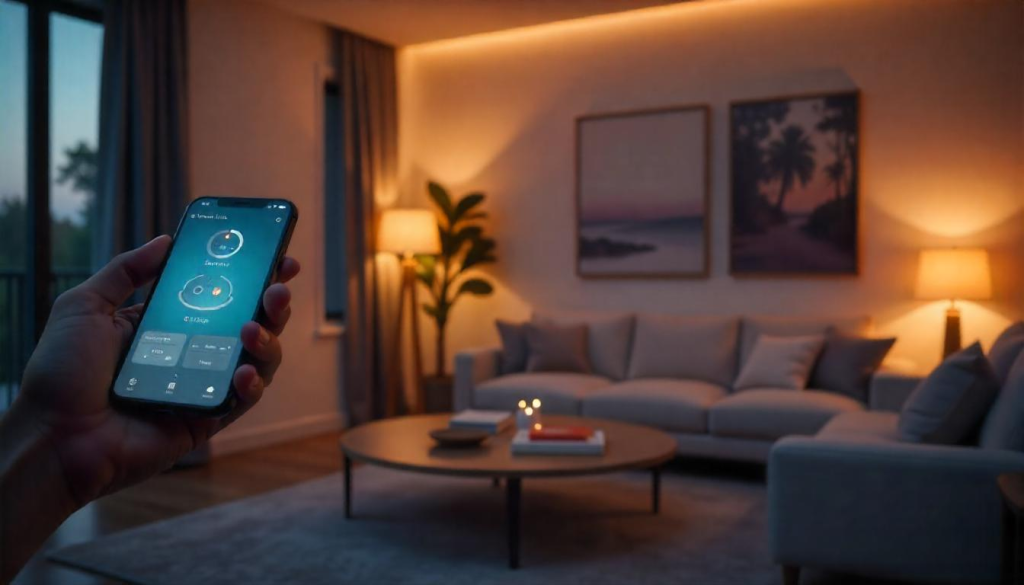
At its core, smart lighting uses wireless communication—such as Wi-Fi, Zigbee, Z-Wave, or Bluetooth—to connect bulbs, switches, and controllers to your home network. This connectivity allows you to manage your lights from a smartphone app, set up automated routines, or control them with voice assistants like Alexa, Google Assistant, or Siri.
Many modern systems offer compatibility with a wide range of platforms, making it easy to expand and customize your setup. For example, you can program your hallway lights to turn on automatically when you arrive home after dark, or schedule your bedroom lights to dim gradually at bedtime. The flexibility of these systems is a key reason why they’re central to home automation.
For those comparing different architectures, understanding the differences between smart lighting hub vs hubless explained can help you decide which approach best fits your needs and budget.
Key Benefits of Integrating Smart Lighting
Incorporating intelligent lighting into your home automation setup delivers several practical advantages:
- Convenience: Control lights from anywhere using your phone or voice commands.
- Energy Efficiency: Schedule lights to turn off automatically, reducing unnecessary energy use.
- Security: Create routines that simulate occupancy when you’re away, deterring potential intruders.
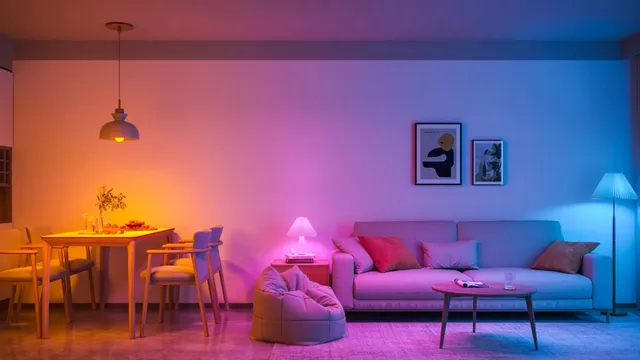
- Customization: Adjust brightness and color temperature to match your mood or activity.
- Integration: Link lighting with other smart devices, such as sensors, thermostats, or security systems, for a unified experience.
For businesses and organizations, the impact can be even more significant. Discover how LED smart lighting transforms businesses and organizations by improving efficiency and creating dynamic environments.
Choosing the Right Smart Lighting System
Selecting the best solution for your home involves considering several factors:
- Compatibility: Ensure your chosen bulbs, switches, and controllers work with your preferred voice assistant and automation platform.
- Connectivity: Decide between Wi-Fi, Zigbee, Z-Wave, or Bluetooth based on your network’s reliability and the size of your home.
- Hub vs. Hubless: Some systems require a central hub, while others connect directly to your Wi-Fi. Each has its pros and cons regarding scalability and reliability.
- Features: Look for dimming, color-changing, and scheduling capabilities that match your lifestyle.
- Expandability: Choose a system that can grow with your needs, allowing you to add more lights and devices over time.
For practical advice on getting started, check out our smart lighting setup tips to optimize your new system for both performance and convenience.
Integrating Smart Lighting With Other Devices
One of the biggest strengths of intelligent lighting is its ability to interact with other smart home components. For example, you can set up automations where your lights respond to motion sensors, door locks, or even weather conditions. Some popular integration ideas include:
- Triggering lights to turn on when you unlock your smart door lock.
- Syncing lighting scenes with your home theater or music system.
- Automatically dimming lights when your smart thermostat switches to night mode.
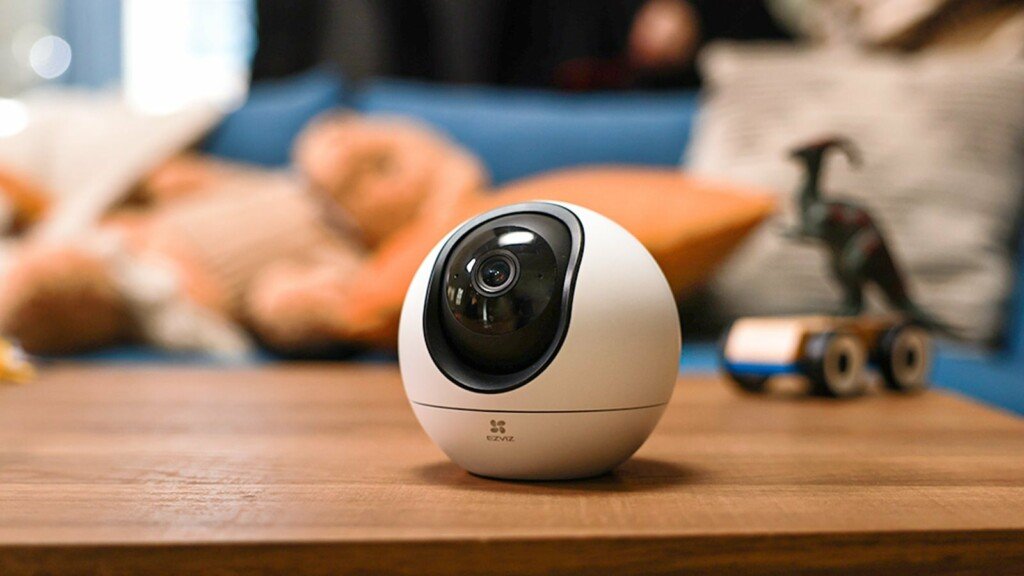
- Linking outdoor lights to security cameras for enhanced visibility.
To ensure smooth operation, it’s crucial to have a stable and fast network. Learn more about smart lighting network requirements to avoid connectivity issues and maximize reliability.
Installation and Setup: What to Expect
Most smart bulbs and switches are designed for easy installation. In many cases, you simply replace your existing bulbs or switches and follow the manufacturer’s instructions to connect them to your network. Here are some general steps:
- Install the smart bulb or switch in the desired location.
- Download the corresponding app and create an account if needed.
- Connect the device to your Wi-Fi or hub following the app’s prompts.
- Assign the light to a room or group for easier management.
- Set up schedules, automations, or voice control as desired.
If you’re unsure about the process, our guide on connecting smart lights to WiFi covers the most common troubleshooting steps and tips for a smooth setup.
Common Challenges and How to Overcome Them
While most users find smart lighting easy to use, a few common issues can arise:
- Connectivity Problems: If your lights drop offline, check your Wi-Fi signal strength or consider using a dedicated hub for improved reliability.
- Compatibility Issues: Not all bulbs work with every platform. Double-check compatibility before purchasing new devices.
- Firmware Updates: Keep your devices updated to access new features and security improvements.
- Network Congestion: Too many Wi-Fi devices can slow down your network. Using Zigbee or Z-Wave can help offload traffic from your main router.
For more advanced troubleshooting and optimization, refer to our setup tips and network requirements guides.
FAQ
Can I Use Smart Lighting Without a Hub?
Yes, many modern smart bulbs connect directly to Wi-Fi and don’t require a separate hub. However, using a hub can improve reliability, especially in larger homes or when integrating with other smart devices. For a deeper comparison, see our article on hub vs hubless smart lighting.
Is It Difficult to Install Smart Bulbs and Switches?
Most smart bulbs are as easy to install as traditional ones—just screw them in and follow the app instructions. Smart switches may require basic wiring knowledge, but many brands offer detailed guides and support. Always turn off power at the breaker before replacing switches.
Will Smart Lighting Increase My Energy Bills?
On the contrary, automated lighting can help reduce energy consumption by ensuring lights are only on when needed. Features like scheduling, motion detection, and remote control make it easier to avoid wasting electricity.
Conclusion
Integrating smart lighting for home automation is a practical step toward a more convenient, efficient, and secure living environment. By choosing the right system, ensuring compatibility, and taking advantage of automation features, you can tailor your lighting to fit your lifestyle. As technology continues to evolve, the possibilities for customization and integration will only expand, making intelligent lighting a smart investment for any home.