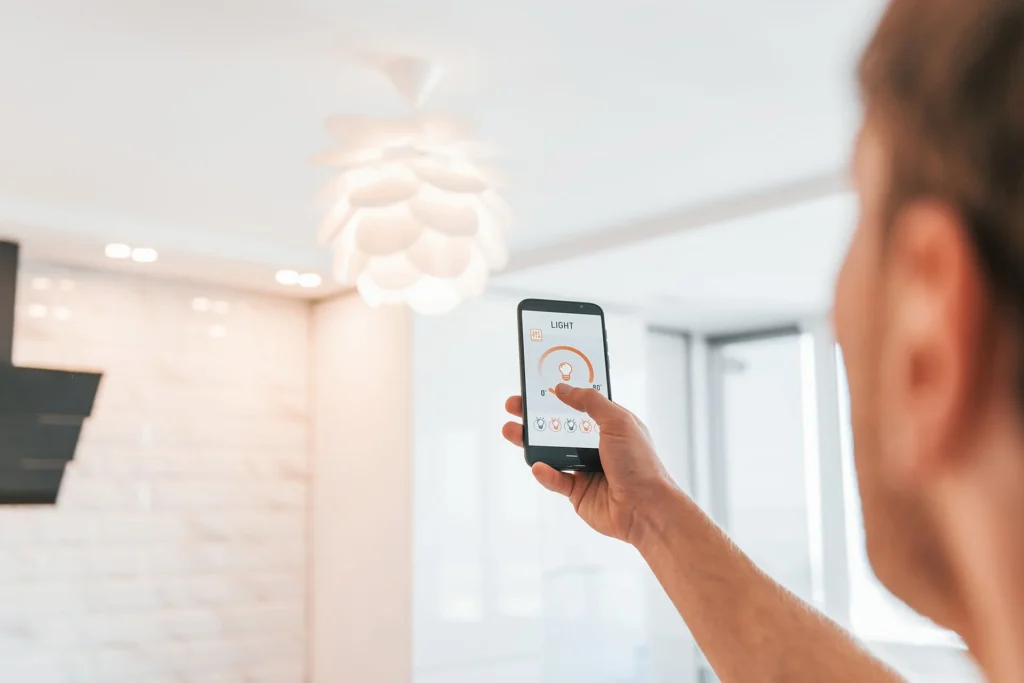
Smart lighting has transformed how we control and experience our home environments. With a tap on a smartphone or a voice command, lights can change color, dim, or turn on and off. However, many users encounter a frustrating issue: latency. This delay between issuing a command and seeing the light respond can undermine the convenience of smart lighting. Understanding what causes this lag and how to address it is essential for anyone looking to optimize their smart home setup.
In this guide, we’ll break down the key factors behind slow response times in smart lighting systems, offer practical troubleshooting steps, and help you achieve a smoother, more reliable experience. If you’re interested in keeping your devices up to date, you might also find the smart lighting firmware updates guide helpful.
What Is Latency in Smart Lighting?
Latency refers to the time it takes for a smart light to respond after you send a command—whether that’s through an app, a voice assistant, or an automation. Ideally, this should be nearly instantaneous. In reality, delays of a second or more are common, and longer lags can make the technology feel clunky.
Several factors contribute to this delay, including network congestion, device compatibility, and the type of communication protocol your system uses. Understanding these elements is the first step toward resolving slow response times.
Common Causes of Delayed Response in Smart Lighting
To address lag, it’s important to identify what’s causing it. Here are the most frequent culprits:
- Wi-Fi or Network Issues: If your home Wi-Fi is overloaded or has weak spots, commands may take longer to reach your lights.
- Protocol Limitations: Smart bulbs and switches use various protocols like Zigbee, Z-Wave, Bluetooth, or Wi-Fi. Each has different speed and reliability characteristics.
- Hub or Bridge Bottlenecks: Some systems rely on a central hub. If the hub is outdated or overloaded, it can introduce delays.
- Cloud Dependency: Many smart lighting systems process commands via the cloud. If your internet connection is slow or the cloud service is experiencing issues, latency increases.
- Firmware or App Bugs: Outdated firmware or buggy apps can cause inconsistent performance.
For a deeper dive into the different ways smart lighting connects and how that impacts response time, check out the smart lighting connectivity types guide.

How to Diagnose Smart Lighting Lag
Pinpointing the source of latency can save time and frustration. Here’s a step-by-step approach:
- Test Different Controls: Try using both the app and a physical switch or voice assistant. If latency is only present in one method, the issue may be with the app or integration.
- Check Your Network: Run a speed test on your Wi-Fi. If speeds are low or inconsistent, this could be the cause.
- Move Devices Closer: If possible, bring your smart hub or router closer to the affected lights to see if response improves.
- Update Firmware: Outdated firmware can introduce bugs and slowdowns. Refer to the smart lighting firmware updates guide for step-by-step instructions.
- Monitor for Patterns: Does latency occur at certain times of day or only with specific lights? Patterns can reveal whether the problem is network-related or device-specific.
Fixing Delayed Response: Practical Solutions
Once you’ve identified the likely cause, try these proven fixes to reduce lag:
- Optimize Your Wi-Fi: Place your router in a central location, minimize interference, and consider upgrading to a mesh system for larger homes.
- Switch Protocols if Needed: If Wi-Fi-based bulbs are consistently slow, consider switching to Zigbee or Z-Wave devices, which often provide more reliable, low-latency performance.
- Reduce Network Traffic: Disconnect unused devices and limit high-bandwidth activities (like streaming) when using smart lighting controls.
- Update Everything: Keep your smart bulbs, hubs, and apps updated. Manufacturers often release performance improvements and bug fixes.
- Minimize Cloud Dependency: Where possible, choose systems that process commands locally rather than relying on the internet. Local control is usually faster and more reliable.
- Restart Devices: Sometimes, simply rebooting your router, hub, or the smart bulbs themselves can clear up temporary slowdowns.
For more on how smart lighting can enhance daily living, see this overview of smart lighting benefits.

Reducing Lag with Automation and Alerts
Automations can help make smart lighting feel more responsive by anticipating your needs. For example, setting up schedules or motion-triggered lighting can reduce the need for manual commands. However, poorly configured automations can sometimes add to latency if they rely on cloud services or complex routines.
To ensure your automations run smoothly, keep them as simple and local as possible. For more on using smart lighting for safety and notifications, explore the smart lighting automation for safety and smart lighting alerts explained resources.
When to Upgrade Your Smart Lighting System
If you’ve tried all the troubleshooting steps and still experience persistent delays, it may be time to consider upgrading your system. Newer devices often feature improved chips, better connectivity, and enhanced firmware that can significantly reduce latency. Look for products that support local control and are compatible with your preferred smart home ecosystem.
Before purchasing, research how different brands and models perform in real-world conditions. User reviews and expert guides can provide valuable insights into which systems offer the fastest, most reliable response.
FAQ
Why do my smart lights sometimes respond instantly and other times lag?
Variable response times are often due to network congestion, temporary interference, or cloud service slowdowns. If your Wi-Fi is busy or your internet connection is unstable, commands may take longer to process. Keeping your devices updated and optimizing your network can help minimize these fluctuations.
Will switching from Wi-Fi to Zigbee or Z-Wave reduce latency?
In many cases, yes. Zigbee and Z-Wave are designed for smart home devices and typically offer lower latency and more reliable performance than Wi-Fi, especially in homes with many connected devices. However, you’ll need a compatible hub to use these protocols.
Can firmware updates really improve smart lighting response time?
Absolutely. Manufacturers regularly release firmware updates to address bugs, improve performance, and add new features. Keeping your devices up to date is one of the simplest ways to ensure optimal responsiveness.
Is there a way to make smart lighting work during internet outages?
Some systems support local control, allowing them to function even if your internet goes down. Look for devices and hubs that advertise local processing or offline capabilities for the best reliability.
Conclusion
Experiencing lag in your smart lighting system can be frustrating, but most issues can be resolved with a few targeted adjustments. By understanding the causes of latency, optimizing your network, keeping devices updated, and choosing the right protocols, you can enjoy a seamless and responsive smart home experience. For those interested in advanced features or preparing for emergencies, the smart lighting for emergency situations guide offers additional tips.
With the right setup and a bit of troubleshooting, smart lighting can deliver the instant control and convenience it promises.