Smart lighting technology has transformed the way we illuminate our homes and workspaces. With the rise of intuitive apps, users can now control brightness, color, schedules, and even automation routines right from their smartphones. Understanding the core capabilities of these platforms is essential for anyone looking to maximize convenience, efficiency, and personalization in their lighting setup.
This guide offers a detailed look at the most important smart lighting app features, helping you get the most from your connected lights. Whether you’re new to home automation or seeking to optimize your current system, you’ll find practical insights and actionable tips throughout this article.
For those interested in creating the perfect atmosphere, check out our smart lighting scenes setup guide for step-by-step instructions on customizing ambiance.
Why Smart Lighting Apps Matter
Modern lighting apps do far more than simply turn bulbs on and off. They serve as the central hub for managing all aspects of your lighting environment. With the right app, you can:
- Adjust brightness and color temperature to suit any mood or activity
- Set up automated routines for energy savings and convenience
- Integrate with voice assistants for hands-free control
- Monitor energy usage and optimize efficiency
- Control lights remotely, whether you’re at home or away
Understanding these capabilities helps you unlock the full potential of your smart lighting system.
Core Features of Leading Smart Lighting Apps
While each platform offers its own unique interface, the best apps share several essential functions. Here’s a breakdown of the most valuable features you’ll encounter:
1. Intuitive On/Off and Dimming Controls
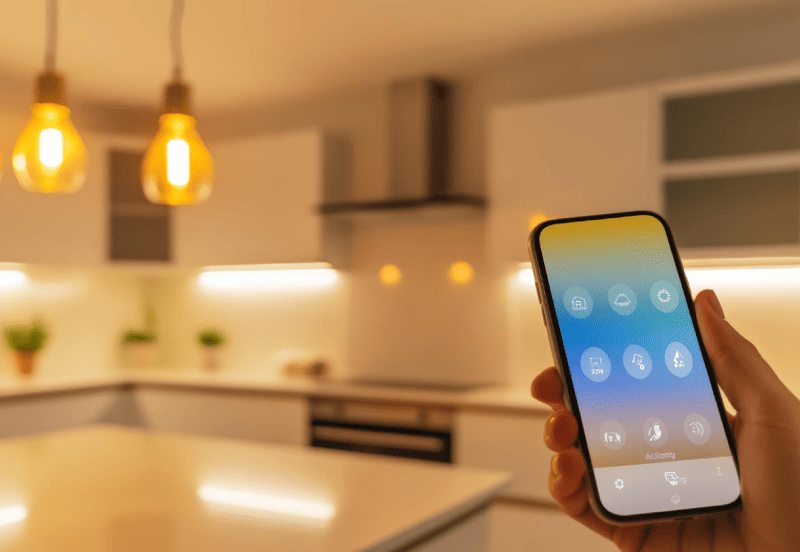
At the heart of any lighting app is the ability to turn lights on or off and adjust their brightness. Most apps provide sliders or quick-access buttons for instant changes. This basic control is especially useful for hard-to-reach fixtures or when you want to adjust lighting without leaving your seat.
2. Color and Temperature Customization
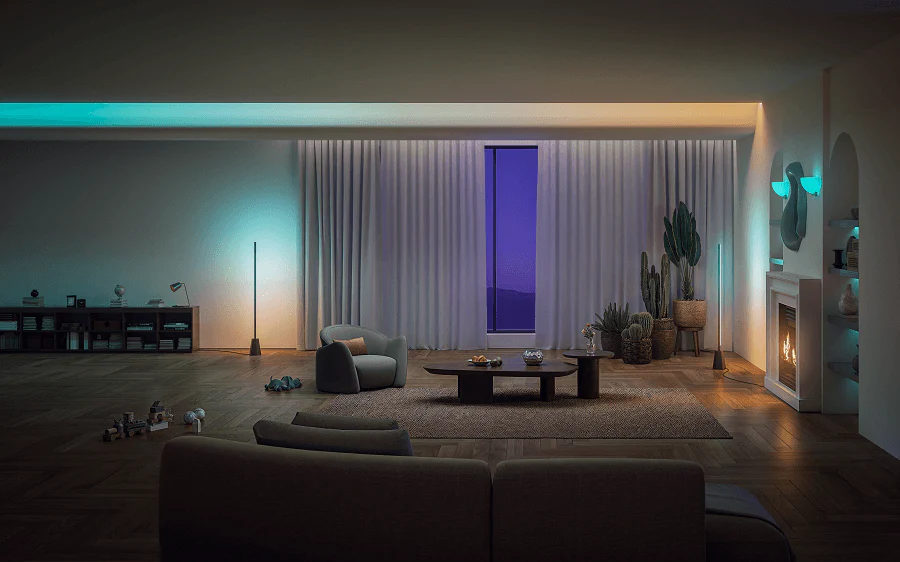
Many smart bulbs support millions of color options and a range of white temperatures. Apps allow you to select from preset scenes (like “Relax” or “Focus”) or fine-tune the exact shade and warmth. This flexibility is perfect for setting the mood for movie nights, dinner parties, or productive work sessions.
3. Scene Creation and Presets
One of the most powerful aspects of smart lighting is the ability to create and save custom scenes. With just a tap, you can activate a combination of brightness, color, and even multiple lights across rooms. For a deeper dive into this topic, our guide to smart lighting scenes covers everything you need to know about crafting the perfect ambiance.
4. Scheduling and Automation
Scheduling lets you automate your lights based on time of day, sunrise, sunset, or even your daily routines. For example, you can have lights gradually brighten in the morning or turn off automatically at bedtime. Advanced apps support conditional automations, such as activating lights when you arrive home or dimming them when you leave.
To explore more about automating your lighting, see our article on smart lighting routines explained for practical tips on setting up schedules and triggers.
5. Voice Assistant Integration
Most leading apps integrate seamlessly with voice assistants like Amazon Alexa, Google Assistant, and Apple HomeKit. This allows for hands-free control—simply ask your assistant to turn lights on, change colors, or activate scenes. For a step-by-step walkthrough, our voice control guide provides detailed instructions for each platform.
6. Remote Access and Away Modes
Remote access is a standout feature for those who travel or want peace of mind. With cloud connectivity, you can control your lights from anywhere in the world. Many apps also offer “away” modes that simulate occupancy by randomly turning lights on and off, enhancing home security.
7. Grouping and Room Management
Grouping lets you organize lights by room or zone, making it easy to control multiple fixtures at once. Whether you want to dim all bedroom lights or set a specific mood in the living room, room management streamlines the process and keeps your setup organized.
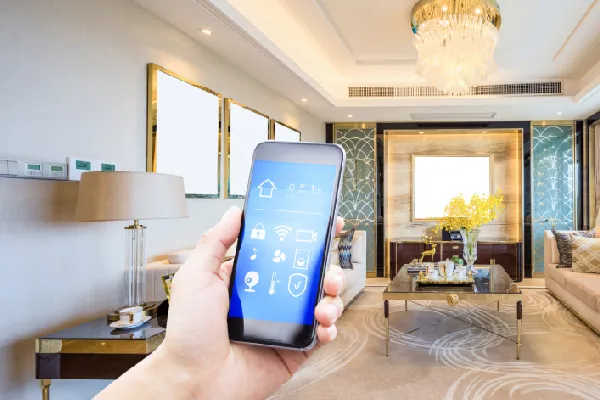
Advanced Options: Energy Monitoring and Adaptive Lighting
Some advanced apps offer energy usage tracking, helping you monitor consumption and identify savings opportunities. Adaptive lighting features can automatically adjust color temperature throughout the day, supporting natural circadian rhythms and enhancing comfort.
For more creative ideas on automating your lighting, see our suggestions for smart lighting automation ideas that can simplify your daily routines.
Benefits of Using Smart Lighting Apps
Leveraging the full suite of app features delivers several key benefits:
- Convenience: Control every aspect of your lighting from your phone or with your voice.
- Personalization: Tailor lighting to your lifestyle, activities, and preferences.
- Energy Efficiency: Reduce waste with schedules, automation, and usage insights.
- Security: Use remote access and away modes to deter intruders.
- Accessibility: Make lighting easier to manage for all household members, including those with mobility challenges.
For a broader look at the advantages, read this overview of smart lighting benefits for your home.
How to Choose the Right App for Your Needs
When selecting a smart lighting app, consider these factors:
- Compatibility: Ensure the app supports your bulbs, switches, and preferred voice assistants.
- User Interface: Look for an intuitive design that makes daily use simple.
- Feature Set: Prioritize apps with the controls and automation options you value most.
- Security: Choose platforms with robust privacy and security measures.
- Updates and Support: Opt for apps with regular updates and responsive customer service.
Many users find that starting with a popular ecosystem—such as Philips Hue or Kasa—offers the best balance of reliability and advanced features.
Getting Started: Setup Tips and Best Practices
To make the most of your smart lighting app:
- Download the manufacturer’s recommended app from a trusted source.
- Connect your lights and ensure they are on the same Wi-Fi network as your phone.
- Follow the in-app setup instructions to add devices, group rooms, and configure scenes.
- Experiment with schedules, automations, and voice integrations to discover your favorite routines.
- Regularly check for app and firmware updates to access new features and security improvements.
If you’re new to connected homes, our guide to smart lighting and smart home basics is a great place to start.
FAQ
What devices can I control with a smart lighting app?
Most apps allow you to manage compatible smart bulbs, switches, plugs, and even some LED strips. Check the app’s compatibility list to ensure your devices are supported.
Can I use multiple brands of smart lights in one app?
Some platforms, like Apple HomeKit and Google Home, support a wide range of brands. However, many manufacturer-specific apps (such as Philips Hue or Kasa) are limited to their own products. Consider using a universal smart home platform if you want to mix brands.
Is it safe to control my lights remotely?
Reputable smart lighting apps use encrypted connections to protect your data and devices. Always use strong passwords and enable two-factor authentication if available for added security.
Do I need Wi-Fi for smart lighting apps to work?
Most features require a stable Wi-Fi connection, especially for remote access and cloud-based automations. Some basic controls may work via Bluetooth or Zigbee, depending on your setup.
How can I automate my lights for energy savings?
Use scheduling, motion sensors, and away modes to ensure lights are only on when needed. Many apps offer energy usage reports to help you identify further savings opportunities.