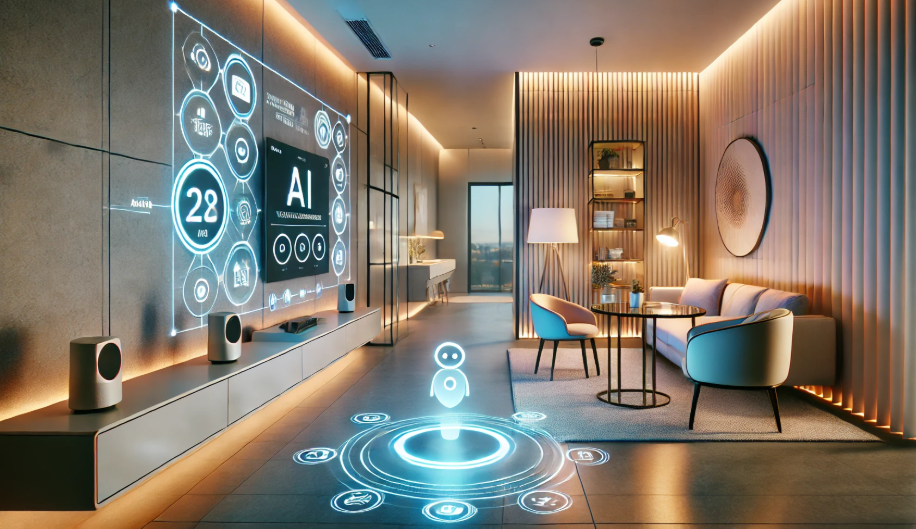
Modern homes are embracing smart lighting scheduling tips to make daily routines easier and living spaces safer. With the right setup, you can automate when your lights turn on or off, adjust brightness based on the time of day, and create a more secure environment whether you’re home or away. This guide covers practical strategies for optimizing your lighting schedules, enhancing both convenience and peace of mind.
Before diving into the details, it’s worth noting that integrating smart lighting with other home automation systems can unlock even more benefits. For those new to connected homes, exploring smart lighting and smart home basics is a great starting point.

Why Automate Your Lighting?
Automating your lights goes beyond simple convenience. With well-planned schedules, you can:
- Save energy by ensuring lights are only on when needed.
- Boost home security by simulating occupancy when you’re away.
- Enhance comfort with lighting that adapts to your lifestyle.
- Support healthy sleep routines by aligning lighting with your circadian rhythm.
For a deeper look at the environmental impact, see how how smart lighting saves energy and contributes to a greener home.
Getting Started: Essential Smart Lighting Scheduling Tips
To get the most from your system, consider these foundational strategies:
- Choose the right platform: Select bulbs and hubs that work with your preferred ecosystem (Amazon Alexa, Google Home, Apple HomeKit, etc.).
- Map your routines: List your daily activities and identify when and where you need light the most.
- Group lights logically: Organize bulbs by room or function for easier scheduling and control.
- Start simple: Begin with basic schedules—such as turning on porch lights at sunset—and expand as you get comfortable.
Creating Schedules for Comfort and Efficiency
One of the most effective ways to use smart lighting scheduling tips is to automate based on your family’s routines. Here are some practical examples:
- Wake-up lighting: Gradually brighten bedroom lights in the morning to mimic sunrise, making it easier to wake up naturally.
- Evening wind-down: Dim living room lights in the evening to signal it’s time to relax and prepare for sleep.
- Work-from-home focus: Schedule brighter, cooler lights during work hours to boost concentration.
- Night lights: Set hallway or bathroom lights to low brightness overnight for safe navigation without disrupting sleep.
Many smart bulbs and switches offer built-in routines or can be customized through their companion apps. For more inspiration, check out these smart lighting automation ideas that simplify everyday living.
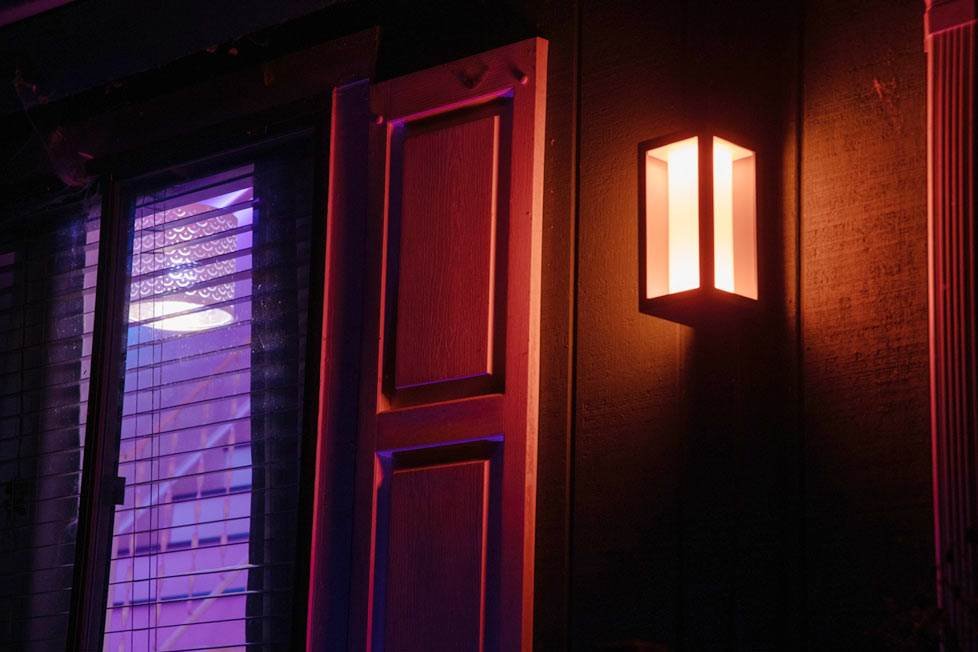
Enhancing Security with Automated Lighting
Lighting automation is a proven deterrent against intruders. Here’s how to use scheduling for better security:
- Simulate occupancy: Set random or varied schedules for indoor lights to make it appear someone is home, even when you’re away.
- Coordinate with sensors: Link lights to motion sensors so outdoor areas illuminate when movement is detected.
- Sync with sunset and sunrise: Automatically turn on exterior lights at dusk and off at dawn for consistent coverage.
Some systems allow you to adjust schedules based on your location’s changing sunset and sunrise times, so you never have to update them manually. For a more hands-off approach, explore smart lighting routines explained for automated living tips.
Advanced Scheduling Features for Smart Homes
Modern smart lighting platforms offer advanced features that go beyond basic on/off schedules:
- Geofencing: Lights turn on or off automatically when you arrive or leave home, using your smartphone’s location.
- Voice assistant integration: Combine schedules with voice commands for hands-free control—see the smart lighting voice control guide for more details.
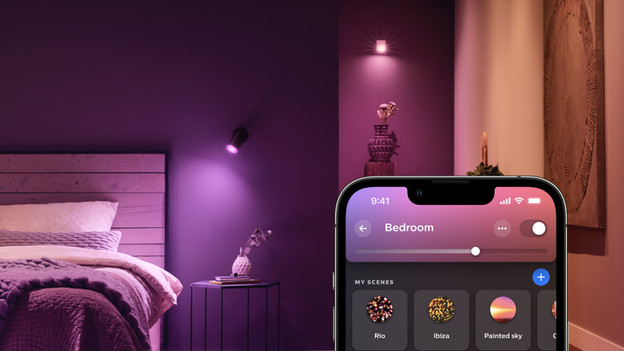
- Scene setting: Create custom scenes (e.g., “Movie Night” or “Dinner”) that adjust multiple lights with a single tap or schedule.
- Vacation mode: Enable randomization features to make lighting patterns less predictable while you’re away.
Best Practices for Reliable Lighting Schedules
To ensure your automated lighting always works as intended, keep these best practices in mind:
- Keep firmware updated: Regularly update your bulbs and hubs to benefit from new features and security patches.
- Test schedules: Run through your routines to confirm lights behave as expected, especially after making changes.
- Use backup controls: Have manual switches or app access available in case of connectivity issues.
- Review schedules seasonally: Adjust for changes in daylight hours and household routines.
For more insights on the benefits of connected lighting, see this comprehensive overview of smart lighting benefits.
FAQ: Smart Lighting Scheduling and Automation
How do I set up a basic lighting schedule?
Most smart lighting apps allow you to create schedules by selecting a bulb or group, choosing on/off times, and setting brightness or color. Start with simple routines, like turning on porch lights at sunset, and expand as you get comfortable.
Can smart lighting help reduce my energy bills?
Yes. By automating lights to turn off when not needed and adjusting brightness, you can significantly cut down on unnecessary energy use. For more details, review how smart lighting saves energy.
Is it possible to control lights when I’m not home?
Absolutely. Most smart lighting systems offer remote control via mobile apps, and some support geofencing or vacation modes to automate lighting based on your location or simulate occupancy.
What if my internet goes down—will my schedules still work?
Many smart bulbs and hubs store basic schedules locally, so they’ll continue to operate even if your Wi-Fi is temporarily unavailable. However, advanced features like remote control may be limited until connectivity is restored.