Smart lighting is transforming the way we illuminate our homes, offering convenience, energy savings, and a touch of modern style. Whether you’re looking to control your lights from your phone, automate schedules, or integrate with voice assistants, learning how to set up smart lighting can make your living space smarter and more efficient. This guide will walk you through the essentials, from choosing the right products to configuring your system for seamless control.
If you’re just starting out, you may want to review smart lighting basics for homeowners to get a foundational understanding before diving into setup. Once you’re ready, follow the steps below to bring intelligent lighting to your home.
Why Choose Smart Lighting for Your Home?
Switching to connected lighting solutions offers several advantages:
- Energy efficiency: Many smart bulbs use LEDs, which consume less power and last longer than traditional bulbs.
- Convenience: Control lights remotely, set schedules, or use voice commands with compatible assistants like Alexa or Google Assistant.
- Customization: Adjust brightness, color, and ambiance to match your mood or activity.
- Security: Automate lights to simulate occupancy when you’re away, deterring potential intruders.
For a deeper dive into the benefits of smart lighting, explore how these systems can enhance your daily routines and home security.
Essential Equipment and Planning
Before you begin, gather the necessary components and plan your setup:
- Smart bulbs or switches: Choose between replacing bulbs with smart versions or upgrading wall switches for broader control.
- Hub or bridge (if needed): Some brands, like Philips Hue, require a central hub, while others connect directly to Wi-Fi.
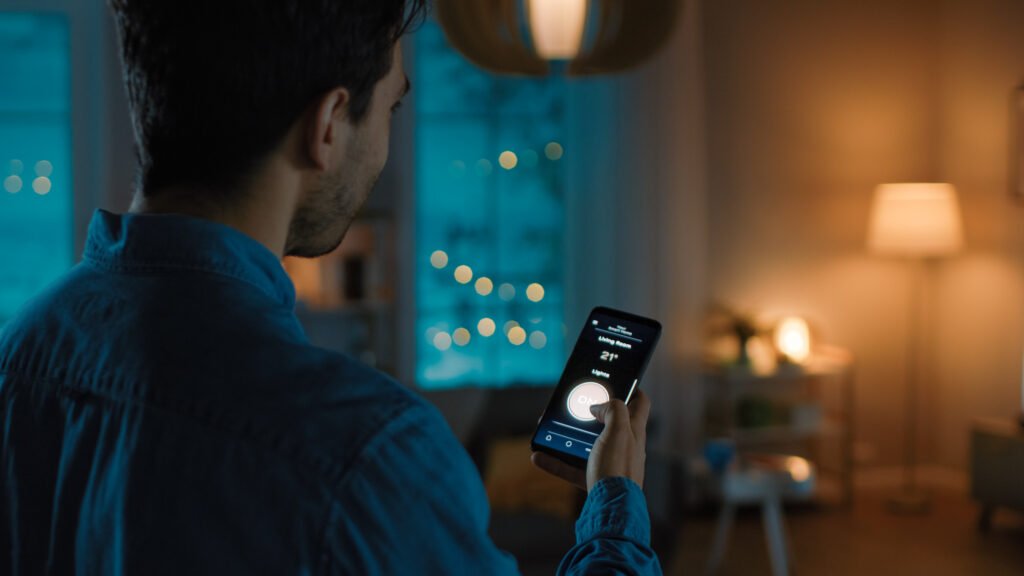
- Compatible smartphone or tablet: You’ll need a device to install the manufacturer’s app and manage your lighting.
- Stable Wi-Fi network: Reliable internet is crucial for remote access and automation features.
Consider which rooms or zones you want to automate first. Many users start with high-traffic areas such as the living room, kitchen, or entryway.
Step 1: Selecting the Right Smart Lighting Products
There are several options on the market, each with unique features. Popular brands include Philips Hue, Kasa, LIFX, and TP-Link. When choosing, consider:
- Compatibility with your existing smart home ecosystem (Alexa, Google Home, Apple HomeKit, etc.)
- Color and dimming capabilities for ambiance control
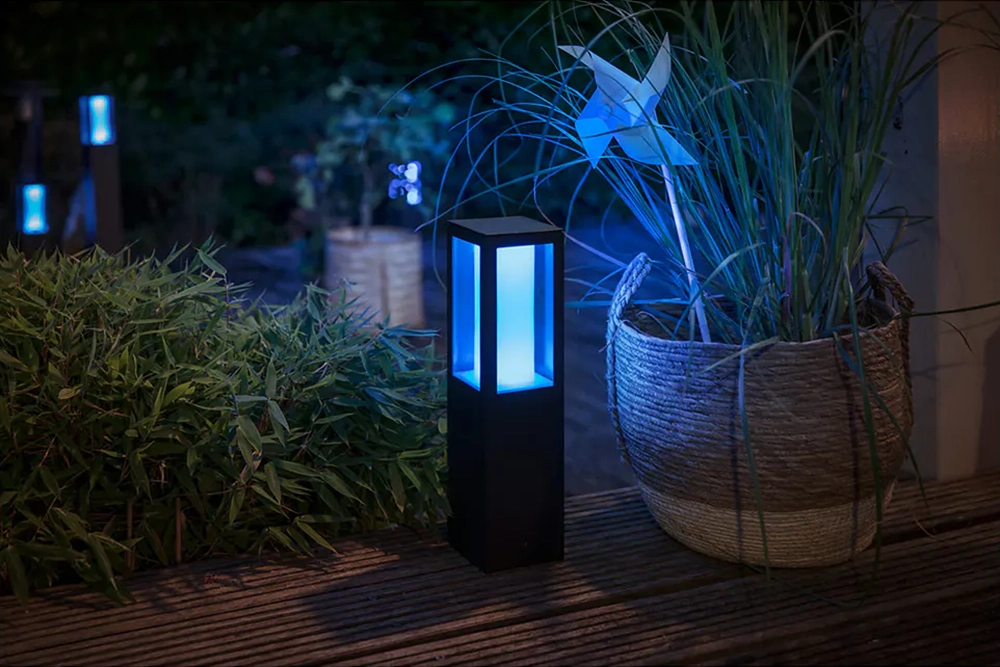
- Outdoor vs. indoor use if you want to extend automation to your garden or porch
- Budget and scalability for future expansion
Step 2: Installing and Connecting Your Devices
Once you’ve chosen your products, it’s time to install and connect them:
- Replace existing bulbs or switches with your new smart devices. Always turn off power at the breaker for safety when dealing with switches.
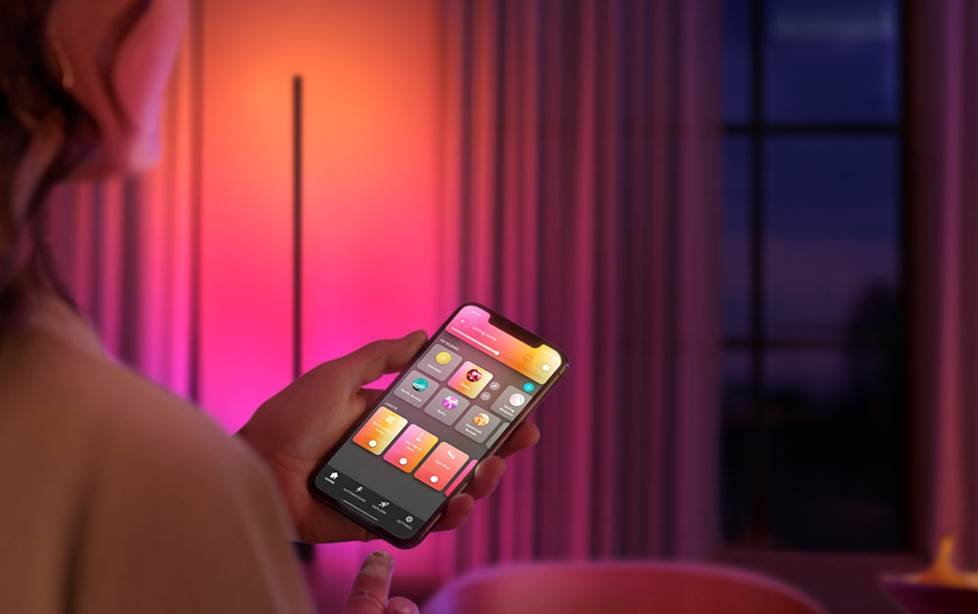
- Download the manufacturer’s app on your phone or tablet. Popular apps include Philips Hue, Kasa Smart, and LIFX.
- Follow in-app instructions to add each device to your home network. This usually involves scanning for new devices and connecting them to Wi-Fi or a hub.
- Assign names and rooms to each light for easy identification and control.
For more details on the underlying technology, see the smart lighting technology overview to understand how different protocols (Wi-Fi, Zigbee, Z-Wave) impact setup and performance.
Step 3: Configuring Scenes, Schedules, and Automation
With your devices connected, you can unlock the true potential of smart lighting:
- Create scenes to set multiple lights to specific colors or brightness levels for activities like movie night or dinner.
- Set schedules to automate lights turning on or off at certain times, such as sunrise, sunset, or your regular wake-up time.
- Integrate with voice assistants for hands-free control. Link your system to Alexa, Google Assistant, or Siri for voice commands.
- Use geofencing to trigger lights based on your phone’s location, so lights turn on when you arrive home and off when you leave.
Experiment with different automations to find what works best for your lifestyle. For beginners, the smart lighting for beginners guide offers tips on setting up your first automations.
Troubleshooting Common Issues When Setting Up Smart Lighting
Even with the best products, you may encounter some challenges:
- Connection problems: Ensure your Wi-Fi is stable and that your devices are within range. Restart your router and devices if needed.
- App not detecting bulbs: Double-check that the bulbs are powered on and reset them according to the manufacturer’s instructions.
- Voice assistant integration issues: Make sure your accounts are properly linked and that your devices are compatible with your chosen assistant.
- Firmware updates: Keep your devices and apps updated for the latest features and security patches.
For a comprehensive explanation of how these systems operate, visit how smart lighting works for a complete overview of the technology and troubleshooting tips.
Expanding Your Smart Lighting System
Once you’ve mastered the basics, consider expanding your setup:
- Add more rooms or outdoor areas to your system for whole-home control.
- Integrate with other smart devices like motion sensors, security cameras, or thermostats for advanced automation.
- Explore third-party platforms like IFTTT or SmartThings to create custom routines and triggers.
Smart lighting can also benefit businesses and organizations. For inspiration, read about ways LED smart lighting transforms businesses and organizations and see how these solutions are being used in commercial settings.
Frequently Asked Questions
Can I install smart bulbs in any light fixture?
Most smart bulbs are designed to fit standard sockets (such as E26 or E27). However, always check the bulb’s specifications and ensure your fixture supports the required wattage and size. For specialty fixtures, consider smart switches or adapters.
Do I need a hub to use smart lighting?
Some brands require a hub or bridge (like Philips Hue), while others connect directly to Wi-Fi (such as Kasa or LIFX). Check the product details before purchasing to ensure compatibility with your home network and devices.
Is smart lighting secure?
Reputable brands use encryption and regular updates to protect your data. To enhance security, use strong passwords, keep your devices updated, and only download apps from official sources.
Conclusion
Learning how to set up smart lighting can make your home more comfortable, efficient, and secure. By selecting the right products, following installation steps, and exploring automation options, you can enjoy the full benefits of intelligent lighting. As you gain confidence, expand your system and integrate with other smart home devices for a truly connected living experience.